
D-Link DIR-890L Motherboard Replacement

Rachel Shaw and 5 other contributors
Last updated on May 21, 2024
Views: 2.9K
View statistics:
- Past 24 Hours:
- 2
- Past 7 Days:
- 15
- Past 30 Days:
- 94
- All Time:
- 2,920
Comments: 0
No one has left comments on this guide. Will you be first?
Go to guide commentsCompleted: 3 4
3 people have marked this guide "completed." Will you be next?
4 people have marked this guide "completed." Including you — great job!
Favorites: 0 1
No one has favorited (and subscribed to) this guide. Will you be the first?
1 person has favorited (and subscribed to) this guide — and that's you!
Introduction
Go to step 1 ↓The motherboard is the main hub of the router. It is responsible for all the functions of the router. Problems like a lack of connection, water spillage on router, fire on router, will all require a replacement of the mother board.
What you need
Tools


-
-
-
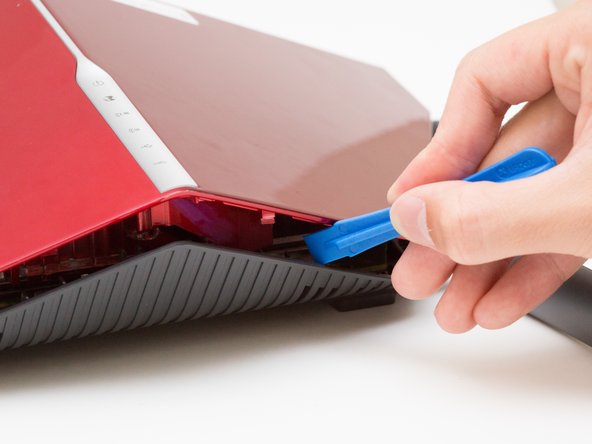
Wedge the opening tool between the red top panel and the gray bottom panel.
-
Twist the opening tool to separate the panels. Work your way around the case until both of the panels are separated.
-
-
-
-
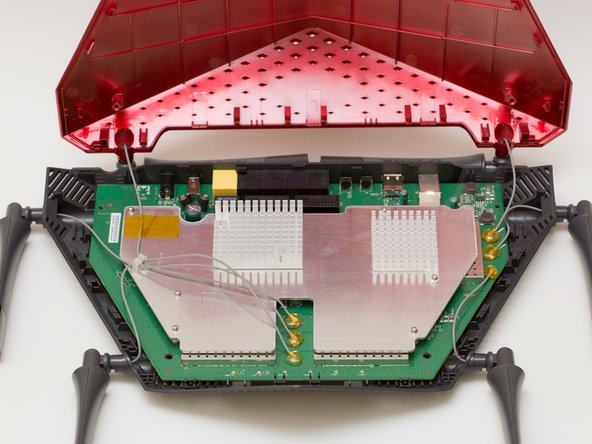
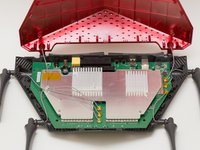
Orient the router so the narrow end of the router faces you and the ports face away from you.
-
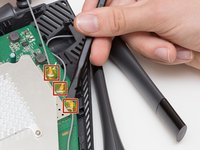
The six, hot-glued antenna connections are in the middle and at the top right of the motherboard.
-
-
Tool used on this step:Heavy-Duty Spudger$4.99
-
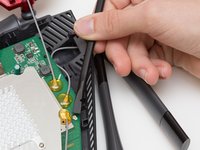
Pry off the antenna connectors using a heavy-duty spudger.
-
-
-
Continue to pry off the last three antenna connections on the upper right portion of the motherboard.
-
-
-
-
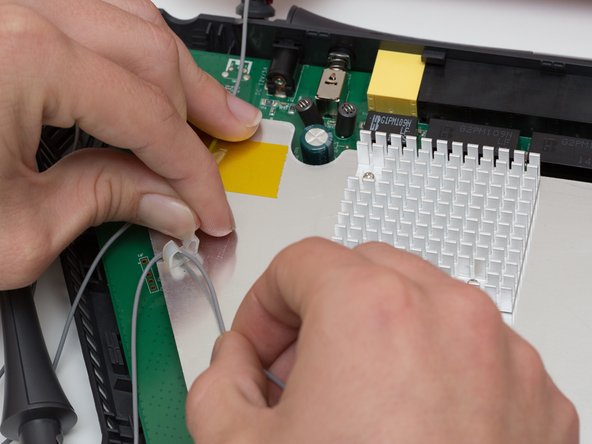
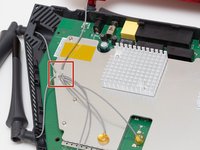
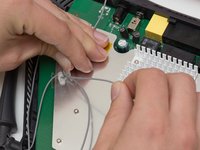
Open the plastic bracket enclosing the three antenna wires and pull the wires out with your hands.
-
-
-
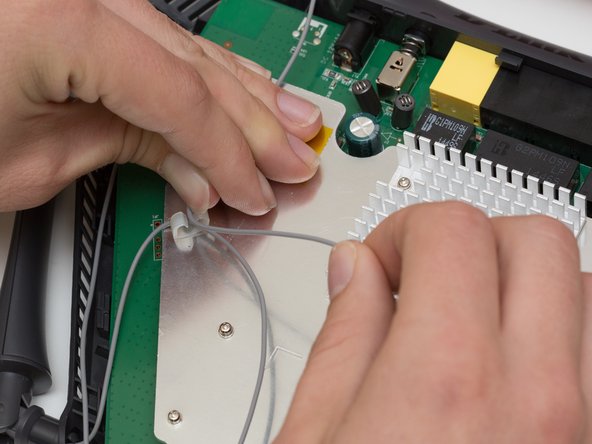
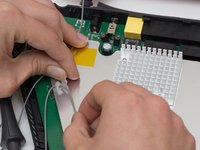
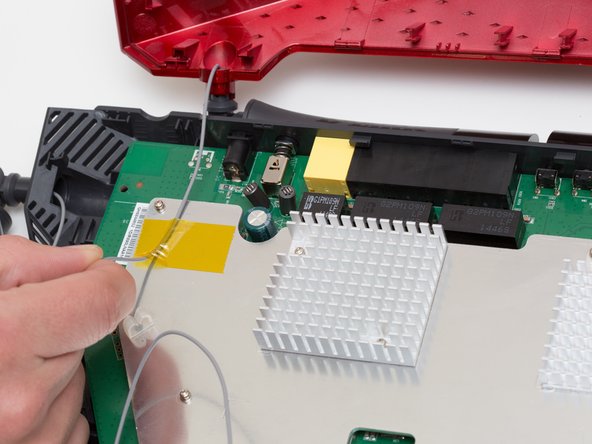
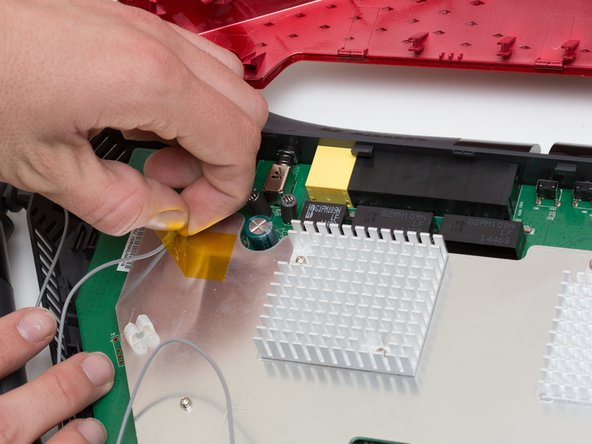
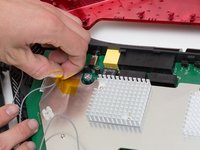
Pull the yellow tape off of the motherboard to release the final antenna wire.
-
-
-
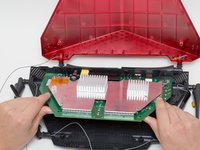
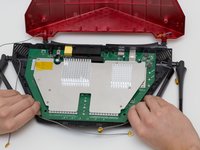
Pull the the motherboard away from the case to remove it. Start on the side closest to you, and pull up and out.
-
-


 Ask FixBot








To reassemble your device, follow these instructions in reverse order.
Cancel: I did not complete this guide.
3 other people completed this guide.

Team

Cal Poly, Team 10-7, Livingston Fall 2016 Member of Cal Poly, Team 10-7, Livingston Fall 2016
CPSU-LIVINGSTON-F16S10G7
4 Members
72 Guides authored
