
D-Link DIR-890L Heat Sink Replacement

Michael Hilomen and 3 other contributors
Last updated on Dec 22, 2016
Views: 1.7K
View statistics:
- Past 24 Hours:
- 2
- Past 7 Days:
- 21
- Past 30 Days:
- 92
- All Time:
- 1,740
Comments: 0
No one has left comments on this guide. Will you be first?
Go to guide commentsCompleted: 1 2
1 person has marked this guide "completed." Will you be next?
2 people have marked this guide "completed." Including you — great job!
Favorites: 0 1
No one has favorited (and subscribed to) this guide. Will you be the first?
1 person has favorited (and subscribed to) this guide — and that's you!
Introduction
Go to step 1 ↓The heat sink is responsible for regulating the heat flow and temperature control in your device. If your device is overheating and not cooling itself down properly, then the heat sink will need to be replaced. Follow this guide for the steps on how to replace the heat sink.
What you need
Tools


-
-
-
-
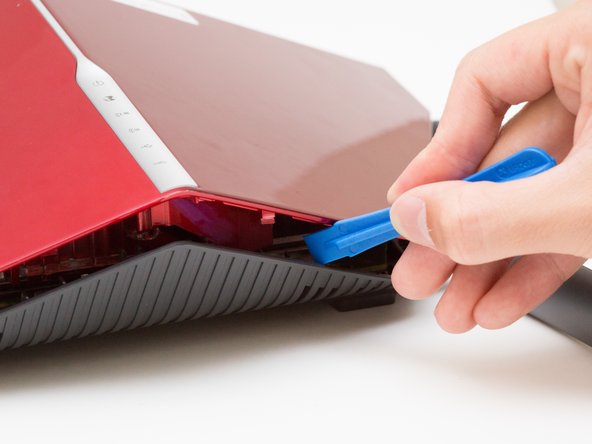
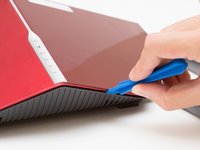
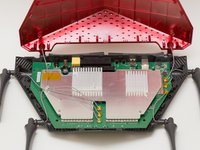
Wedge the opening tool between the red top panel and the gray bottom panel.
-
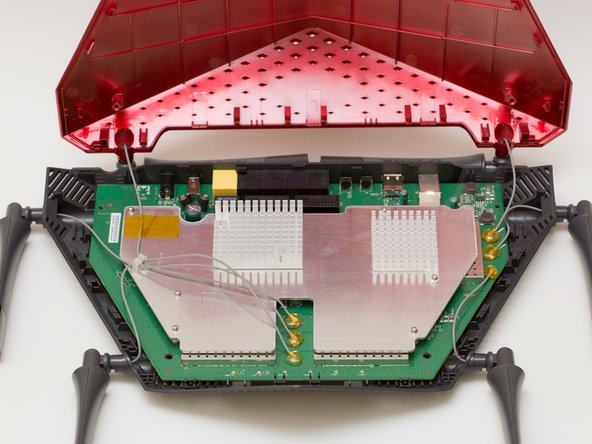
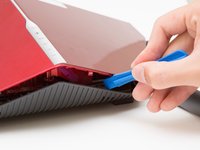
Twist the opening tool to separate the panels. Work your way around the case until both of the panels are separated.
-
-
-
-
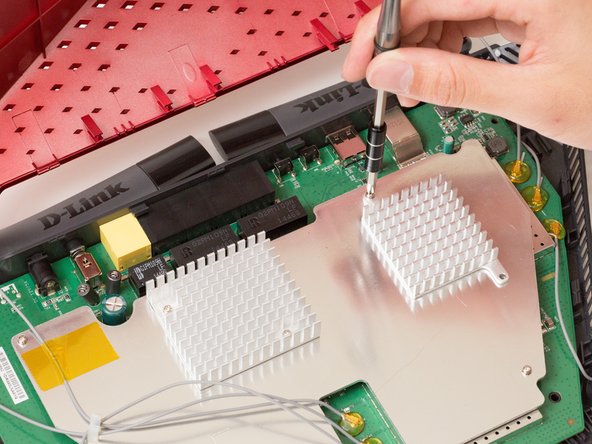
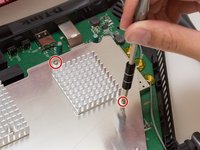
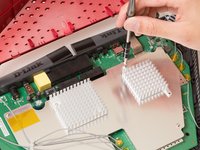
Unscrew the two 7mm screws with a Phillips #1 screwdriver.
-
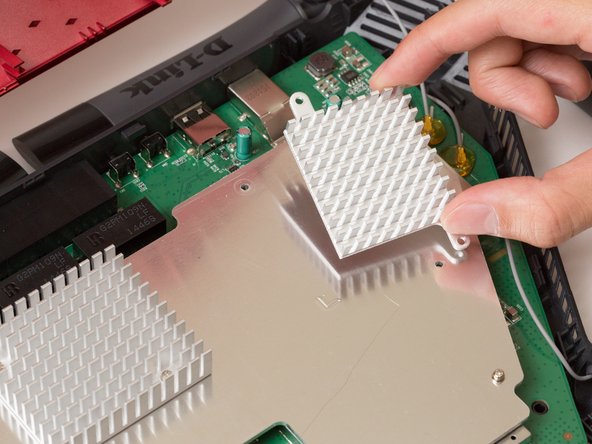
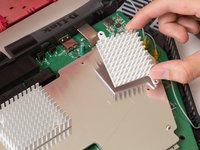
Lift the heat sink off the metal plate with your fingers.
-
-


 Ask FixBot



To reassemble your device, follow these instructions in reverse order.
Cancel: I did not complete this guide.
One other person completed this guide.

Team

Cal Poly, Team 10-7, Livingston Fall 2016 Member of Cal Poly, Team 10-7, Livingston Fall 2016
CPSU-LIVINGSTON-F16S10G7
4 Members
72 Guides authored
