Free Shipping on Domestic Orders $75+

Crain Jamb Saw 775 2014 Switch Replacement

What you need

  1. Crain Jamb Saw 775 2014 Switch Replacement, Unfasten the saw housing: step 1, image 1 of 1
    • Unplug the power cord before you begin.

    • Use a Phillips #2 screwdriver to remove the eight screws securing the saw housing:

    • Four 20 mm screws

    • Two 50 mm screws

    • Two 55 mm screws

    Ask FixBot

    Add Comment

  2. Crain Jamb Saw 775 2014 Switch Replacement, Remove the housing bracket: step 2, image 1 of 1
    • Remove the metal housing bracket.

    Ask FixBot

    Add Comment

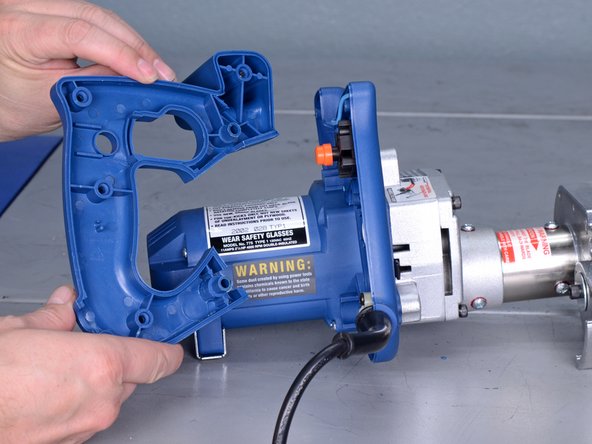
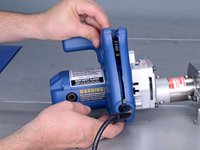
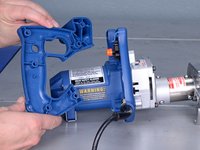
  3. Crain Jamb Saw 775 2014 Switch Replacement, Remove the saw housing: step 3, image 1 of 2 Crain Jamb Saw 775 2014 Switch Replacement, Remove the saw housing: step 3, image 2 of 2
    • Remove the saw housing.

    Ask FixBot

    Add Comment

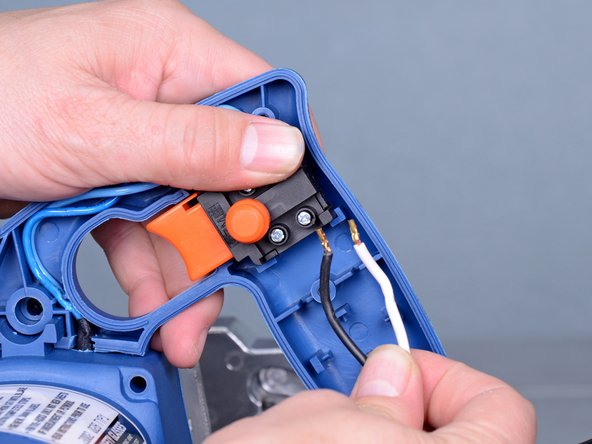
  4. Crain Jamb Saw 775 2014 Switch Replacement, Unfasten the switch wires: step 4, image 1 of 1
    • Use a Phillips #2 screwdriver to loosen the four screw terminals securing the power cord and motor wires.

    • Take note of which wire connects to which terminal for reassembly purposes.

    • The switch is not secured to the housing; be sure to hold it in place when removing the motor and power cord wires.

    Ask FixBot

    Add Comment

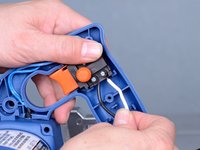
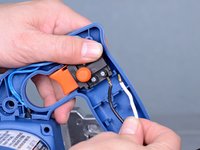
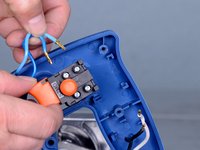
  5. Crain Jamb Saw 775 2014 Switch Replacement, Disconnect the power cord wires: step 5, image 1 of 2 Crain Jamb Saw 775 2014 Switch Replacement, Disconnect the power cord wires: step 5, image 2 of 2
    • Remove the power cord wires from the main switch.

    Ask FixBot

    Add Comment

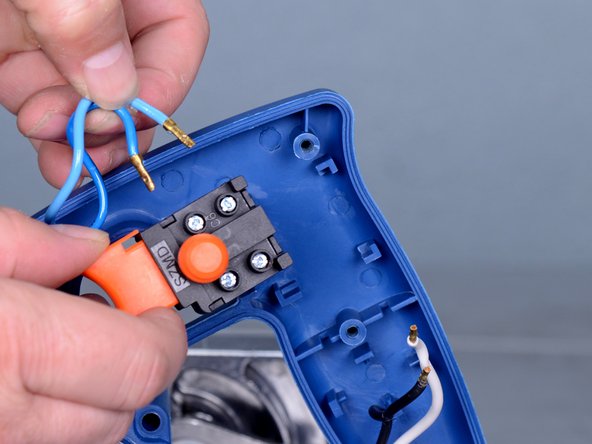
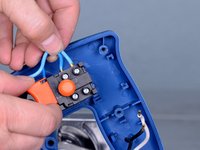
  6. Crain Jamb Saw 775 2014 Switch Replacement, Disconnect the motor wires: step 6, image 1 of 2 Crain Jamb Saw 775 2014 Switch Replacement, Disconnect the motor wires: step 6, image 2 of 2
    • Remove the motor wires from the switch.

    Ask FixBot

    Add Comment

  7. Crain Jamb Saw 775 2014 Switch Replacement, Remove the switch: step 7, image 1 of 1
    • Remove the switch.

    Ask FixBot

    Add Comment

Conclusion

To reassemble your device, follow these instructions in reverse order.

Cancel: I did not complete this guide.

Tarun Thiruma

Member since: 11/20/19

40,423 Reputation

134 Guides authored

0 Guide Comments

Add Comment

View Statistics:

Past 24 Hours: 0

Past 7 Days: 1

Past 30 Days: 12

All Time: 207