This translation was generated by a machine and has not been reviewed by a person yet. Speak this language? Review it.

Convert into an iKeyBoard Pro

Alpc360 and one other contributor
Last updated on Sep 2, 2026
Views: 802
View statistics:
- Past 24 Hours:
- 7
- Past 7 Days:
- 37
- Past 30 Days:
- 152
- All Time:
- 802
Comments: 0
No one has left comments on this guide. Will you be first?
Go to guide commentsCompleted: 0 1
No one has marked this guide "completed." Will you be the first?
1 person has marked this guide "completed." It's you — great job!
Favorites: 0 1
No one has favorited (and subscribed to) this guide. Will you be the first?
1 person has favorited (and subscribed to) this guide — and that's you!
Community-Contributed Guide
An awesome member of our community made this guide. It was not created by iFixit staff.
Introduction
Go to step 1 ↓Recover and recycle your MacBook Pro and give it a new life for yourself or a family member. You can also give it to someone in need, but make sure they pay the shipping costs or come to thank you and post it on social media.
What you need
Tools
-
Destornilladores de precisiónAffiliate linkAvailable for sale on Amazon
Busca por internet el dibujo exacto para ver el tipo exacto que necesitas.
-
-
-
If we want to continue recycling things and we have a broken iPad, we can remove the Wi-Fi antennas to reuse them.
-
-
-
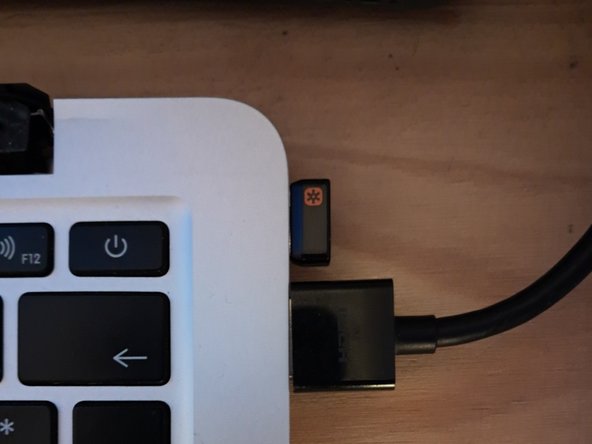
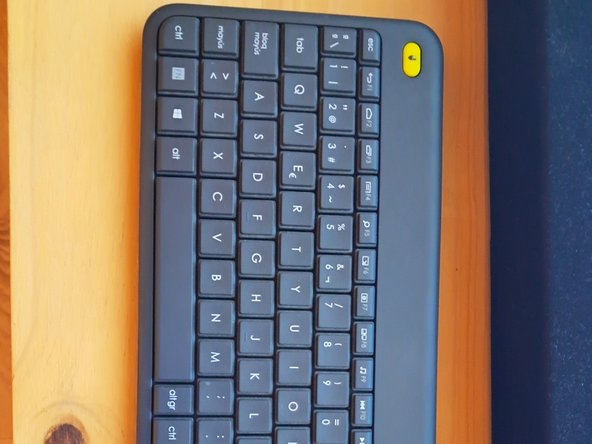
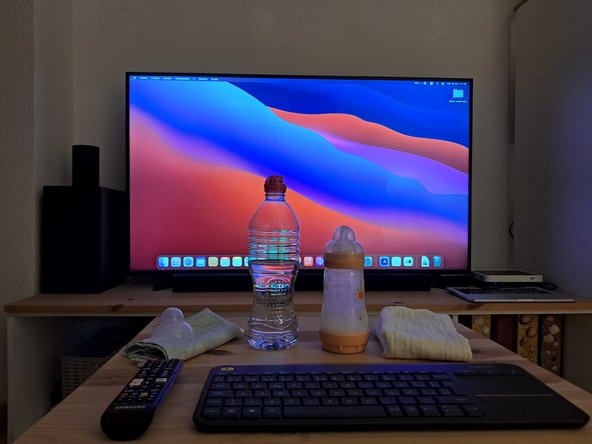
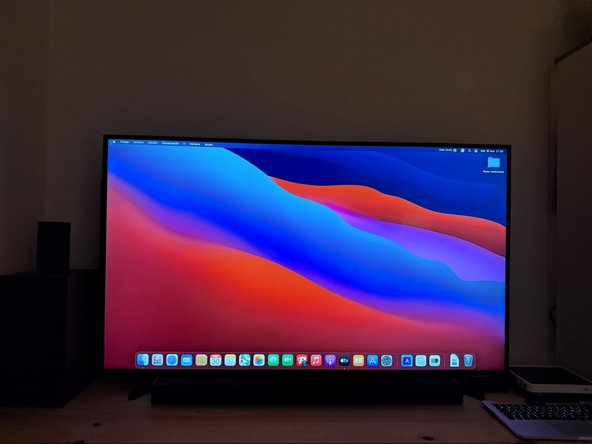
Now we need to connect the new iKeyBoard Pro to the TV or Monitor and start it up.
-
-
-
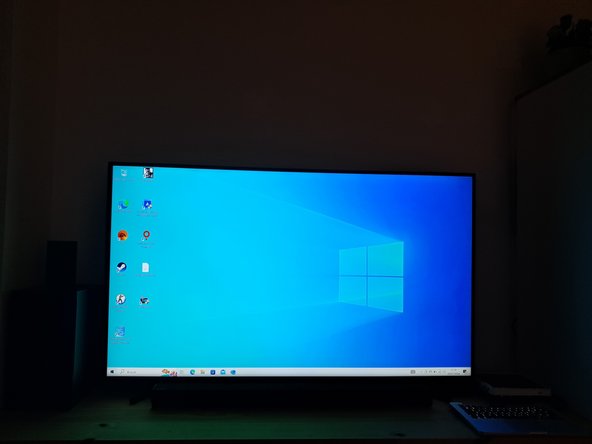
We can properly configure the picture quality if needed; using Dynamic or high-contrast mode is recommended to enjoy it.
-
-


 Ask FixBot








Recycling isn't so hard, thanks :)

