
Conair Infiniti Pro Model 259NP Hot/Cold Button Replacement

Timothy Lo and one other contributor
Last updated on Jun 10, 2014
Views: 5.5K
View statistics:
- Past 24 Hours:
- 4
- Past 7 Days:
- 16
- Past 30 Days:
- 98
- All Time:
- 5,528
Comments: 2
2 guide comments.
Go to guide commentsCompleted: 2 3
2 people have marked this guide "completed." Will you be next?
3 people have marked this guide "completed." Including you — great job!
Favorites: 0 1
No one has favorited (and subscribed to) this guide. Will you be the first?
1 person has favorited (and subscribed to) this guide — and that's you!
Missing Steps
Oops! This guide is currently missing one or more important steps.
Markup Mishap
This guide needs better markups. Help out by correcting or making some markup annotations.
Introduction
Go to step 1 ↓For sticky cold/hold buttons, you may only need to clean the button. This guide will show you how to fully remove and replace the button.
Note: This guide requires soldering skills. If you don't know how to solder or want to brush up on your skills check out this handy tutorial.
What you need
Tools


-
-
-
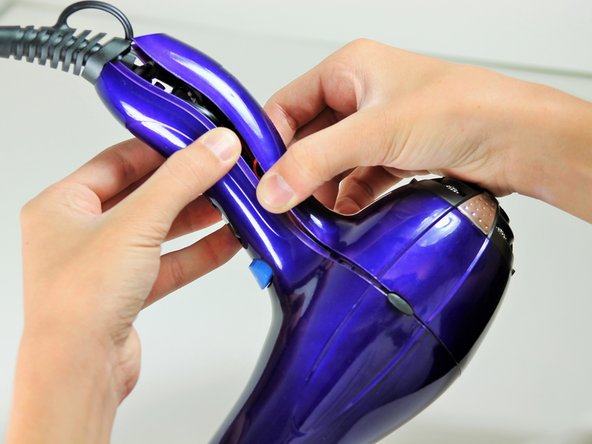
Hold the hair dryer by the handle so that the back panel faces up.
 Ask FixBot
-
-
-
Starting from where the cord attaches to the handle, pull apart the two plastic panels.
-
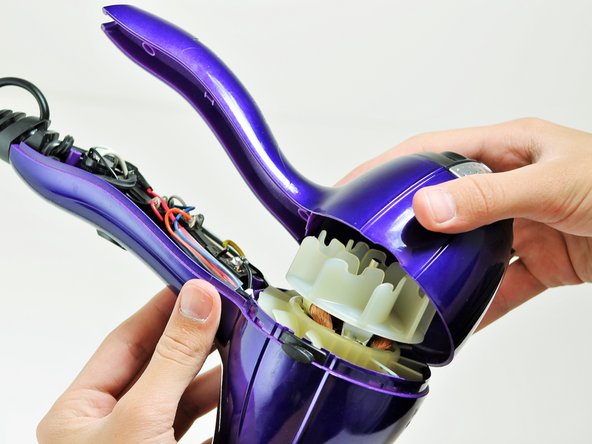
Continue separating the back panel, working along the seam.
-
With moderate force, completely remove the back panel from the hair dryer.
-
-
-
-
-
Hold the hair dryer by the nozzle so that the handle points to the left.
-
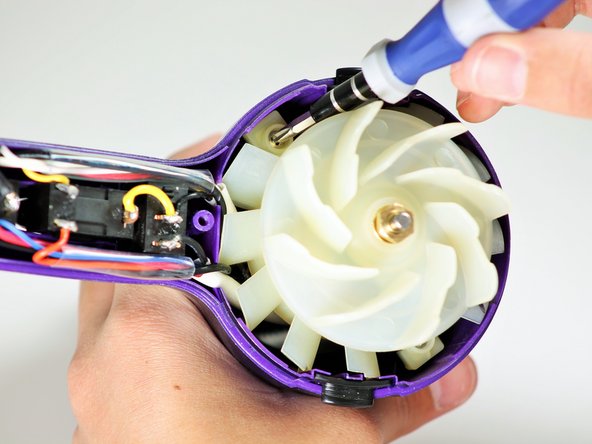
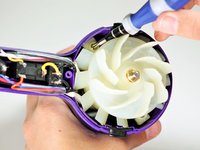
Remove the two 1-inch Phillips #2 screws from the back of the fan motor.
-
-
-
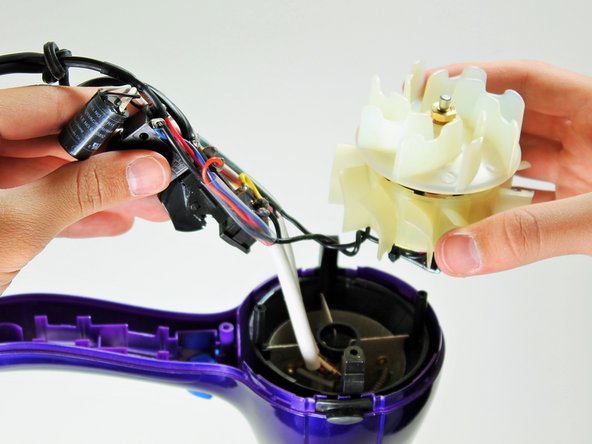
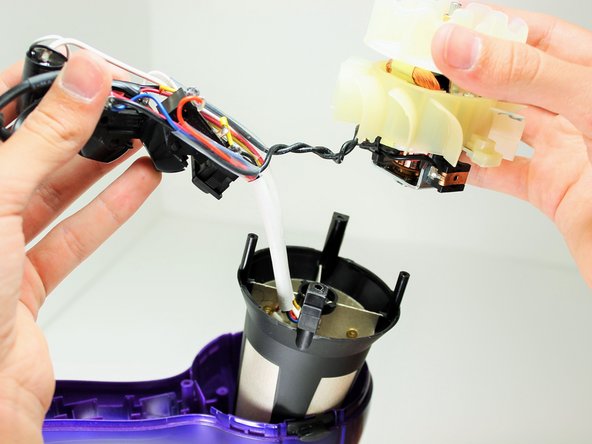
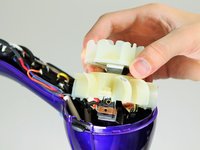
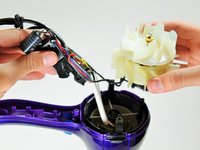
Pull on the back of the fan motor to gently lift the motor out of the hair dryer.
-
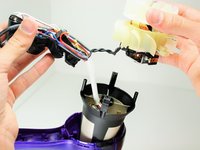
Lift the attached electrical wiring and heat shield completely out of the hair dryer.
-
-
-
-
-
-
Hold the electrical switches so that the wires are facing upwards.
-
-
-
Focus on the middle of the three buttons.
-
Desolder the button at the circled locations.
-
-







To reassemble your device, follow these instructions in reverse order.
Cancel: I did not complete this guide.
2 other people completed this guide.

Team

Cal Poly, Team 10-58, Amido Spring 2014 Member of Cal Poly, Team 10-58, Amido Spring 2014
CPSU-AMIDO-S14S10G58
4 Members
84 Guides authored
2 Guide Comments
That's not a capacitor, that's an ion generator like this one https://www.goldmine-elec-products.com/p...
