Introduction
The WiFi card allows you to connect to wireless networks. Many issues are caused by incorrectly configured software or drivers. If you've already exhausted your software troubleshooting options, follow this guide to replace the WiFi card.
What you need
-
-
Shutdown the computer.
-
Remove all external devices.
-
Unplug the power, and any other cords, from the laptop.
-
Turn the laptop upside down, with the front towards you.
 Ask FixBot
-
-
-
Slide the battery release latch to the left until the battery pops up.
-
Lift the front edge of the battery pack and swing it back to remove it.
-
-
-
-
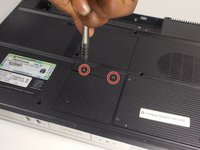
Loosen the two 5mm Phillips #1 screws that secure the memory module compartment cover to the computer.
-
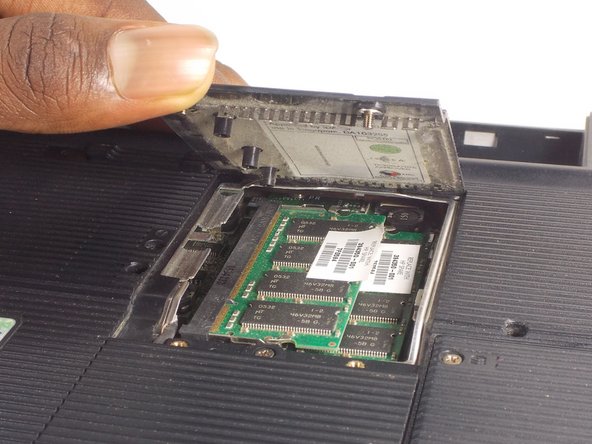
Lift the front edge of the memory module compartment cover and swing it back to remove it.
-
-
-
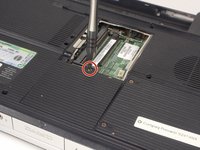
Loosen the 5mm Phillips #1 screw that secures the Mini PCI compartment cover to the computer.
-
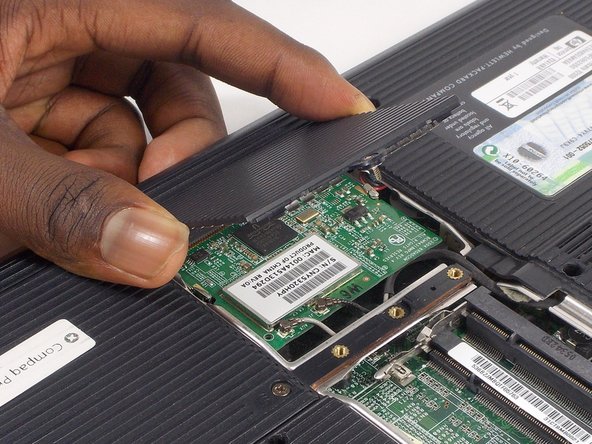
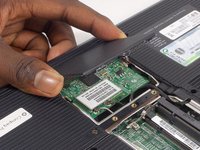
Lift the rear edge of the Mini PCI compartment cover, and swing it forward to remove it.
-
-
-
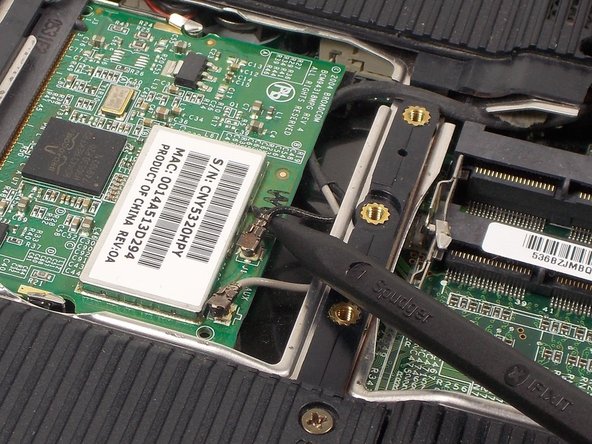
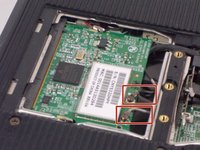
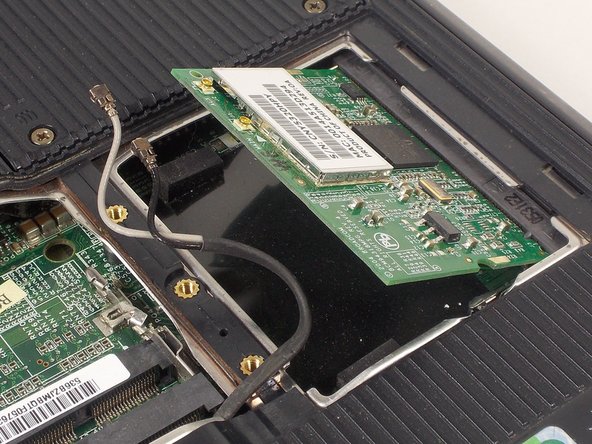
Make note of which cable is attached to which clip on the WiFi card before disconnecting the cables.
-
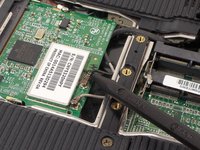
Disconnect the wireless antenna cables from the WiFi card by prying gently upwards on the metal part of the connector with a spudger or plastic opening tool.
-
-
-
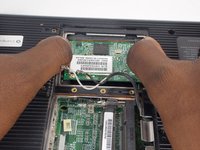
Use your fingernails, or plastic opening tools, to spread the metal retaining tabs on each side of the WiFi card outwards until the card pops up.
-
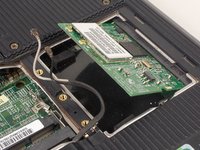
Pull the WiFi card out of the socket at the same angle it is now oriented.
-





To reassemble your device, follow these instructions in reverse order.

Team

UMass Dartmouth, Team 2-1, Isaacson Fall 2016 Member of UMass Dartmouth, Team 2-1, Isaacson Fall 2016
UMASSD-ISAACSON-F16S2G1
3 Members
9 Guides authored
