Free Shipping on Domestic Orders $75+

Compaq Presario V2414NR Optical Drive Replacement

What you need

  1. Compaq Presario V2414NR Optical Drive Replacement, Battery: step 1, image 1 of 1
    • Shutdown the computer.

    • Remove all external devices.

    • Unplug the power, and any other cords, from the laptop.

    • Turn the laptop upside down, with the front towards you.

    Ask FixBot

    Add Comment

  2. Compaq Presario V2414NR Optical Drive Replacement: step 2, image 1 of 2 Compaq Presario V2414NR Optical Drive Replacement: step 2, image 2 of 2
    • Slide the battery release latch to the left until the battery pops up.

    • Lift the front edge of the battery pack and swing it back to remove it.

    • When reassembling, first align the back of the battery with the chassis, then press the front downwards until it latches.

    Ask FixBot

    Add Comment

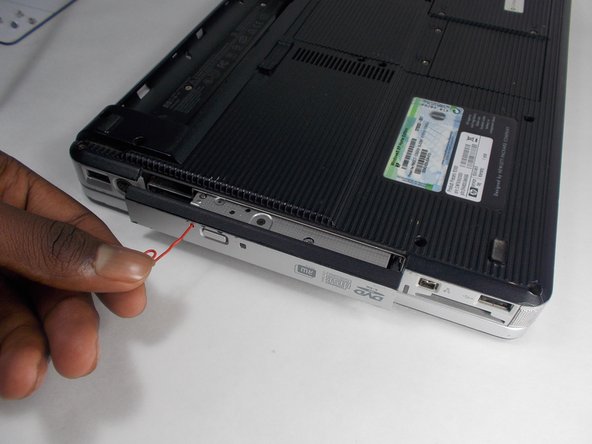
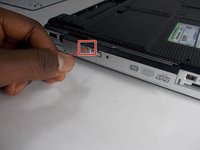
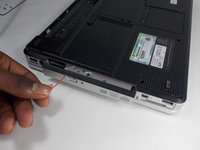
  3. Compaq Presario V2414NR Optical Drive Replacement, Optical Drive: step 3, image 1 of 2 Compaq Presario V2414NR Optical Drive Replacement, Optical Drive: step 3, image 2 of 2
    • On the optical drive there is small pin hole. Insert a paperclip or similarly sized object in the hole.

    • The Drive will pop a short way out of the computer.

    Ask FixBot

    Add Comment

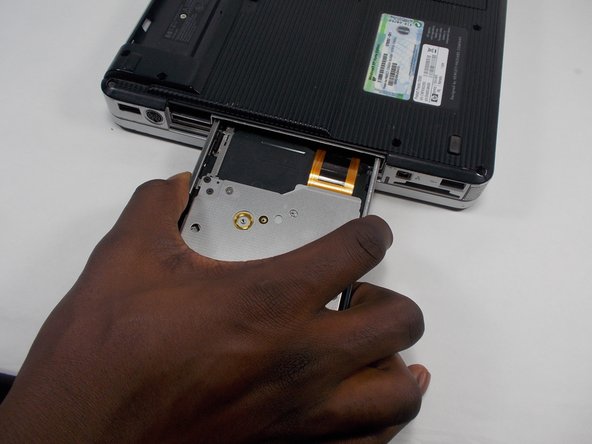
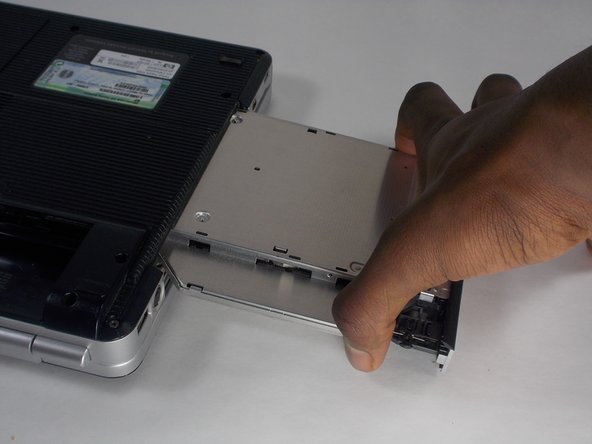
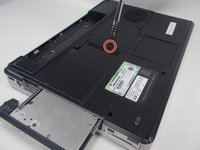
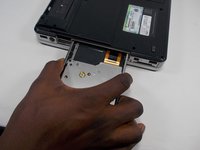
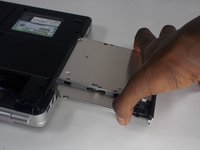
  4. Compaq Presario V2414NR Optical Drive Replacement: step 4, image 1 of 3 Compaq Presario V2414NR Optical Drive Replacement: step 4, image 2 of 3 Compaq Presario V2414NR Optical Drive Replacement: step 4, image 3 of 3
    • Remove the 7mm Phillips #1 screw that secures the optical drive to the computer.

    • Grip the sides of the Optical Drive and slide it out until it is completely removed from the computer.

    • When reassembling, slide the optical drive straight in until it clicks.

    Ask FixBot

    Add Comment

Conclusion

To reassemble your device, follow these instructions in reverse order.

Cancel: I did not complete this guide.

Rylie Schmidt

Member since: 04/19/15

765 Reputation

7 Guides authored

Team

UMass Dartmouth, Team 2-1, Isaacson Fall 2016 Member of UMass Dartmouth, Team 2-1, Isaacson Fall 2016

UMASSD-ISAACSON-F16S2G1

3 Members

9 Guides authored

0 Guide Comments

Add Comment

View Statistics:

Past 24 Hours: 0

Past 7 Days: 4

Past 30 Days: 28

All Time: 476