
ComNet Ericsson Panther 600P Display Replacement

Daniel and 6 other contributors
Last updated on May 7, 2024
Views: 683
View statistics:
- Past 24 Hours:
- 3
- Past 7 Days:
- 16
- Past 30 Days:
- 94
- All Time:
- 683
Comments: 0
No one has left comments on this guide. Will you be first?
Go to guide commentsCompleted: 0 1
No one has marked this guide "completed." Will you be the first?
1 person has marked this guide "completed." It's you — great job!
Favorites: 1 2
1 person has favorited (and subscribed to) this guide. Will you be next?
2 people have favorited (and subscribed to) this guide — including you!
Introduction
Go to step 1 ↓With a few tools, a little bit of time, and a moderate degree of commitment, you can replace a damaged display on ComNet Ericsson Panther 600P.
What you need
Tools
-
T15 Torx Screwdriver$7.99


-
-
-
Look for the release button on the back of the radio.
-
Press the button and pull down on the battery at the same time. The battery will come free.
 Ask FixBot
-
-
-
-
-
Twist the antenna counter-clockwise to unscrew it from the antenna jack.
-
-
-
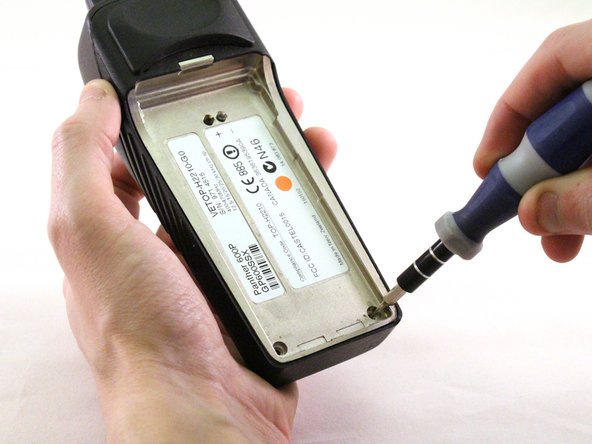
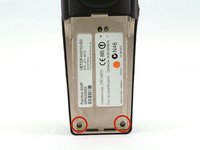
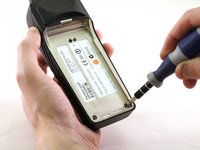
Using a T15 Torx screwdriver, unscrew the two screws.
-
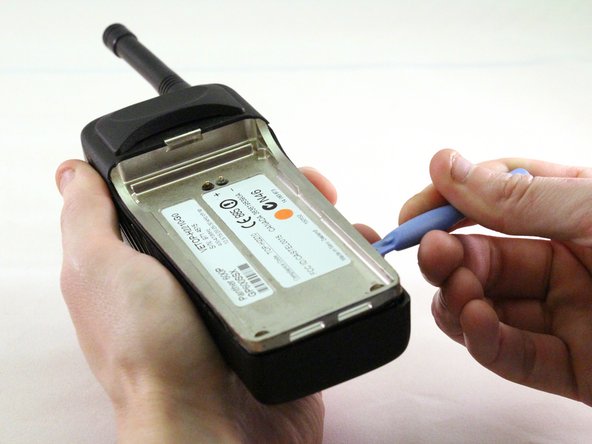
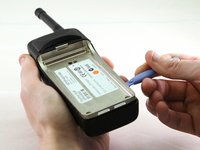
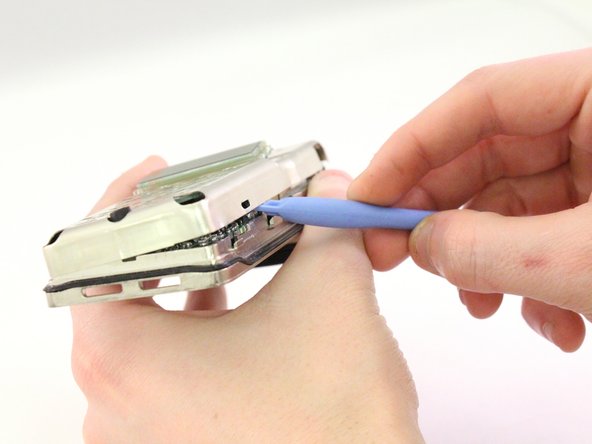
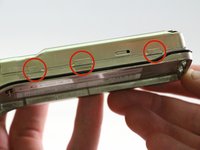
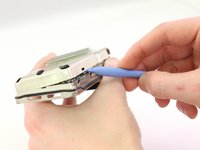
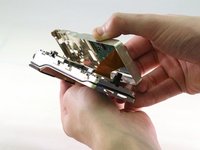
Using a plastic opening tool, pry the internal case from the external case.
-
-
-
-
-
Tool used on this step:Tweezers$4.99
-
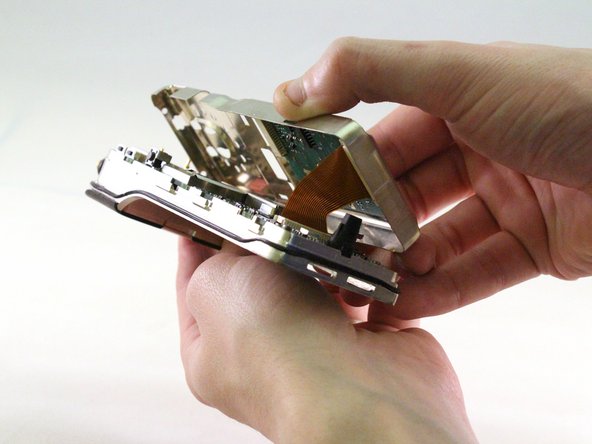
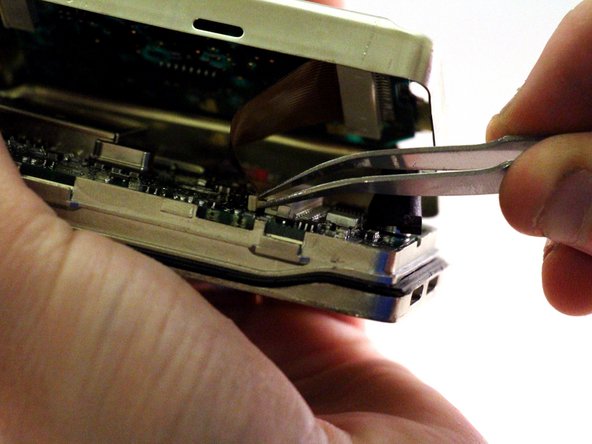
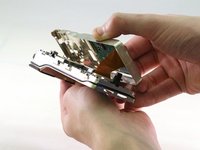
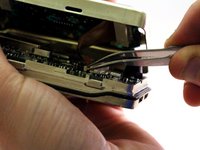
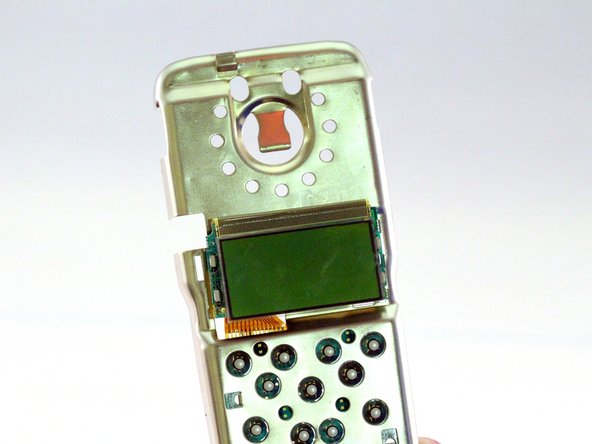
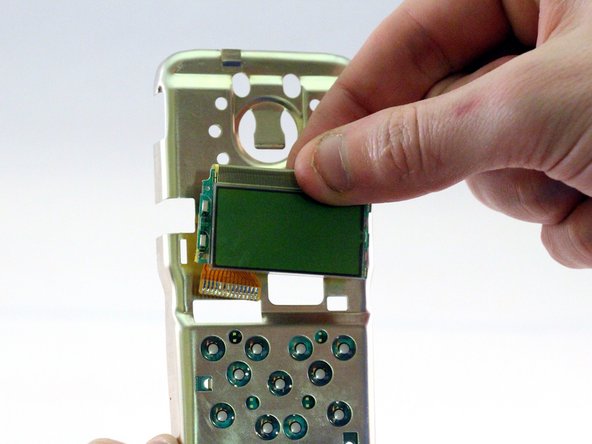
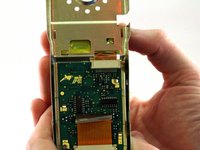
Pull ribbon with tweezers to detach from back panel.
-






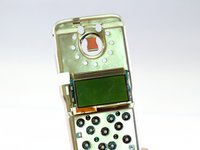
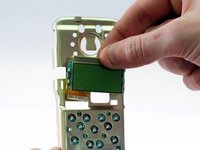
To reassemble your device, follow these instructions in reverse order.

Team

Eastern Washington University, Team 1-2, Carnegie Winter 2015 Member of Eastern Washington University, Team 1-2, Carnegie Winter 2015
EWU-CARNEGIE-W15S1G2
4 Members
72 Guides authored
