
ComNet Ericsson Panther 600P Buttons Replacement

Bryn McAllister and 3 other contributors
Last updated on Jun 15, 2015
Views: 753
View statistics:
- Past 24 Hours:
- 4
- Past 7 Days:
- 15
- Past 30 Days:
- 105
- All Time:
- 753
Comments: 0
No one has left comments on this guide. Will you be first?
Go to guide commentsCompleted: 0 1
No one has marked this guide "completed." Will you be the first?
1 person has marked this guide "completed." It's you — great job!
Favorites: 1 2
1 person has favorited (and subscribed to) this guide. Will you be next?
2 people have favorited (and subscribed to) this guide — including you!
Introduction
Go to step 1 ↓If you press a button and the button does not move or if people cannot hear you talking while the talk button is pressed down, the buttons may need to be cleaned or replaced.
What you need
Tools
-
T15 Torx Screwdriver$7.99


-
-
-
Look for the release button on the back of the radio.
-
Press the button and pull down on the battery at the same time. The battery will come free.
 Ask FixBot
-
-
-
-
-
Twist the antenna counter-clockwise to unscrew it from the antenna jack.
-
-
-
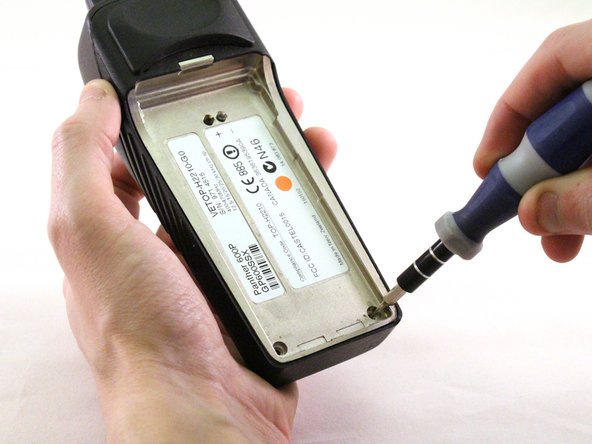
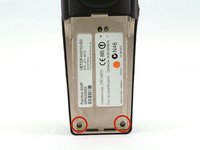
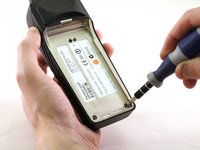
Using a T15 Torx screwdriver, unscrew the two screws.
-
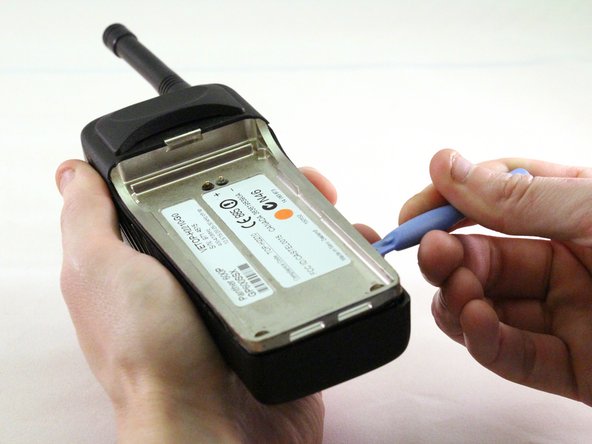
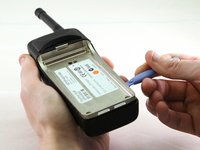
Using a plastic opening tool, pry the internal case from the external case.
-
-
-
-
-
-
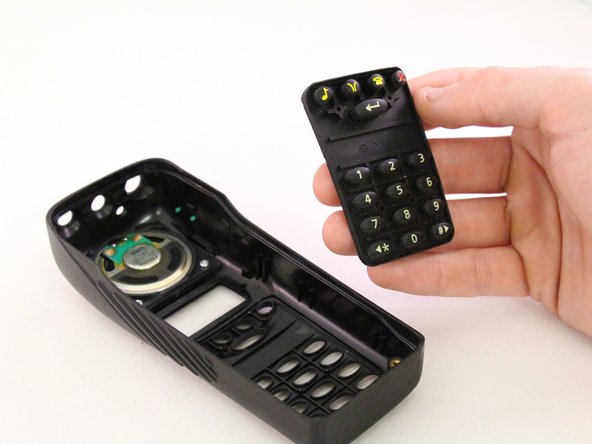
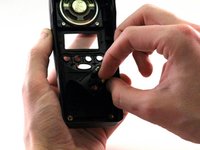
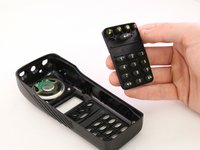
Grip the corner of the button pad and gently peal it away from the faceplate.
-
Clean off any sticky residue and/or replace the buttons.
-
-



To reassemble your device, follow these instructions in reverse order.

Team

Eastern Washington University, Team 1-2, Carnegie Winter 2015 Member of Eastern Washington University, Team 1-2, Carnegie Winter 2015
EWU-CARNEGIE-W15S1G2
4 Members
72 Guides authored
