Free Shipping on Domestic Orders $75+

Coby Kyros MID7012 Battery Replacement

What you need

    1. Coby Kyros MID7012 Battery Replacement, Battery: step 1, image 1 of 1
      • Wedge the metal spudger in between the faceplate and the body of the tablet.

      Ask FixBot

      Add Comment

    2. Coby Kyros MID7012 Battery Replacement: step 2, image 1 of 2 Coby Kyros MID7012 Battery Replacement: step 2, image 2 of 2
      • Carefully pry the faceplate away from the body of the tablet.

      Ask FixBot

      Add Comment

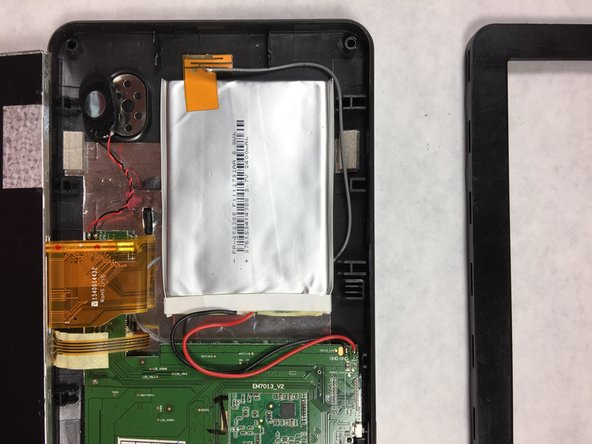
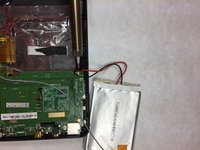
    3. Coby Kyros MID7012 Battery Replacement: step 3, image 1 of 1
      • Carefully lift the screen and set it face down on a soft surface to not scratch it.

      Ask FixBot

      Add Comment

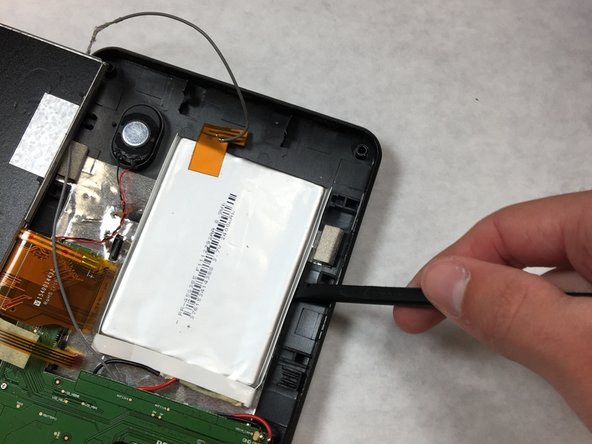
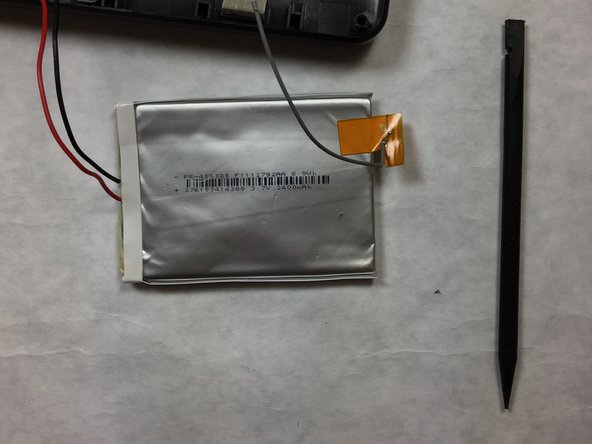
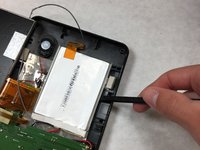
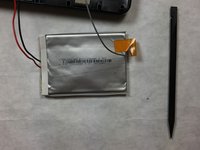
    4. Coby Kyros MID7012 Battery Replacement: step 4, image 1 of 3 Coby Kyros MID7012 Battery Replacement: step 4, image 2 of 3 Coby Kyros MID7012 Battery Replacement: step 4, image 3 of 3
      • Carefully pry the battery away from the body of the tablet using the plastic spudger.

      Ask FixBot

      Add Comment

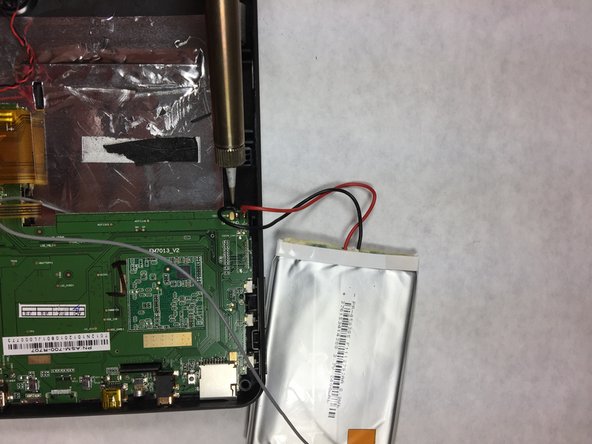
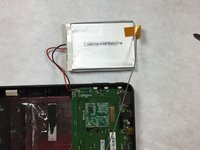
    5. Coby Kyros MID7012 Battery Replacement: step 5, image 1 of 2 Coby Kyros MID7012 Battery Replacement: step 5, image 2 of 2
      • Using a soldering iron heat up the location where the wire meets the motherboard. Remove the red wire first, then the black wire.

      • Clip the grey wire about an inch from the ribbon using a sharp object.

      • Here are some tips on how to Solder.

      Ask FixBot

      Add Comment

Conclusion

To reassemble your device, follow these instructions in reverse order.

Cancel: I did not complete this guide.

3 other people completed this guide.

Daniel Ulrich

Member since: 09/29/16

494 Reputation

3 Guides authored

Team

IUPUI, Team 3-4, Harley Fall 2016 Member of IUPUI, Team 3-4, Harley Fall 2016

IUPUI-HARLEY-F16S3G4

4 Members

36 Guides authored

0 Guide Comments

Add Comment

View Statistics:

Past 24 Hours: 0

Past 7 Days: 6

Past 30 Days: 27

All Time: 1,687