Free Shipping on Domestic Orders $75+

Cisco Meraki MC74-HW Sensor Cover Replacement

Views: 507

View statistics:

Past 24 Hours:
3
Past 7 Days:
15
Past 30 Days:
65
All Time:
507
Comments: 0

No one has left comments on this guide. Will you be first?

Go to guide comments
Completed: 0

No one has marked this guide "completed." Will you be the first?

Favorites: 0

No one has favorited (and subscribed to) this guide. Will you be the first?

Time Required: 20 minutes
Difficulty: Moderate
Cisco Meraki MC74-HW Sensor Cover Replacement

Introduction

Go to step 1 ↓

If the plastic sensor cover on your Cisco Meraki MC74-HW phone holder is damaged or missing, use this guide to replace it.

The phone sensor cover is necessary so the phone covers the sensor and the device realizes that it needs to end the call. If this component is not working properly, calls may not end when the phone is placed back into its holder.

There are no special skills necessary to complete this repair.

Make sure to unplug the device from all power before performing this repair.

What you need

Tools

    1. Cisco Meraki MC74-HW Sensor Cover Replacement, Back Housing and Device Stand: step 1, image 1 of 3 Cisco Meraki MC74-HW Sensor Cover Replacement, Back Housing and Device Stand: step 1, image 2 of 3 Cisco Meraki MC74-HW Sensor Cover Replacement, Back Housing and Device Stand: step 1, image 3 of 3
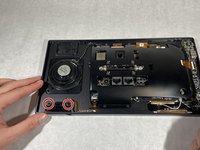
      • Extend the stand as far away as possible from the device.

      • Remove all four 3 mm Hex 2 screws from the stand.

      • A bit with a flexible extension may be needed to remove these screws.

      Ask FixBot

      Add Comment

    2. Cisco Meraki MC74-HW Sensor Cover Replacement: step 2, image 1 of 2 Cisco Meraki MC74-HW Sensor Cover Replacement: step 2, image 2 of 2
      • Lift the stand off the device.

      Ask FixBot

      Add Comment

    3. Cisco Meraki MC74-HW Sensor Cover Replacement: step 3, image 1 of 3 Cisco Meraki MC74-HW Sensor Cover Replacement: step 3, image 2 of 3 Cisco Meraki MC74-HW Sensor Cover Replacement: step 3, image 3 of 3
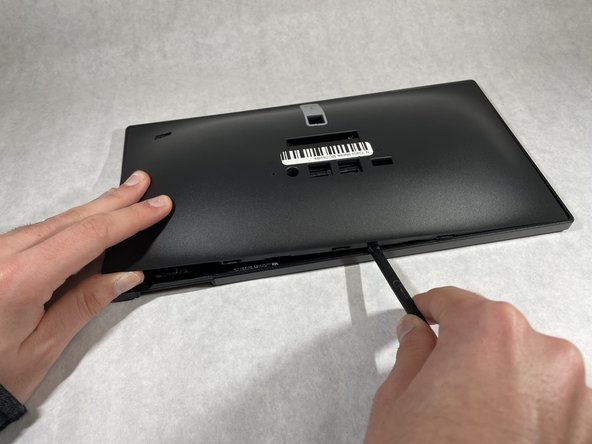
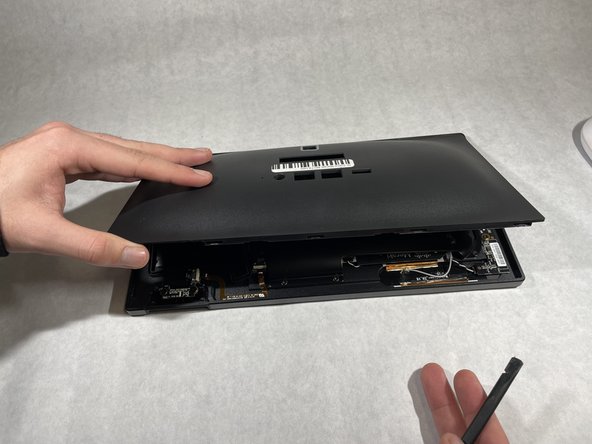
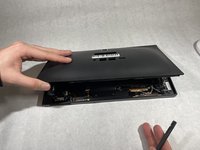
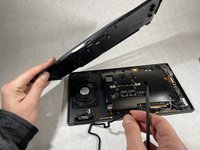
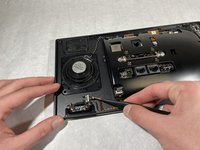
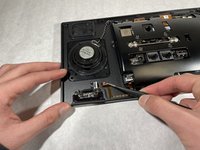
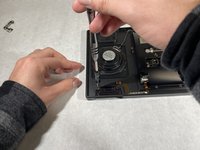
      • Insert a plastic spudger between the back housing cover and the sensor cover piece.

      • Work your way slowly around the edges of the device until all the clips have been unclipped.

      • Do not insert any tool recklessly into the device or you might damage wires and connections.

      Ask FixBot

      Add Comment

    4. Cisco Meraki MC74-HW Sensor Cover Replacement: step 4, image 1 of 2 Cisco Meraki MC74-HW Sensor Cover Replacement: step 4, image 2 of 2
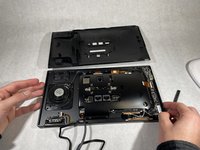
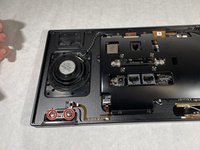
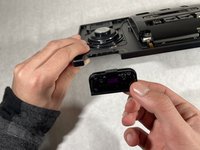
      • Separate the back housing cover from the device completely.

      Ask FixBot

      Add Comment

    1. Cisco Meraki MC74-HW Sensor Cover Replacement, Phone Sensor: step 5, image 1 of 2 Cisco Meraki MC74-HW Sensor Cover Replacement, Phone Sensor: step 5, image 2 of 2
      Tool used on this step:
      Tweezers
      $4.99
      Buy
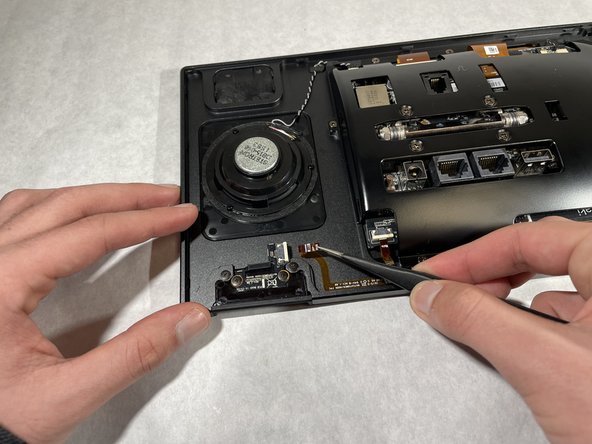
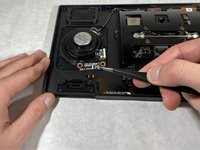
      • Disconnect the ribbon from the phone sensor board using a pair of reverse tweezers.

      • Electronic ribbons are very fragile, so pull slowly to disconnect them.

      Ask FixBot

      Add Comment

    2. Cisco Meraki MC74-HW Sensor Cover Replacement: step 6, image 1 of 3 Cisco Meraki MC74-HW Sensor Cover Replacement: step 6, image 2 of 3 Cisco Meraki MC74-HW Sensor Cover Replacement: step 6, image 3 of 3
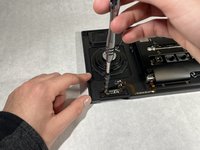
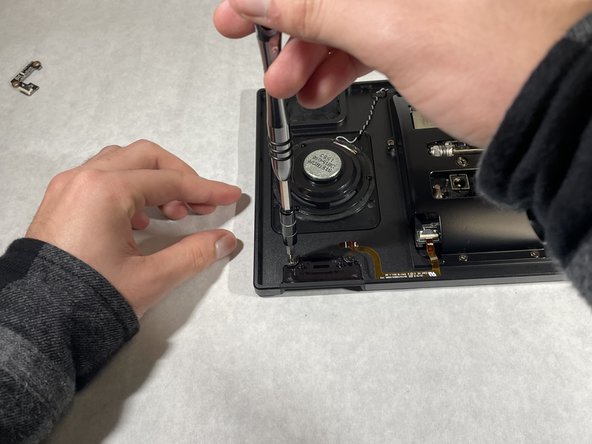
      • Remove the two 1.2 mm screws holding the phone sensor using a Phillips #0 screwdriver.

      • Carefully lift the phone sensor to remove it from the device.

      Ask FixBot

      Add Comment

    1. Cisco Meraki MC74-HW Sensor Cover Replacement, Sensor Cover: step 7, image 1 of 3 Cisco Meraki MC74-HW Sensor Cover Replacement, Sensor Cover: step 7, image 2 of 3 Cisco Meraki MC74-HW Sensor Cover Replacement, Sensor Cover: step 7, image 3 of 3
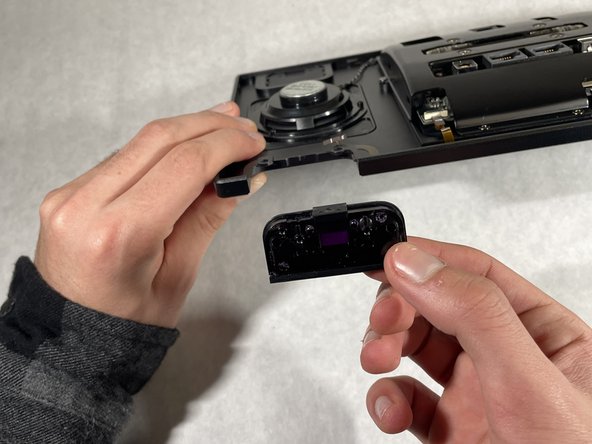
      • Remove the two 1.2 mm screws using a Phillips #0 screwdriver.

      • Remove the sensor cover.

      Ask FixBot

      Add Comment

Conclusion

To reassemble your device, follow these instructions in reverse order.

Cancel: I did not complete this guide.

Anthony Kairouz

Member since: 10/18/21

253 Reputation

3 Guides authored

Team

UMass Dartmouth, Team 1-5, Simcock Fall 2021 Member of UMass Dartmouth, Team 1-5, Simcock Fall 2021

UMASSD-SIMCOCK-F21S1G5

4 Members

48 Guides authored

0 Guide Comments

Add Comment

View Statistics:

Past 24 Hours: 3

Past 7 Days: 15

Past 30 Days: 65

All Time: 507