Introduction
This is a replacement guide for the Cirago M9030 Cover. The following steps will guide you in the dismantling and rebuilding of the cover as well as a replacement.
What you need
-
-
-
Use a Phillips #00 screwdriver to unscrew the four 1.1mm long screws on each corner located at the top of the cover.
 Ask FixBot
-
-
-
-
Similar to the last step, flip the cover over and use a Phillips #00 screwdriver to unscrew the four 1.1mm long screws on each corner located at the bottom of the cover.
-
-


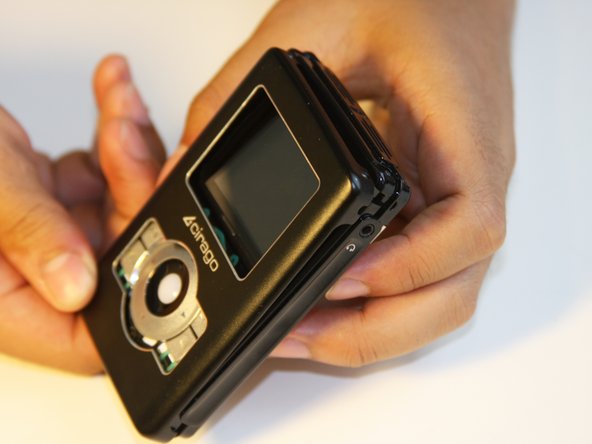
In order to reassemble your device, follow these instructions in reverse order.
Cancel: I did not complete this guide.
One other person completed this guide.

Team

Cal Poly, Team 1-4, Regan SU 2012 Member of Cal Poly, Team 1-4, Regan SU 2012
CPSU-REGAN-SU12S1G4
4 Members
84 Guides authored
