
Cineyo BT-03 Device Page Button Replacement

Rene Klopf and 3 other contributors
Last updated on Mar 20, 2019
Views: 491
View statistics:
- Past 24 Hours:
- 2
- Past 7 Days:
- 14
- Past 30 Days:
- 70
- All Time:
- 491
Comments: 4
4 comments on steps.
Completed: 0 1
No one has marked this guide "completed." Will you be the first?
1 person has marked this guide "completed." It's you — great job!
Favorites: 0 1
No one has favorited (and subscribed to) this guide. Will you be the first?
1 person has favorited (and subscribed to) this guide — and that's you!
Introduction
Go to step 1 ↓This guide will take you step by step through the steps of replacing your devices buttons.
What you need
Parts
Tools


-
-
-
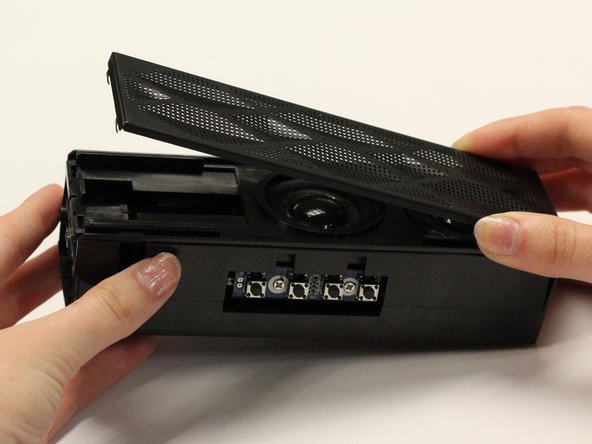
Remove the top (button side) rubber cover using your hands.
 Ask FixBot
-
-
-
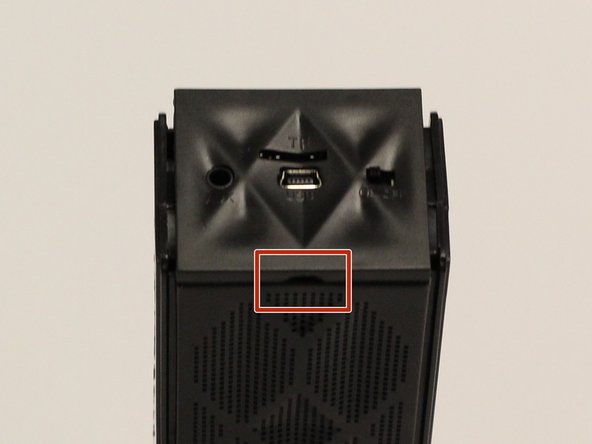
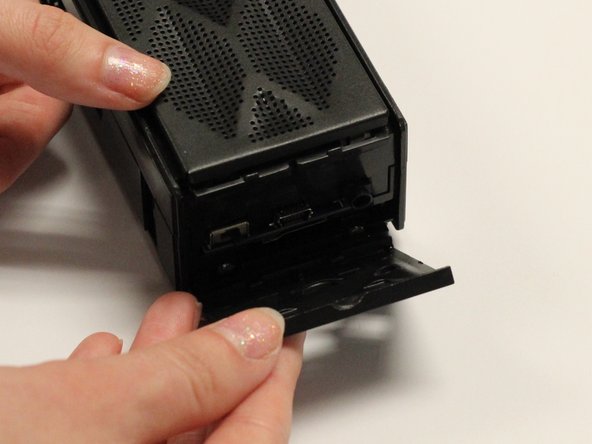
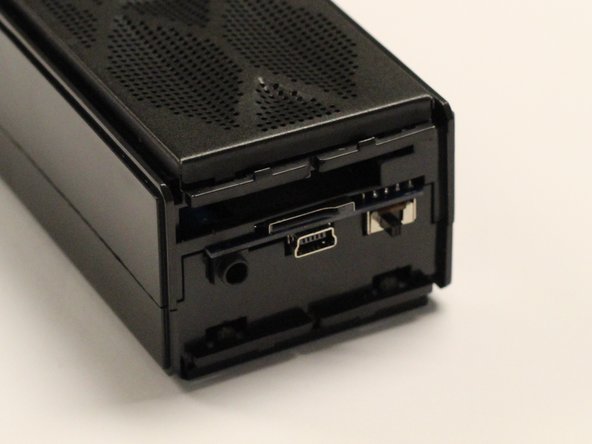
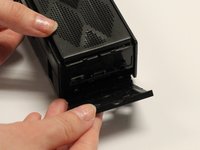
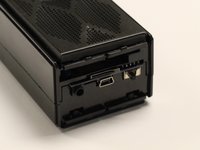
Using your hands, pull off the plastic side cover (on the side with the audio jack) using the indented tab. The indented tab has been highlighted in the picture.
-
-
-
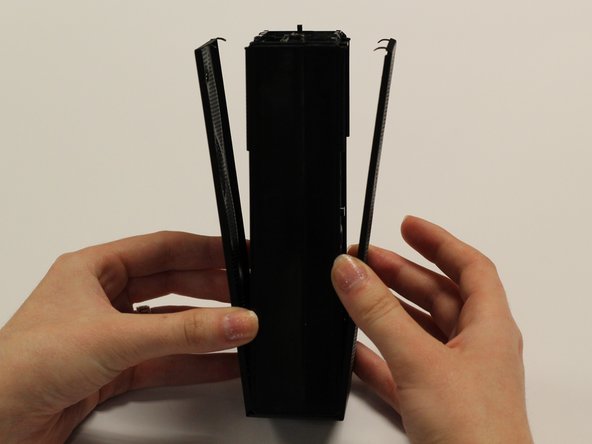
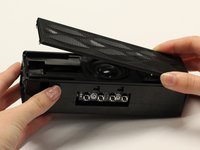
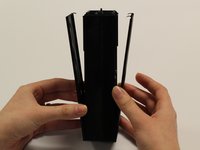
Detach the plastic speaker cover on both the front and back sides. Then slide the cover off of the device.
-
-
-
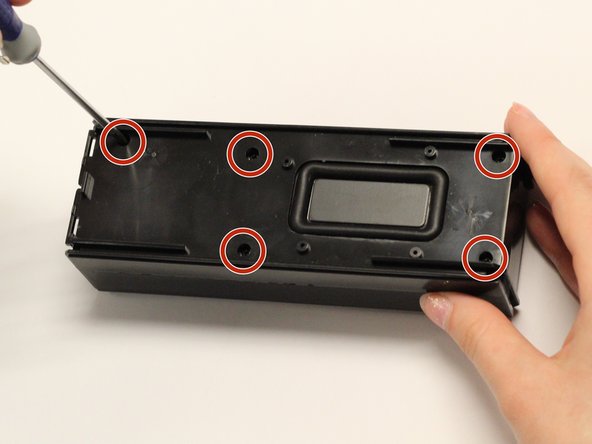
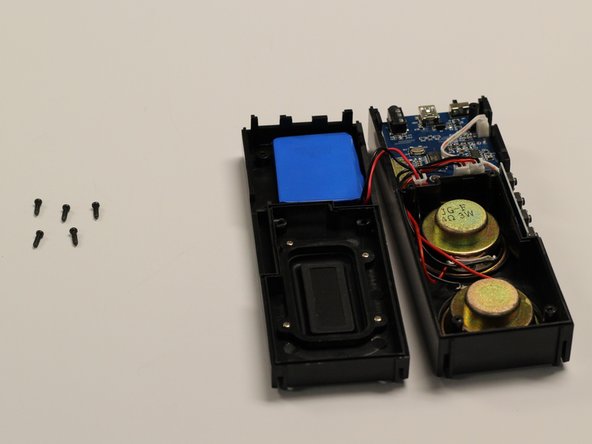
Remove the five 1 cm screws on the back side (opposite of the speakers) of the device using a Phillips #1 screwdriver.
-
-
-
-
-
-
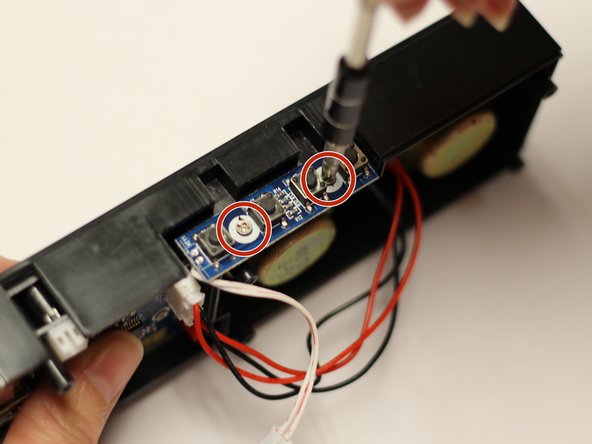
With a Phillips #1 screwdriver, remove the two 5mm screws which attach the button mount to the plastic casing of the device.
-
-
-
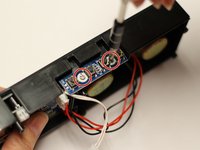
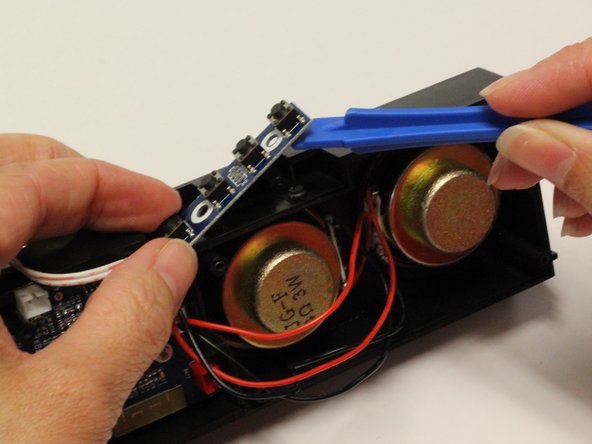
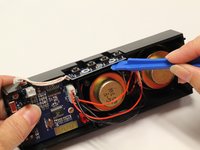
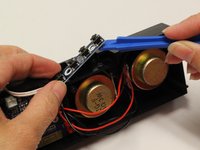
Using a plastic opening tool, pry the button mount off of the plastic casing of the device.
-
-
-
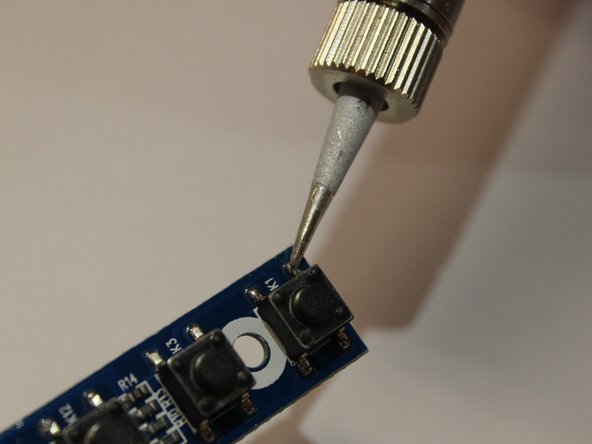
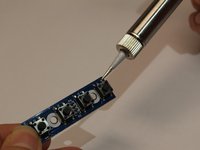
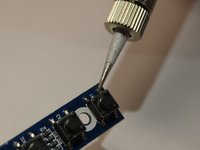
Using a soldering iron and iFixit’s Soldering Guide, remove the individual buttons.
-
-


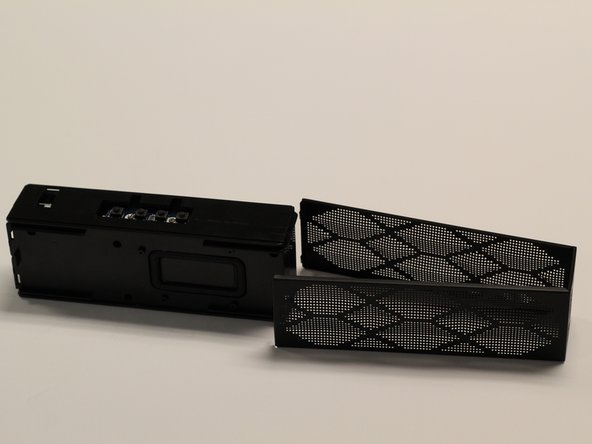

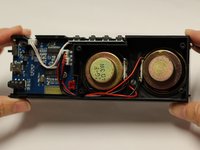


To reassemble your device, follow these instructions in reverse order.

Team

Baylor, Team 8-3, Whitney Spring 2017 Member of Baylor, Team 8-3, Whitney Spring 2017
BU-WHITNEY-S17S8G3
5 Members
60 Guides authored
