Free Shipping on Domestic Orders $75+

Chromebook 15 CB3-531-C4A5 Screen Replacement

What you need

    1. Chromebook 15 CB3-531-C4A5  Screen Replacement, Screen: step 1, image 1 of 2 Chromebook 15 CB3-531-C4A5  Screen Replacement, Screen: step 1, image 2 of 2
      • Remove the bezel with a plastic spudger.

      Ask FixBot

      Add Comment

    2. Chromebook 15 CB3-531-C4A5  Screen Replacement: step 2, image 1 of 2 Chromebook 15 CB3-531-C4A5  Screen Replacement: step 2, image 2 of 2
      • Remove four screws - one in each corner along the screen.

      Ask FixBot

      Add Comment

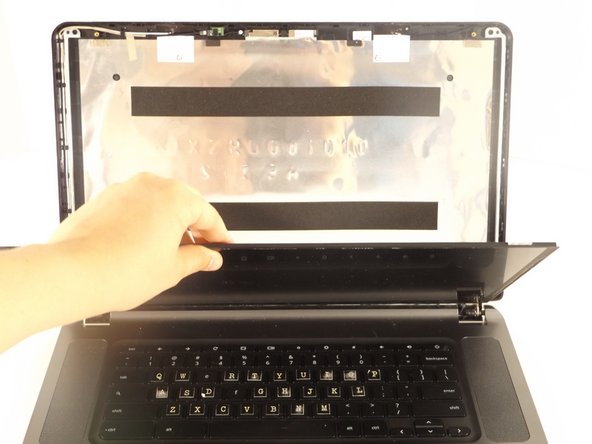
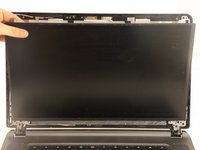
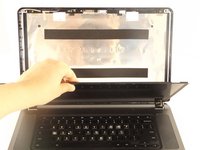
    3. Chromebook 15 CB3-531-C4A5  Screen Replacement: step 3, image 1 of 2 Chromebook 15 CB3-531-C4A5  Screen Replacement: step 3, image 2 of 2
      • Remove Screen by gently pulling it out and then lifting it up.

      Ask FixBot

      Add Comment

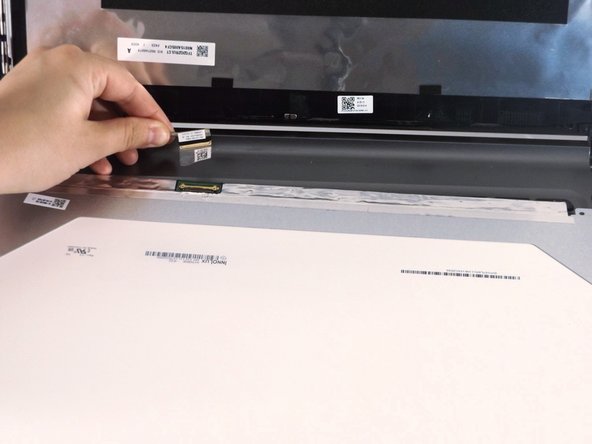
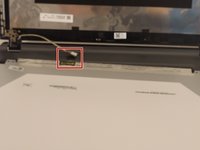
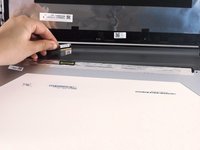
    4. Chromebook 15 CB3-531-C4A5  Screen Replacement: step 4, image 1 of 2 Chromebook 15 CB3-531-C4A5  Screen Replacement: step 4, image 2 of 2
      • Remove the LCD data cable which will allow the screen to be removed completely.

      Ask FixBot

      Add Comment

Conclusion

To reassemble your device, follow these instructions in reverse order.

Cancel: I did not complete this guide.

5 other people completed this guide.

1 Guide Comment

where can the screen be broughten?

collegegirl169 - Reply Share

Add Comment

View Statistics:

Past 24 Hours: 1

Past 7 Days: 6

Past 30 Days: 20

All Time: 1,668