Free Shipping on Domestic Orders $75+

This translation may not reflect the most recent updates from the source guide. Help update the translation or view the source guide.

Changing RAM on the why! L140/1PU

What you need

    1. Changing RAM on the why! L140/1PU, Back cover: step 1, image 1 of 2 Changing RAM on the why! L140/1PU, Back cover: step 1, image 2 of 2
      • Remove the screws.

      • Lift the cover.

      Ask FixBot

      Add Comment

    1. Changing RAM on the why! L140/1PU, Disconnection: step 2, image 1 of 2 Changing RAM on the why! L140/1PU, Disconnection: step 2, image 2 of 2
      • For safety reasons, the battery must be disconnected before each intervention.

      • Disconnect the battery your fingers.

      • Other components can now be replaced safely.

      Ask FixBot

      Add Comment

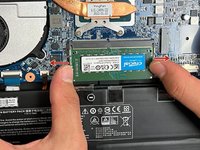
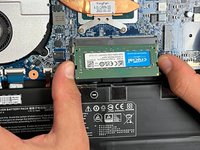
    1. Changing RAM on the why! L140/1PU, RAM: step 3, image 1 of 3 Changing RAM on the why! L140/1PU, RAM: step 3, image 2 of 3 Changing RAM on the why! L140/1PU, RAM: step 3, image 3 of 3
      • press the plastic latches slightly to the sides (red arrows) to free the memory stick,

      • The memory stick will 'pop up' on it's own

      • Remove the memory stick.

      Ask FixBot

      Add Comment

Conclusion

To reassemble your device, follow these instructions in reverse order.

Cancel: I did not complete this guide.

Special thanks to these translators:

fr en

80%

Juan Garcia is helping us fix the world! Want to contribute?
Start translating ›

Felice Suglia

Member since: 06/15/13

33,634 Reputation

283 Guides authored

0 Guide Comments

Add Comment

View Statistics:

Past 24 Hours: 2

Past 7 Days: 3

Past 30 Days: 14

All Time: 206