Free Shipping on Domestic Orders $75+

Casio Exilim EX-Z850 Flash Assembly Replacement

Views: 3.7K

View statistics:

Past 24 Hours:
3
Past 7 Days:
21
Past 30 Days:
105
All Time:
3,733
Comments: 0

No one has left comments on this guide. Will you be first?

Go to guide comments
Completed: 1

1 person has marked this guide "completed." Will you be next?

Favorites: 3

3 people have favorited (and subscribed to) this guide. Will you be next?

Time Required: No estimate
Difficulty: Moderate
Better Introduction

Improve this guide by completing or revising its introduction.

Missing Details

Some of this guide's details are missing. Help users by adding tools, difficulty, or time.

Casio Exilim EX-Z850 Flash Assembly Replacement

What you need

Tools

    1. Casio Exilim EX-Z850 Flash Assembly Replacement, Flash Assembly: step 1, image 1 of 1
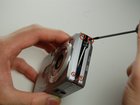
      • With your Phillips #00 screwdriver, remove the four screws on the side of the camera.

      Ask FixBot

      Add Comment

    2. Casio Exilim EX-Z850 Flash Assembly Replacement: step 2, image 1 of 1
      • With a Phillips #00 screwdriver, remove the four screws located on the bottom of the camera.

      • The bottom screws are longer than the top screws, so label accordingly for easy reassembly.

      Ask FixBot

      Add Comment

    3. Casio Exilim EX-Z850 Flash Assembly Replacement: step 3, image 1 of 1
      • With a Phillips #00 screwdriver, remove the four screws on the opposite side of the camera.

      Ask FixBot

      Add Comment

    4. Casio Exilim EX-Z850 Flash Assembly Replacement: step 4, image 1 of 2 Casio Exilim EX-Z850 Flash Assembly Replacement: step 4, image 2 of 2
      Tool used on this step:
      Tweezers
      $4.99
      Buy
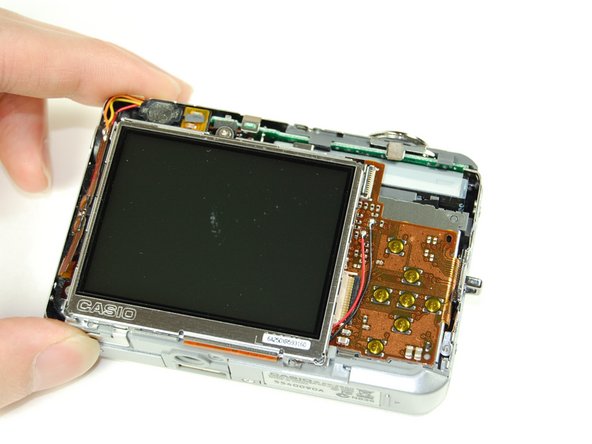
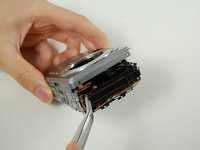
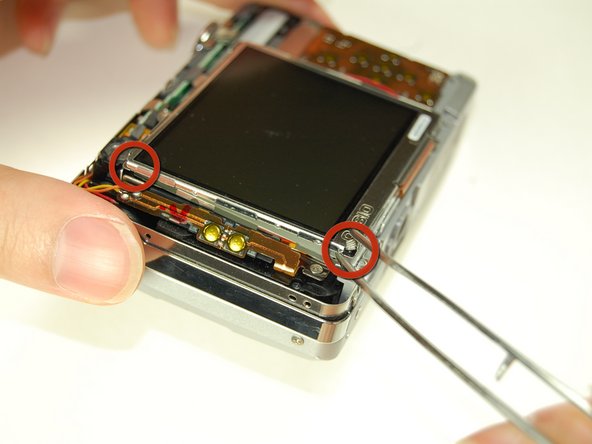
      • Once all screws have been removed, gently pry open bottom casing.

      • With tweezers, carefully remove the ribbon from the LCD screen.

      • Set bottom casing aside.

      • Prying open the camera from the casing could potentially damage the device, so open the casing slowly.

      Ask FixBot

      Add Comment

    5. Casio Exilim EX-Z850 Flash Assembly Replacement: step 5, image 1 of 3 Casio Exilim EX-Z850 Flash Assembly Replacement: step 5, image 2 of 3 Casio Exilim EX-Z850 Flash Assembly Replacement: step 5, image 3 of 3
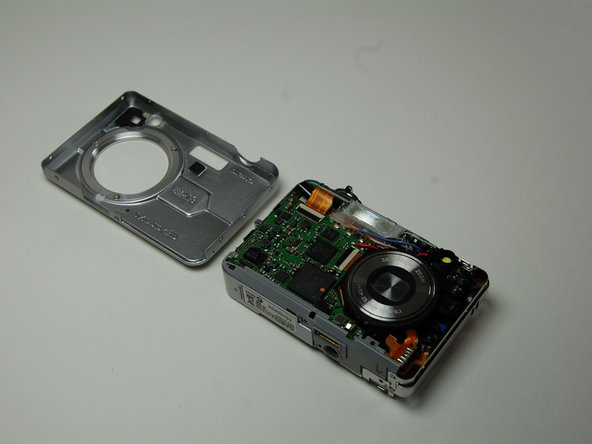
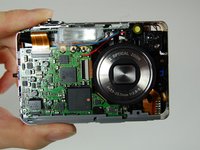
      • Using tweezers, gently pry apart the top casing from the camera.

      • Set the top casing aside.

      Ask FixBot

      Add Comment

    6. Casio Exilim EX-Z850 Flash Assembly Replacement: step 6, image 1 of 2 Casio Exilim EX-Z850 Flash Assembly Replacement: step 6, image 2 of 2
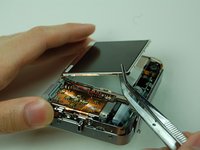
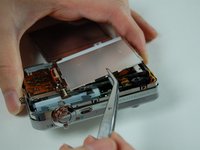
      • Use tweezers to pry the LCD screen off from the opening.

      • The bottom of the LCD screen is attached to the frame by a few pieces of black tape.

      Ask FixBot

      Add Comment

    7. Casio Exilim EX-Z850 Flash Assembly Replacement: step 7, image 1 of 2 Casio Exilim EX-Z850 Flash Assembly Replacement: step 7, image 2 of 2
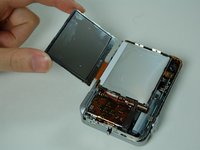
      • Use tweezers to lift up the LCD screen away from the camera.

      • Moving the screen could potentially damage the wire connecting it to the camera, so move the LCD screen slowly.

      Ask FixBot

      Add Comment

    8. Casio Exilim EX-Z850 Flash Assembly Replacement: step 8, image 1 of 2 Casio Exilim EX-Z850 Flash Assembly Replacement: step 8, image 2 of 2
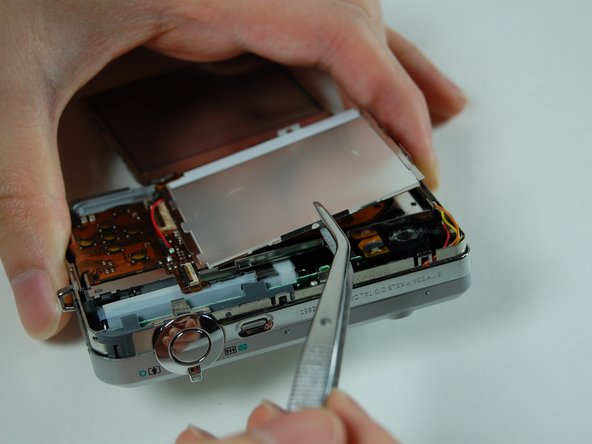
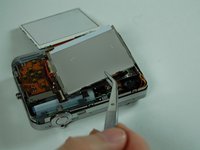
      • Use tweezers to slowly pry off LCD casing by lifting and moving it off the camera.

      Ask FixBot

      Add Comment

    9. Casio Exilim EX-Z850 Flash Assembly Replacement: step 9, image 1 of 3 Casio Exilim EX-Z850 Flash Assembly Replacement: step 9, image 2 of 3 Casio Exilim EX-Z850 Flash Assembly Replacement: step 9, image 3 of 3
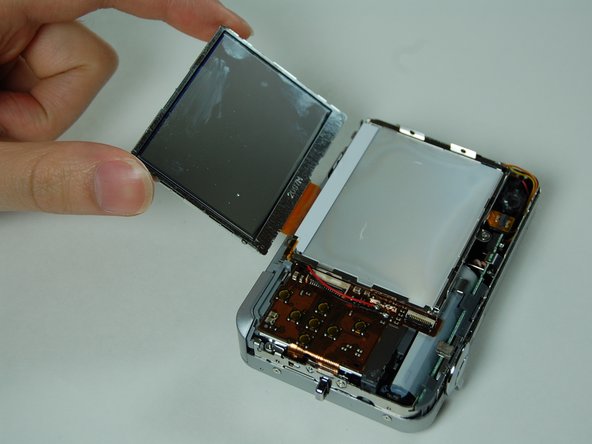
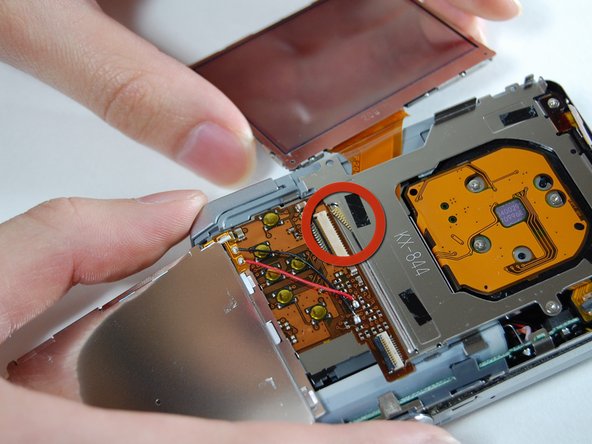
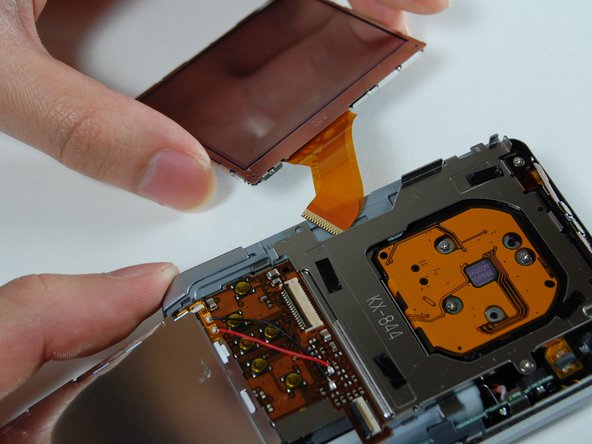
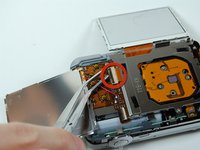
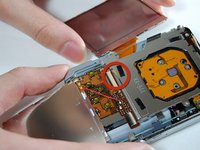
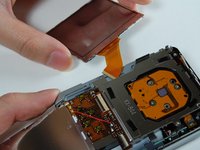
      • Use tweezers to flip open the connector holding the ribbon.

      • Gently pull out the LCD screen with the ribbon from the camera.

      Ask FixBot

      Add Comment

    10. Casio Exilim EX-Z850 Flash Assembly Replacement: step 10, image 1 of 2 Casio Exilim EX-Z850 Flash Assembly Replacement: step 10, image 2 of 2
      • Using a Phillips #00 screwdriver, remove the two screws on the side where the battery is located.

      • Remove the lanyard loop after the screws come off.

      • Slowly pull the side casing so it becomes dislocated from the top of the camera frame.

      Ask FixBot

      Add Comment

    11. Casio Exilim EX-Z850 Flash Assembly Replacement: step 11, image 1 of 2 Casio Exilim EX-Z850 Flash Assembly Replacement: step 11, image 2 of 2
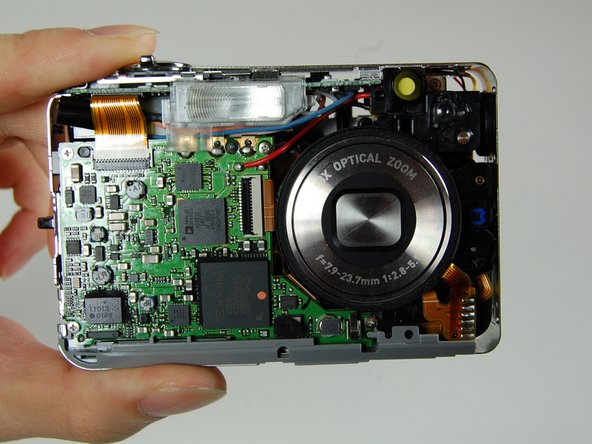
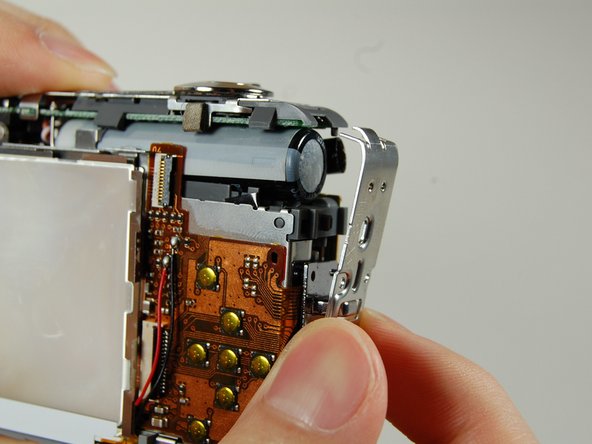
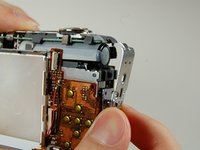
      • On the front of the camera, detach the ribbon from the connector.

      Ask FixBot

      Add Comment

    12. Casio Exilim EX-Z850 Flash Assembly Replacement: step 12, image 1 of 3 Casio Exilim EX-Z850 Flash Assembly Replacement: step 12, image 2 of 3 Casio Exilim EX-Z850 Flash Assembly Replacement: step 12, image 3 of 3
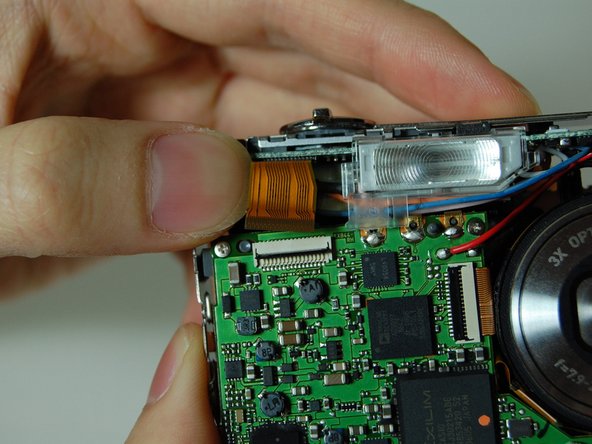
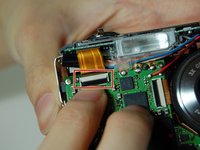
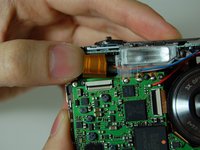
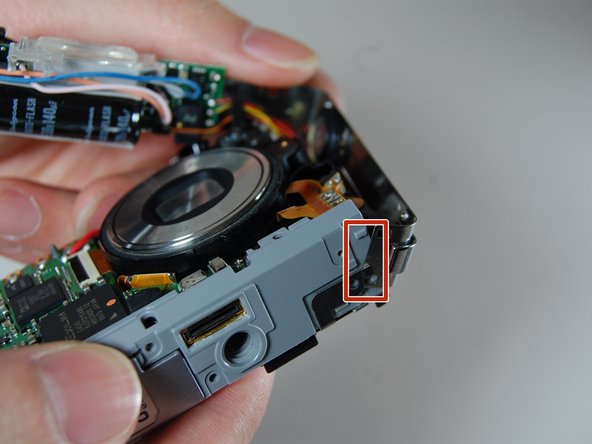
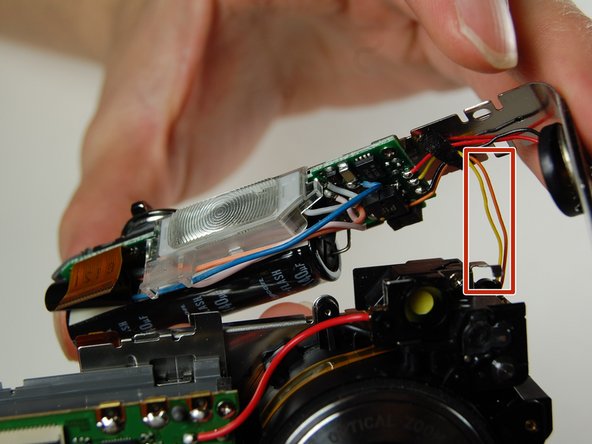
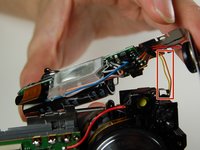
      • Carefully remove the L shaped frame from the camera.

      • There is a yellow and orange wire connected to camera. Be careful not to pull them off.

      • At the bottom of the camera, the L-shaped frame is connected by two plastic bumps and a metal tab.

      Ask FixBot

      Add Comment

    13. Casio Exilim EX-Z850 Flash Assembly Replacement: step 13, image 1 of 1
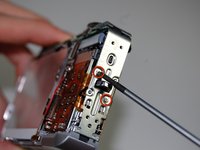
      • Using a Phillips #00 screwdriver, remove the two screws on the front of the flash assembly.

      • Remove flash assembly, and replace it with a new flash assembly.

      Ask FixBot

      Add Comment

Conclusion

To reassemble your device, follow these instructions in reverse order.

Cancel: I did not complete this guide.

One other person completed this guide.

Christian

Member since: 01/28/11

320 Reputation

3 Guides authored

Team

Cal Poly, Team 4-38, Regan Winter 2011 Member of Cal Poly, Team 4-38, Regan Winter 2011

CPSU-REGAN-W11S4G38

4 Members

84 Guides authored

0 Guide Comments

Add Comment

View Statistics:

Past 24 Hours: 3

Past 7 Days: 21

Past 30 Days: 105

All Time: 3,733