
Casio Exilim EX-Z850 Battery Casing Disassembly

Logan and 13 other contributors
Last updated on May 7, 2024
Views: 4.8K
View statistics:
- Past 24 Hours:
- 2
- Past 7 Days:
- 22
- Past 30 Days:
- 125
- All Time:
- 4,752
Comments: 0
No one has left comments on this guide. Will you be first?
Go to guide commentsCompleted: 0 1
No one has marked this guide "completed." Will you be the first?
1 person has marked this guide "completed." It's you — great job!
Favorites: 4 5
4 people have favorited (and subscribed to) this guide. Will you be next?
5 people have favorited (and subscribed to) this guide — including you!
Action Shots
Be an action hero! This guide needs images that better demonstrate how to perform specific actions.
Introduction
Go to step 1 ↓If you would like to clean your camera or check the connections, this guide describes how to remove the battery casing on the camera.
What you need
Tools


-
-
-
Use a Phillips #00 Screwdriver to remove all four of the screws on the right side of the camera with the lens facing you.
 Ask FixBot
-
-
-
Use a Phillips #00 screwdriver, unscrew all four screws on the left side of the camera.
-
-
-
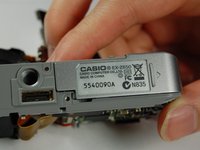
Use the Phillips #00 screwdriver to remove all four of the screws on the bottom of the camera.
-
-
Tool used on this step:Tweezers$4.99
-
Once all screws have been removed, slowly pry open the back casing of the camera.
-
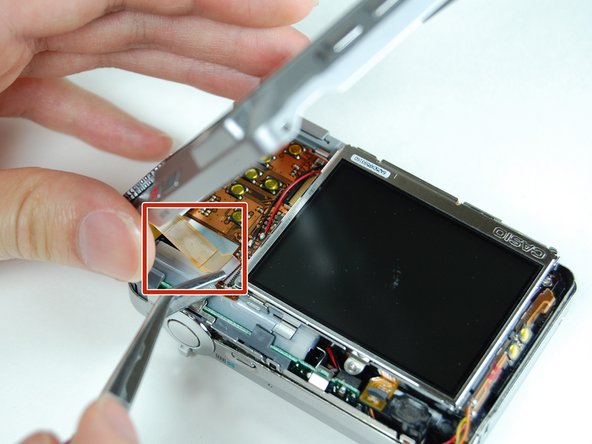
Gently remove the ribbon cable from the LCD with tweezers.
-
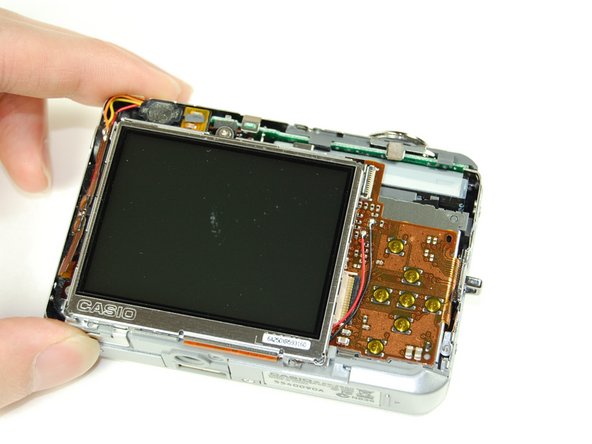
Set aside back casing of the camera.
-
-
-
Use your tweezers to hold the camera secure, while you pull the front cover off of the camera.
-
-
-
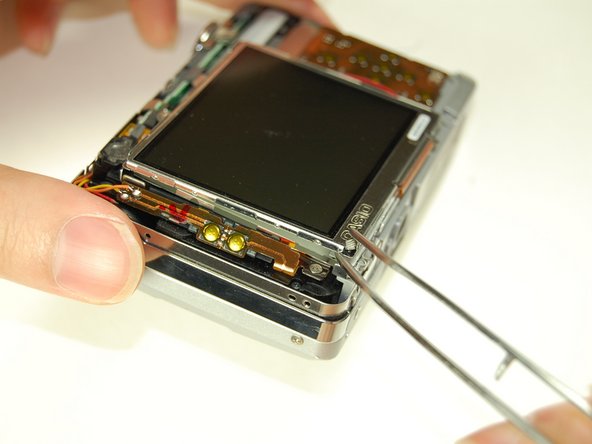
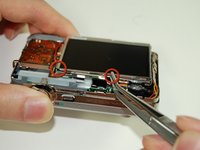
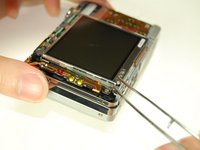
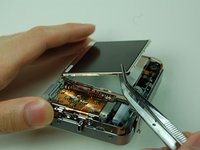
Lift screen away from the camera with your tweezers.
-
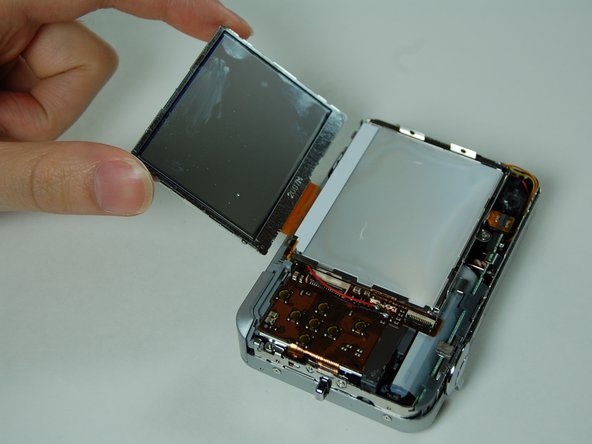
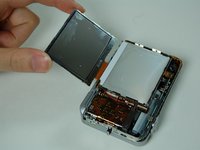
Flip screen over gently with your fingers once it is lifted far away enough from the camera.
-
-
-
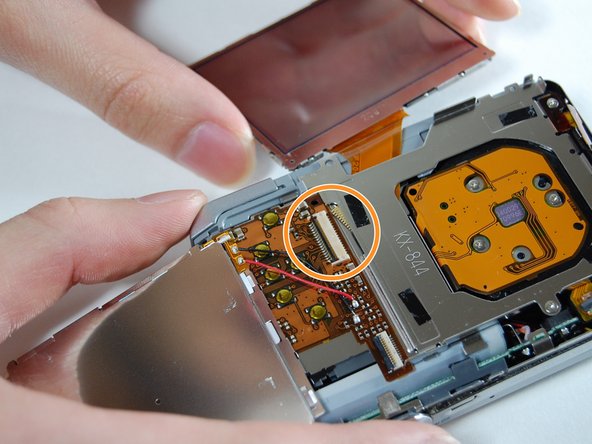
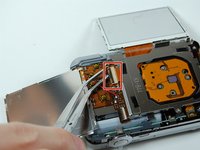
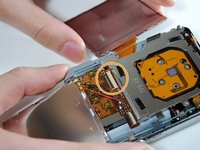
Use your tweezers to lift the bar holding the ribbon off.
-
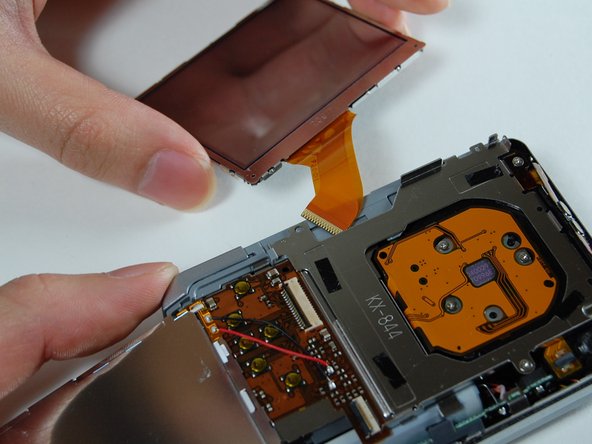
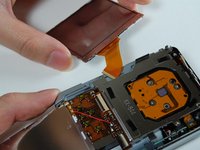
Disconnect the ribbon to release the LCD screen.
-
Use your fingers to pull the LCD screen with the attached ribbon from the camera.
-
-
-
Use a Phillips #00 screwdriver to remove the two screws from the side of the camera that has the strap mount.
-
Remove strap mount by slowly pulling the side of the case so it will dislocate from the top of the camera.
-
-
-
-
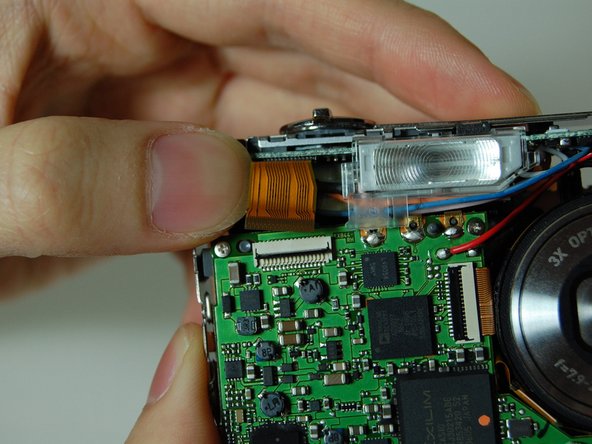
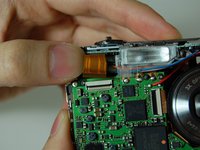
Hold the camera facing toward you. Pull up the bar that is securing the ribbon located to the left of the flash.
-
Disconnect the ribbon by prying it off with your fingers.
-
-
-
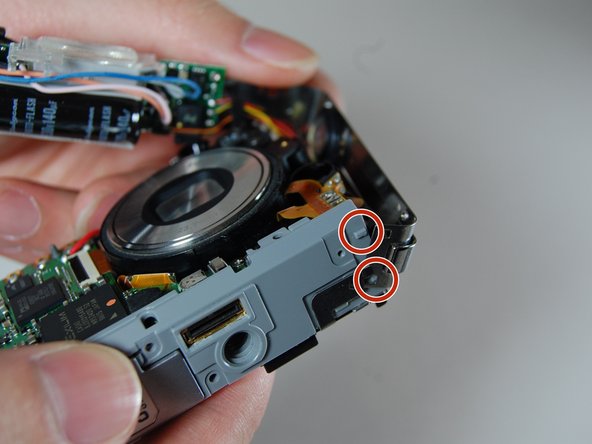
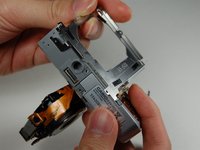
With the lens facing towards you, pull the L-shaped frame away from the camera.
-
Remove the frame from the two studs and metal tabs keeping it in place at the bottom of the camera.
-
-
-
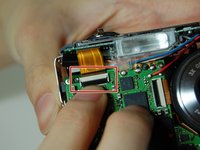
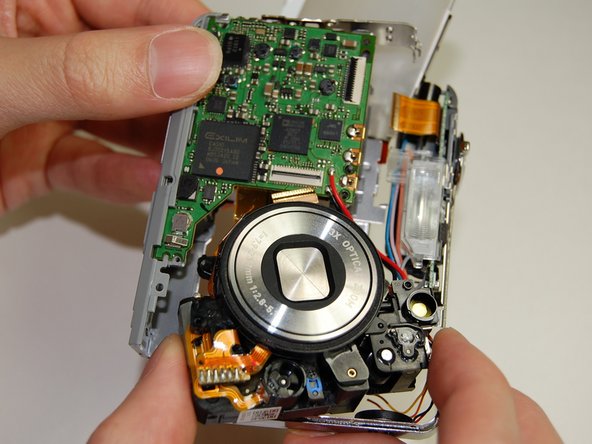
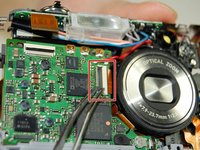
Locate the logic board to the left of the lens. You will see a bar securing a ribbon. Flip the bar up to release the ribbon.
-
Disconnect the ribbon.
-
-
-
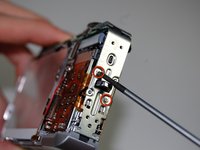
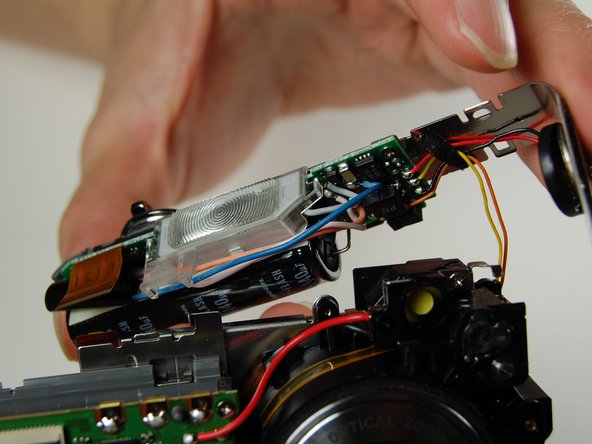
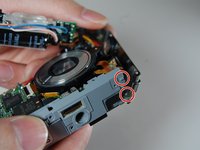
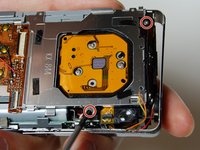
Use your Phillips #00 screwdriver to remove the two screws connecting the frame to the back of the camera.
-
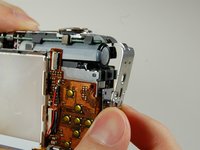
Lift the frame away on the LCD screen side of the camera.
-
-
-
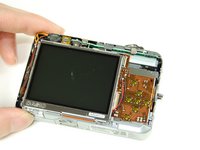
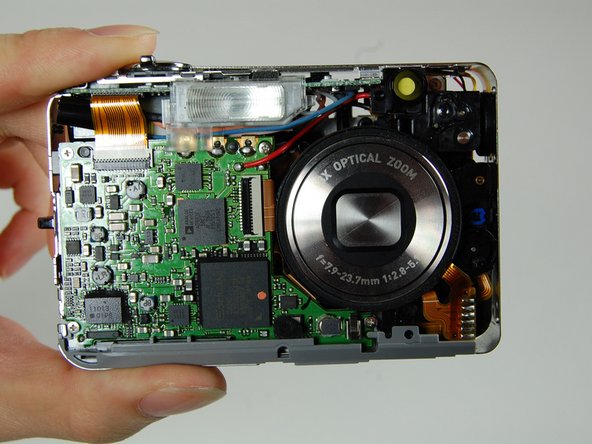
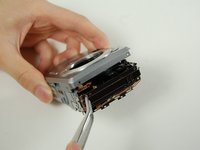
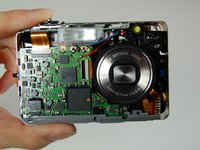
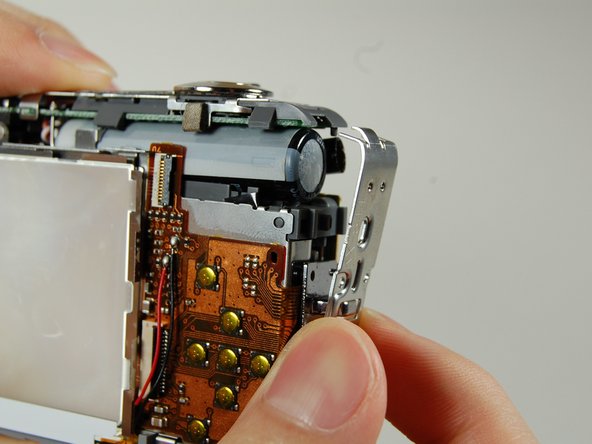
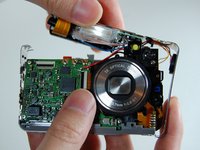
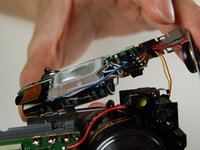
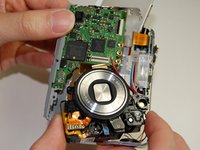
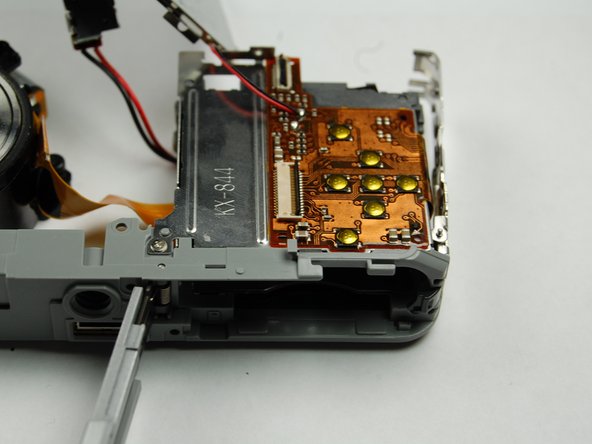
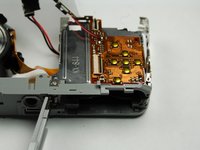
This is what your camera should look like now that you have the battery casing isolated.
-
-














To reassemble your device, follow these instructions in reverse order.

Team

Cal Poly, Team 4-38, Regan Winter 2011 Member of Cal Poly, Team 4-38, Regan Winter 2011
CPSU-REGAN-W11S4G38
4 Members
84 Guides authored
