Introduction
This guide will allow you to properly replace the front and back panel of the Casio Exilim EX-Z80 camera. This will also allow you to access the inner parts of the camera in the case that the lens or motherboard need to be replaced.
What you need
-
-
Locate the battery compartment at the bottom of the camera.
-
With your thumb, gently press down on the compartment door and slide to the left to open.
 Ask FixBot
-
-
-
With your index finger, gently pull back gray release lever for the battery to pop out.
-
Gently pull the battery out of the slot.
-
-
-
Remove the four 3 mm black screws from the bottom of the camera using a Phillips #000 screwdriver.
-
Open the battery compartment with your thumb or index finger.
-
Remove the single 2 mm silver screw that is now exposed using a Phillips #000 screwdriver.
-
-
-
-
Open the USB port tab.
-
Remove the single 2 mm silver screw using a Phillips #000 screwdriver.
-
-
-
Carefully remove the silver strip from left side. Open the battery cover and remove the metal strip with fingers by sliding it to the left.
-
-
-
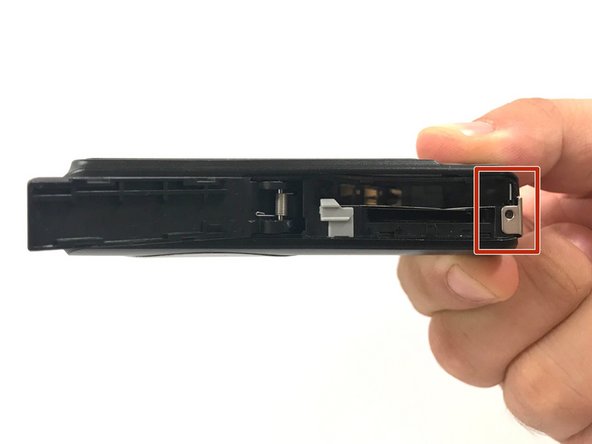
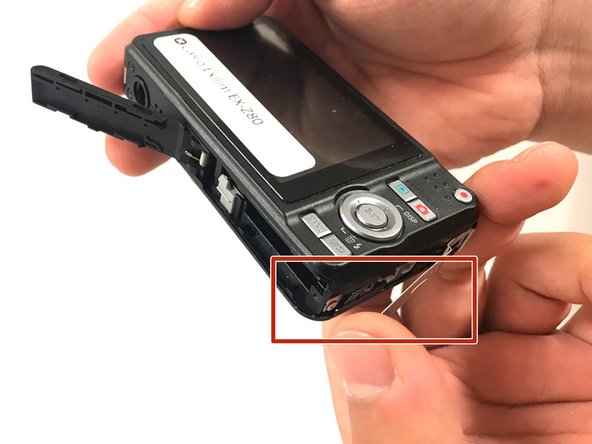
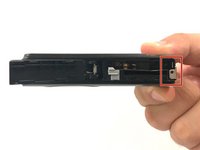
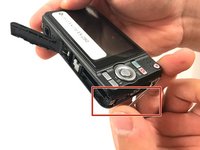
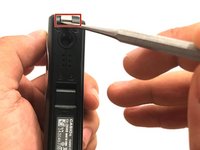
With the metal spudger, pry out the edge of the silver strip at the bottom right side of the camera.
-
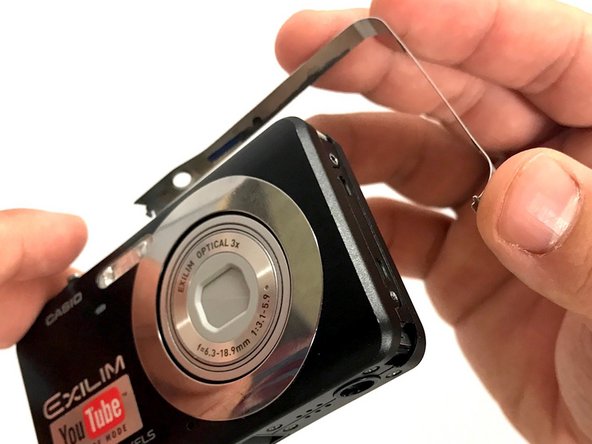
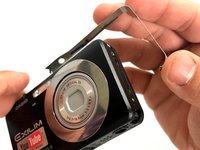
Carefully remove the remaining part of the metal strip.
-
-
-
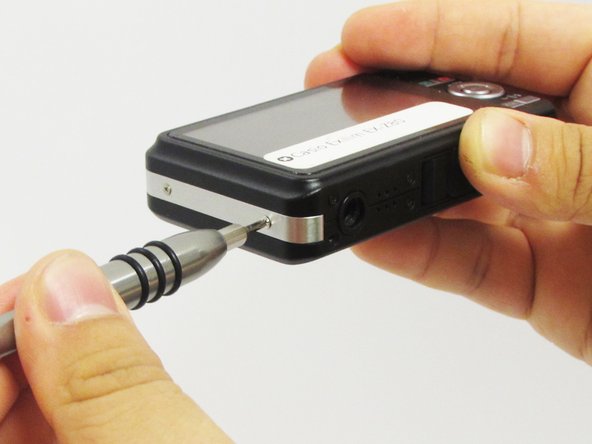
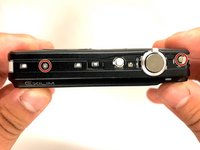
Remove the two 2 mm silver screws from the top corners of the camera using a Phillips #000 screwdriver.
-
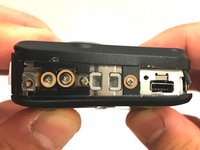
Remove the three 2 mm screws from the left side using a Phillips #000 screwdriver.
-
-
-
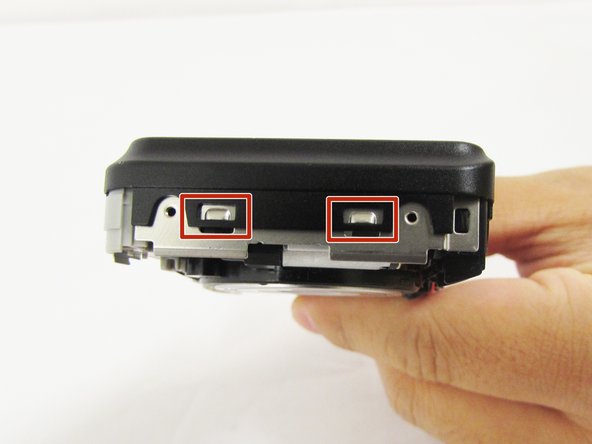
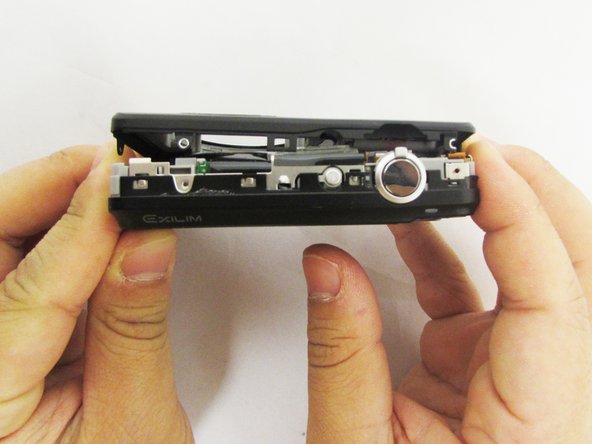
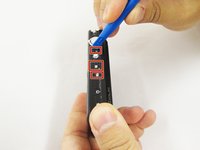
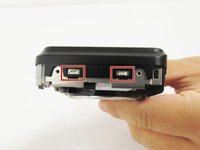
Using a small opening tool carefully release all lock tabs at the top and on the side of the camera from their locked position.
-
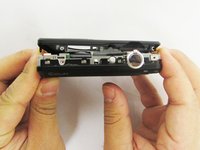
Using your hands, carefully separate the front and back panel from the camera.
-






To reassemble your device, follow these instructions in reverse order.

Team

Eastern Washington University, Team S1-G5, Crane Spring 2017 Member of Eastern Washington University, Team S1-G5, Crane Spring 2017
EWU-CRANE-S17S1G5
3 Members
10 Guides authored
