Introduction
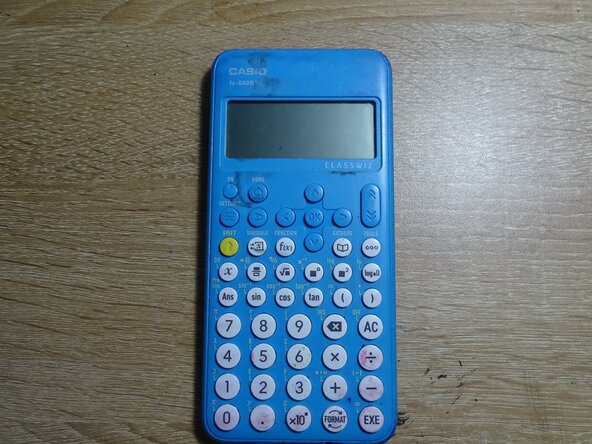
Hey! It seems like you either clicked on here either because you wanted to replace the battery of your Fx-880 BTG calculator, which is pretty unlikely because they only sell those in Vietnam (or you just smuggled one from there, you silly goose), or you're just curious on what a ClassWiz fx-880 inside looks like, most likely chance. So when you're ready to get in lets get straight into it!
-
-
-
SERIOUSLY, I saw a guy at my school do this without shutting his calculator down and apparently he could NOT start up his calculator anymore. PLUS, it's just so much smarter to just shut it down first!
 Ask FixBot
-
-
-
So after you shut it down, you like flip it to it's back with your HAND
-
So, after you flip it over, take your most trusty phillip screwdriver you have and with all your might, do ahead and unscrew that baby
-
-
-
Unscrewed it? Now, pop off that back and look at the beauty hiding inside it, it's just so magnificent!
-
-
-
-
Now, get your HANDS, and then, just pop that AAA battery, just like popping off a heart of a human
-
-
-
Now take your new AAA battery and then just pop that thing into the battery slot
-
-
-
You now, just pop the back of the calculator back on
-
You screw the back back in
-
-
-
if it doesn't work, its probably because the battery you replaced is also dead
-
Now turn it on and test if it works!
-
-



DID YOU ACTUALLY DO THE GUIDE??? CAN YOU LIKE GIVE ME A HUG PLEASE?????
Cancel: I did not complete this guide.
One other person completed this guide.

