Introduction
Film is an essential part of using a camera. As you use the camera, the film will get used up. This guide will show you how to replace the film with a new one.
-
-
-
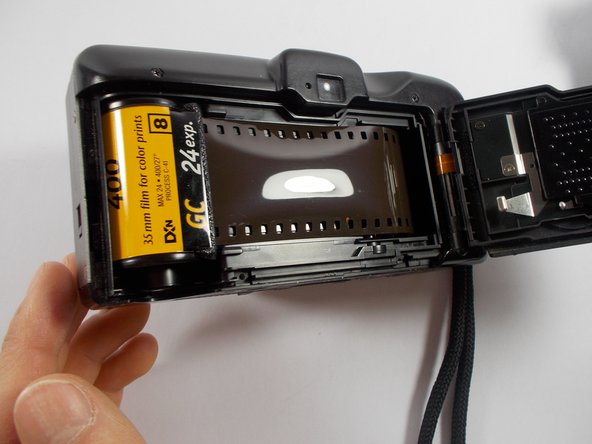
On the side of your camera, push the strip of black plastic located in between "open" and a down arrow, down to open the camera. The back of the camera will pop open showing the film.
 Ask FixBot
-
-
-
Locate the side of the film that holds all the film. Push it forward and lift it out of the camera.
-
-
-
-
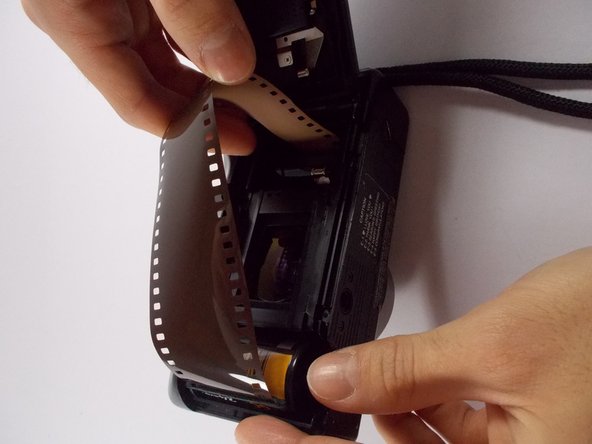
Take you new roll of film and pull film out until it's the horizontal length of the camera.
-
-
-
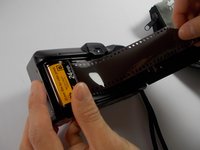
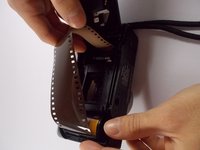
Take the film and feed it through the right side of the plastic cylinder. The film should wrap around it.
-
-


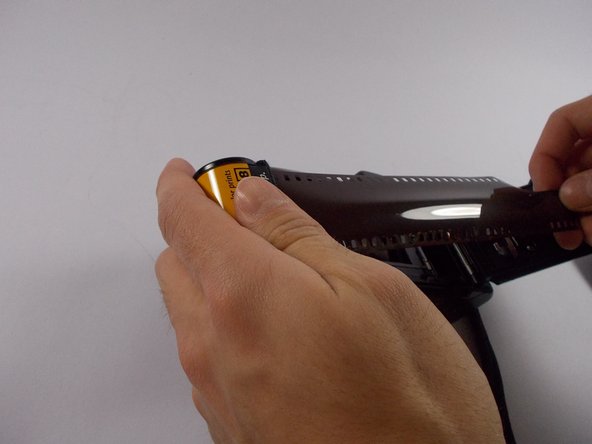


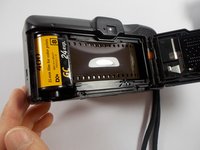
Close the cover that covers the film that you opened in part 1.
Cancel: I did not complete this guide.
One other person completed this guide.

Team

UMass Dartmouth, Team 2-3, Shastany Spring 2015 Member of UMass Dartmouth, Team 2-3, Shastany Spring 2015
UMASSD-SHASTANY-S15S2G3
5 Members
36 Guides authored
