
Canon PowerShot G3 Screen Replacement

Ordonez5 and 20 other contributors
Last updated on Feb 28, 2020
Views: 4.4K
View statistics:
- Past 24 Hours:
- 0
- Past 7 Days:
- 18
- Past 30 Days:
- 67
- All Time:
- 4,369
Comments: 2
2 guide comments.
Go to guide commentsCompleted: 3 4
3 people have marked this guide "completed." Will you be next?
4 people have marked this guide "completed." Including you — great job!
Favorites: 0 1
No one has favorited (and subscribed to) this guide. Will you be the first?
1 person has favorited (and subscribed to) this guide — and that's you!
Needs Better Images
Better photos will improve this guide. Help out by taking, editing, or uploading new ones!
Step Trimmer
This guide has unnecessary steps. Trim them to be more concise!
Introduction
Go to step 1 ↓Replacing the screen on a Canon PowerShot G3 is a process that takes a few steps, but are all simple. If the screen is cracked, displaying odd images, or will not turn on, it will need to be replaced. No special skills are required to replace the screen, but keep in mind attention to detail and a gentle hand are important. Follow this guide to replace the screen of a Canon Powershot G3.
What you need
Tools
-
-
-
Spudger4.9


-
-
-
On the bottom of the camera, push and slide open the battery compartment.
-
Remove the battery.
 Ask FixBot
-
-
-
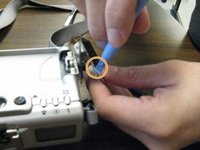
Remove both Phillips #0 screws on the opposite side of the screen, located near the hinge.
-
-
-
Remove the back panel of the screen, using a spudger or opening tool if necessary.
-
-
-
Turn the screen perpendicular to body of the camera.
-
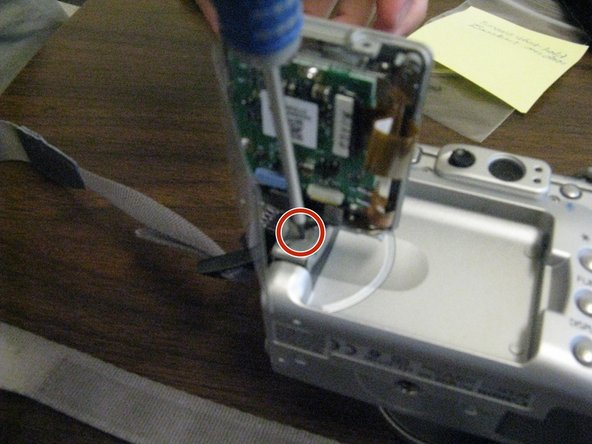
Remove the Phillips #0 screw at the base of the hinge.
-
-
-
Push the screen down and away from the camera.
-
Remove the single Phillips #0 screw at the base of the rotating arm. This will allow you to remove the screen cover.
-
-
-
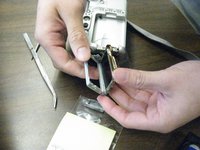
Remove the black bar attached to the data ribbon cable. You will use this with the replacement.
-
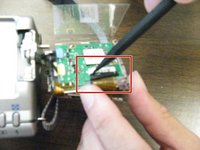
Slide the black bar from underneath the white socket.
-
-
-









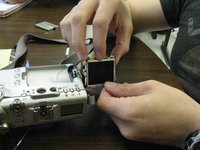
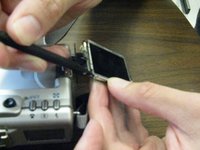
Repeat Steps 1-7 in reverse order to reassemble.
Cancel: I did not complete this guide.
3 other people completed this guide.

Team

Ohio State, Team 1-4, Buehl Fall 2012 Member of Ohio State, Team 1-4, Buehl Fall 2012
OSU-BUEHL-F12S1G4
3 Members
12 Guides authored
