
Canon PowerShot ELPH330 HS Camera Repair LCD Screen Replacement

Michelle Ngo and 5 other contributors
Last updated on Sep 8, 2022
Views: 1.2K
View statistics:
- Past 24 Hours:
- 0
- Past 7 Days:
- 20
- Past 30 Days:
- 66
- All Time:
- 1,240
Comments: 0
No one has left comments on this guide. Will you be first?
Go to guide commentsCompleted: 0 1
No one has marked this guide "completed." Will you be the first?
1 person has marked this guide "completed." It's you — great job!
Favorites: 0 1
No one has favorited (and subscribed to) this guide. Will you be the first?
1 person has favorited (and subscribed to) this guide — and that's you!
Action Shots
Be an action hero! This guide needs images that better demonstrate how to perform specific actions.
Needs Better Images
Better photos will improve this guide. Help out by taking, editing, or uploading new ones!
Introduction
Go to step 1 ↓If you’re experiencing problems with your screen, consider reading this guide. This guide will show you how to replace the LCD screen in your Canon PowerShot ELPH 330 HS.
What you need
Tools
-
Spudger4.9


-
-
-
Turn off your camera.
-
Remove the battery.
-
Slide the battery door open with the rubber pad on the bottom right side of the camera.
-
Remove the battery by pushing down on the release button.
 Ask FixBot
-
-
-
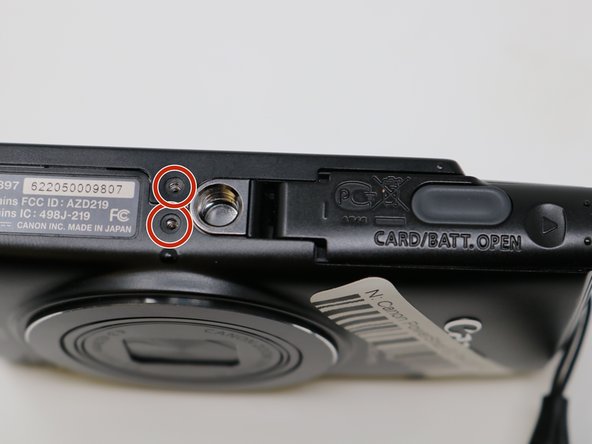
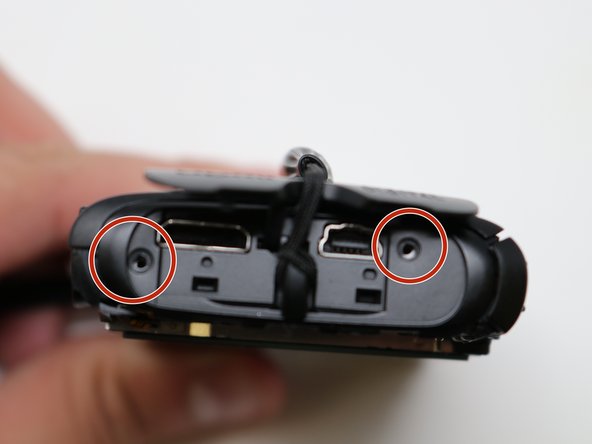
Remove the two screws on the bottom of the camera with a Phillips #00 screwdriver.
-
-
-
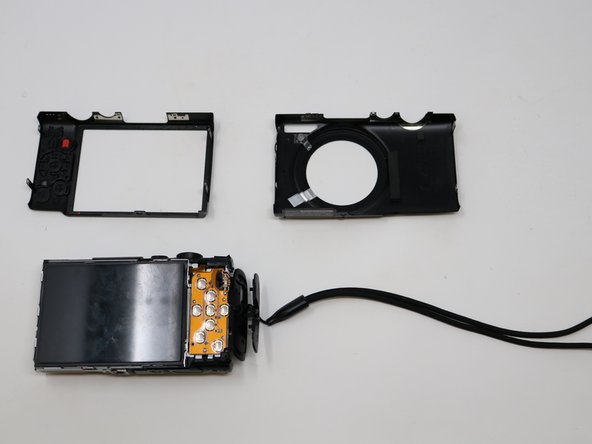
Flip the camera over so that the lens is facing you.
-
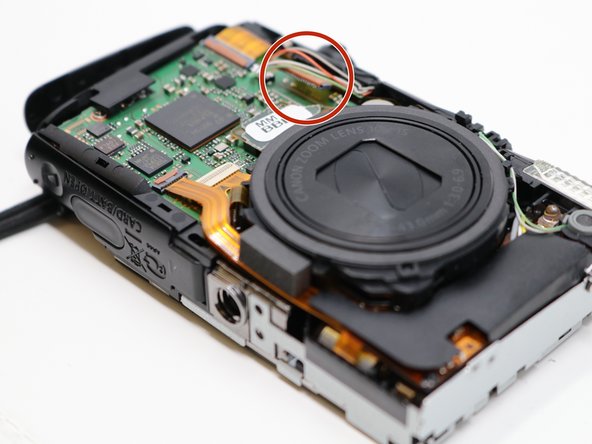
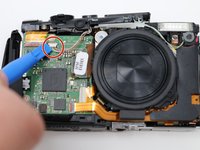
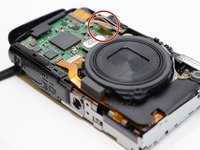
Disconnect the highlighted port from the motherboard.
-
-
-



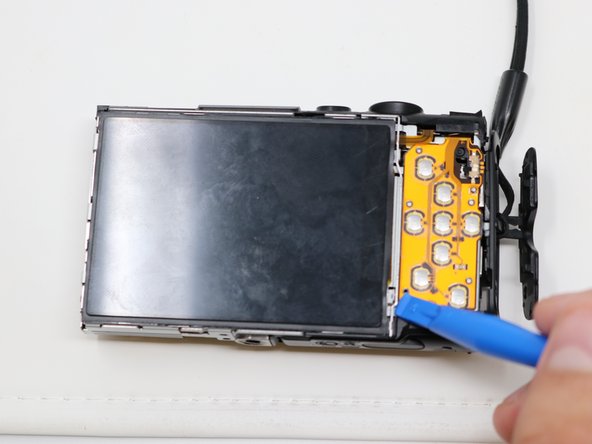
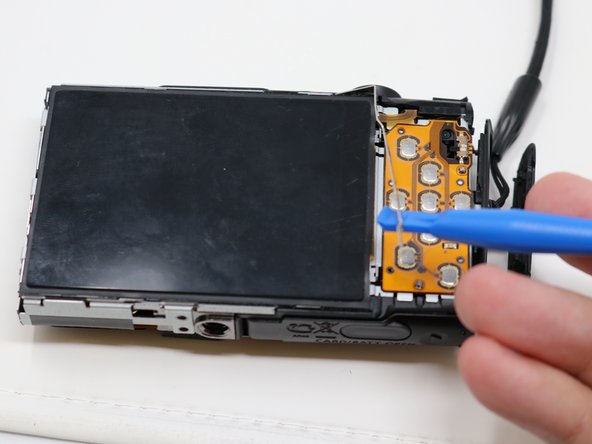
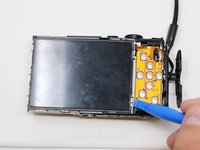
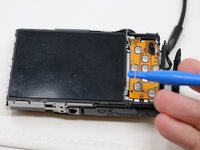
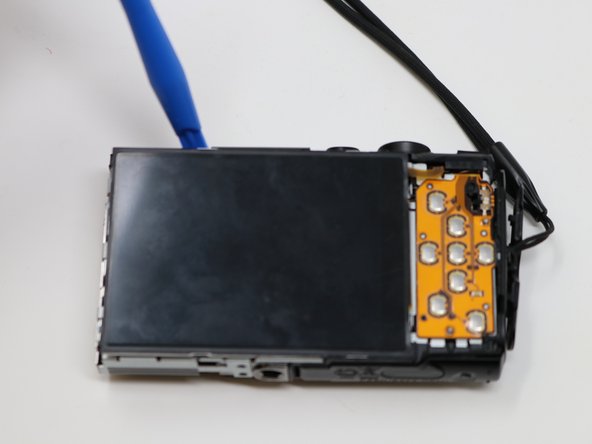
To reassemble your device, follow these instructions in reverse order.

Team

UW Tacoma, Team S1-G3, Liner Summer 2019 Member of UW Tacoma, Team S1-G3, Liner Summer 2019
UWT-LINER-SU19S1G3
4 Members
36 Guides authored
