Introduction
Removing the back cover can be useful if you need to replace it if the screen is broken or if there is some other issue with it. The back cover can also be broken down further, allowing replacement of individual parts found on the back cover assembly if you are able to find individual replacement parts. This guide will not cover disassembly of the back cover itself however, and will only show you how to remove the back cover from the camera.
What you need
-
-
-
Pry open the rubber I/F terminal cap with your finger.
-
Remove the two M1.7x4.5mm JIS #000 screws that are underneath the I/F terminal cap.
-
Using a plastic pick, or another thin plastic prying tool, pop off the I/F terminal cover from the camera.
 Ask FixBot
-
-
-
-
-
On the left side of the camera, remove the following screw:
-
One M1.7x4.5mm JIS #000 screw
-
On the right side, remove the following screws:
-
One M1.7x5.5mm JIS #000 screw
-
One M1.7x4.5mm JIS #000 screw
-
-
-
-
Remove the battery door.
-
Open the battery door to about a 35° angle.
-
Pull the battery door straight outwards.
-
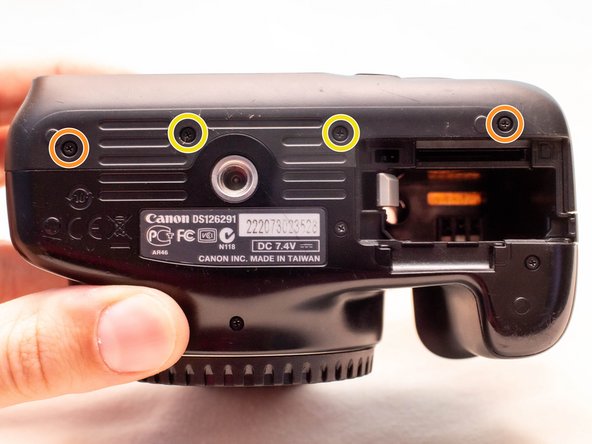
Remove the following screws from the bottom of the camera:
-
Two M1.7x4.5mm JIS #000 screws
-
Two M1.7x3.0mm JIS #000 screws
-
-
-
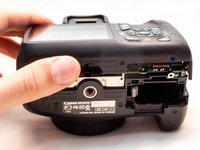
Carefully lift the back cover partially off of the camera.
-
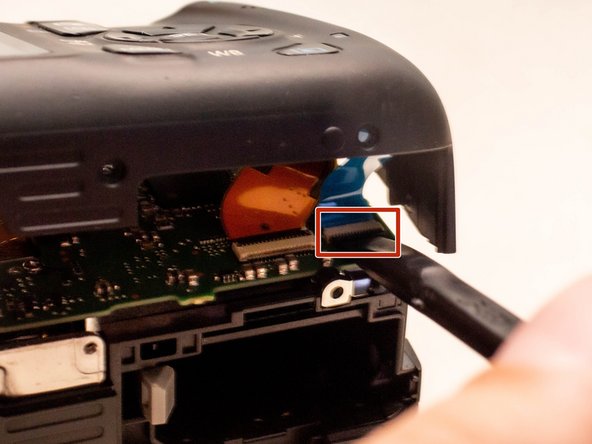
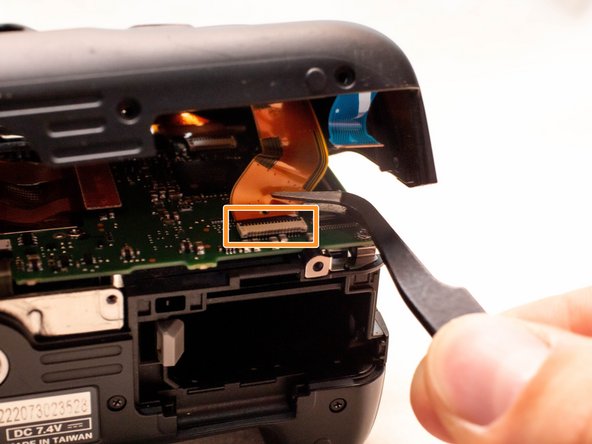
Disconnect the right most ribbon cables from the main PCB board.
-
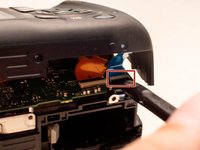
Use a plastic spudger to lift up the black locking tab.
-
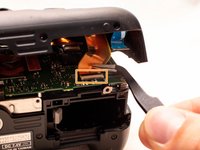
Pull out the ribbon cable from its connector using a pair of angled tweezers.
-
Remove the left ribbon cable using the same two steps as with the other ribbon cable.
-
-



To reassemble your device, follow these instructions in reverse order.


