Introduction
This guide will show you how to replace the interface cover, which includes both the plastic cover and the rubber caps over the interface itself.
Note that the Phillips #000 screwdriver is marked as an optional tool as you can always use the JIS #000 screwdriver in its place (JIS screwdrivers won't damage Phillips head screws).
What you need
-
-
-
Before beginning, remove the battery and SD card from the camera.
-
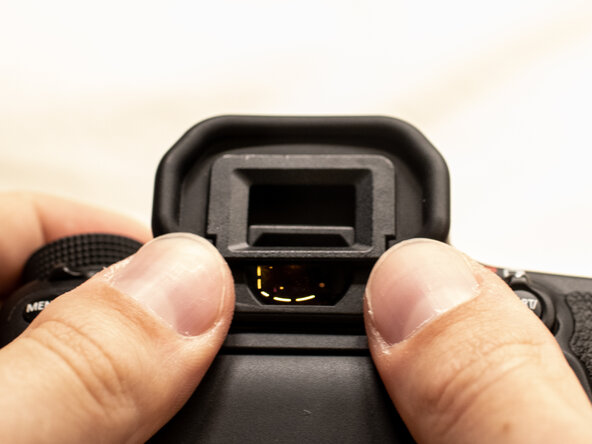
Using your thumbs, push up on the eyepiece to remove it.
-
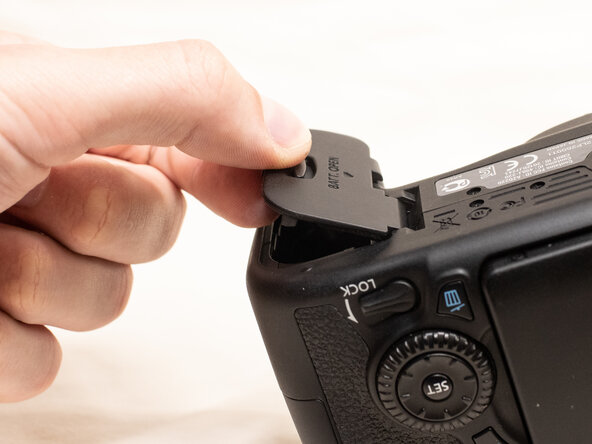
Remove the battery door.
-
Open the battery door to about a 35° angle.
-
Pull the battery door straight outwards.
 Ask FixBot
-
-
-
-
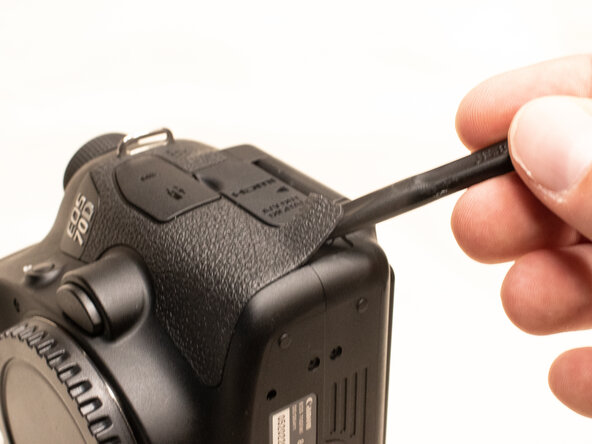
Using a plastic spudger tool, peel off the rubber grip on the left side of the camera.
-
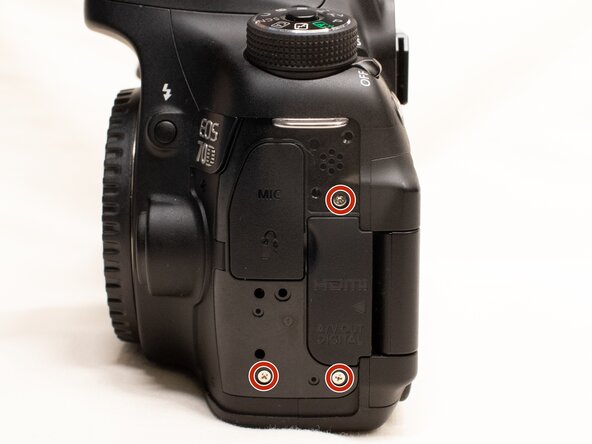
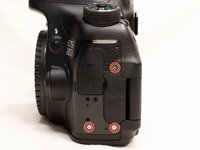
Underneath where the rubber grip was, remove the following screws:
-
Three M1.7x5.5mm Phillips #000 screws
-
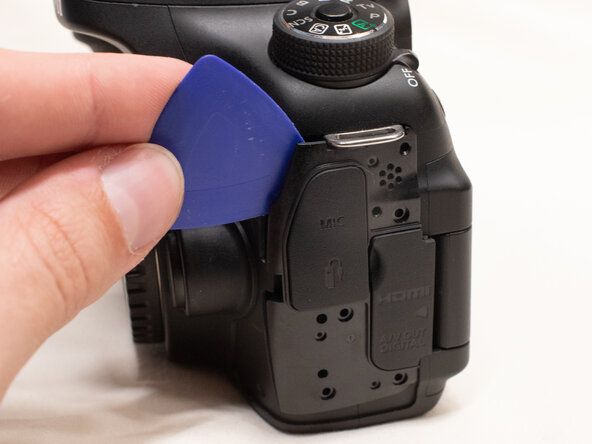
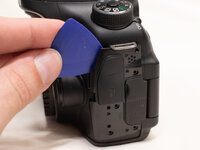
Pry off the plastic interface cover.
-
-
To reassemble your device, follow these instructions in reverse order.

