
Canon EOS 300 Command Dial Replacement

Tammy Kong and 3 other contributors
Last updated on Mar 21, 2014
Views: 2.6K
View statistics:
- Past 24 Hours:
- 4
- Past 7 Days:
- 23
- Past 30 Days:
- 110
- All Time:
- 2,622
Comments: 2
2 comments on steps.
Completed: 0 1
No one has marked this guide "completed." Will you be the first?
1 person has marked this guide "completed." It's you — great job!
Favorites: 0 1
No one has favorited (and subscribed to) this guide. Will you be the first?
1 person has favorited (and subscribed to) this guide — and that's you!
Featured Student Guide
This guide has been the hard work of our awesome students and is found to be exceptionally cool by the iFixit staff.
Introduction
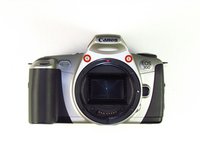
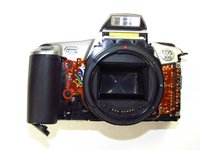
Go to step 1 ↓Use this guide to replace your camera's command dial.
What you need
Tools
-
Spudger4.9


-
-
-
-
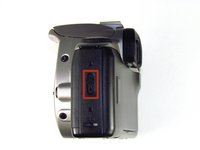
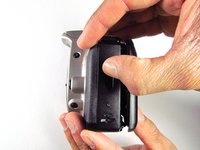
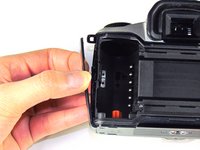
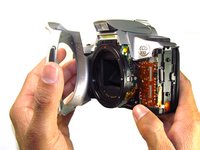
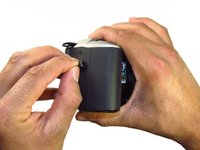
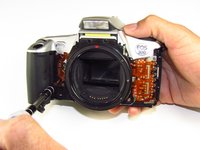
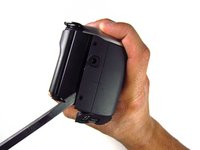
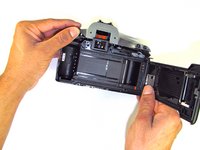
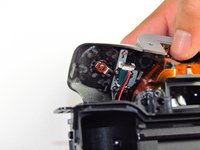
Using your finger, carefully pry open the side panel from the top of camera.
-
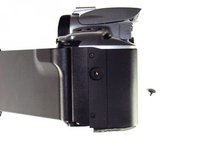
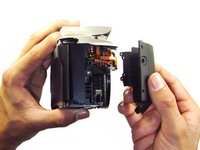
Pull panel downwards to remove.
-
-
-
-
-
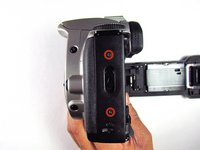
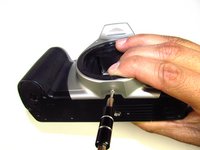
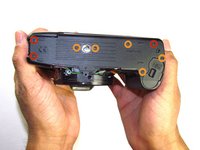
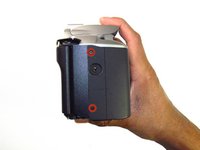
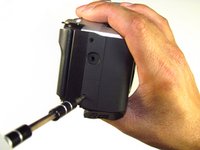
Remove three black 7.3mm Phillips #1 screws located on the corners of the camera.
-
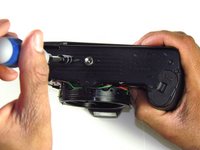
Remove five black 4.8mm Phillips #1 screws.
-
-
-
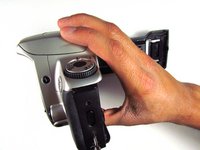
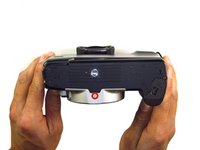
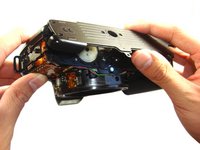
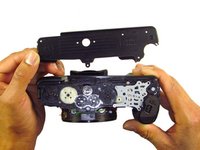
Simply remove the bottom panel by prying it off with your finger.
-
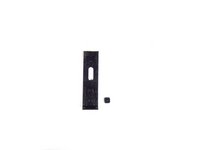
Be wary of a loose piece of foam attached to the bottom panel.
-
-
-
-
-
-
-
-
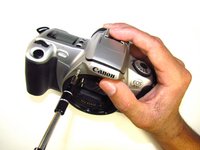
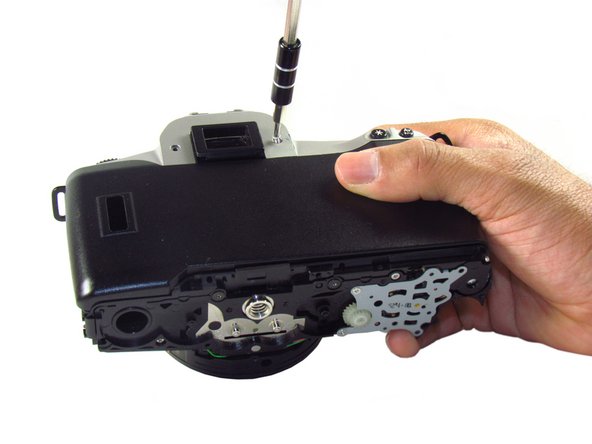
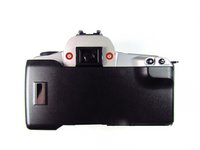
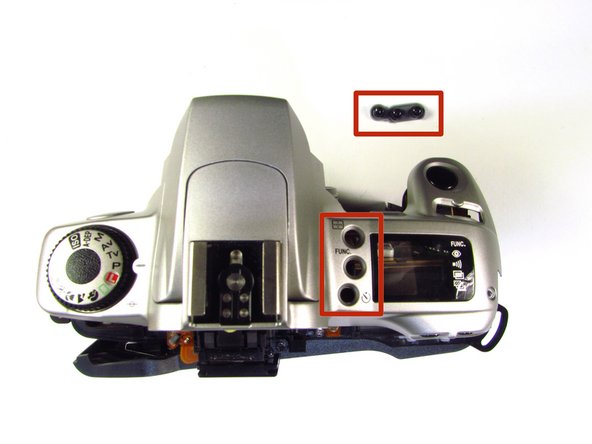
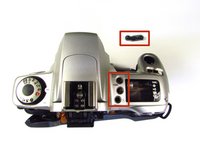
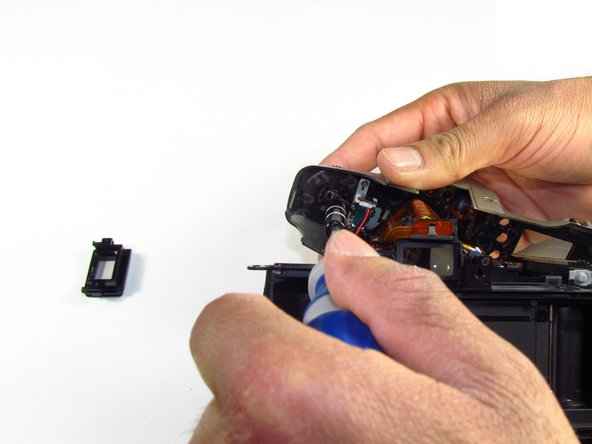
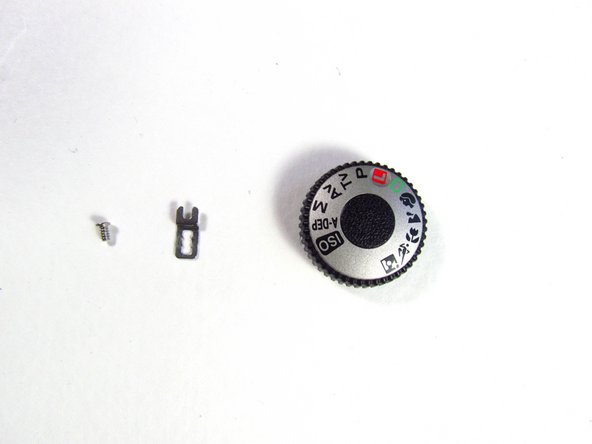
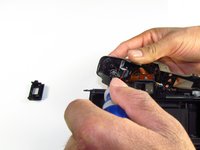
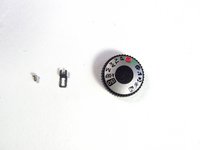
On the top panel, remove the silver 3.8mm Phillips #1 screw right below the command dial.
-
-


 Ask FixBot












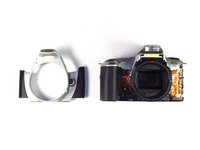




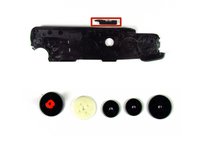

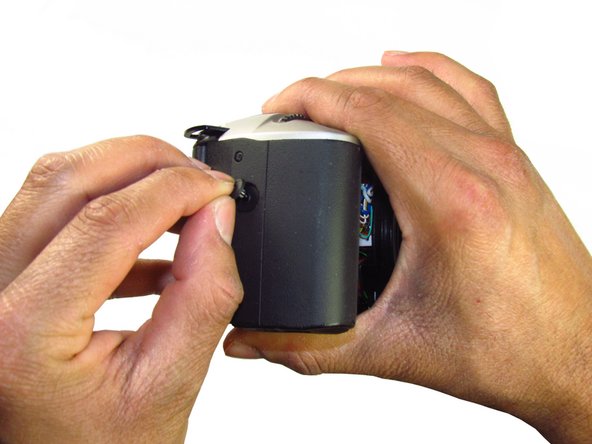
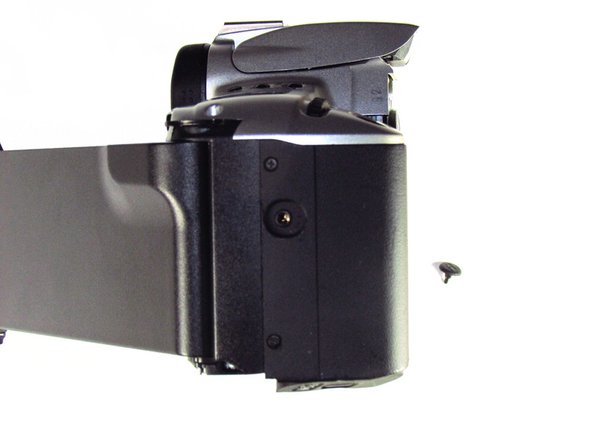
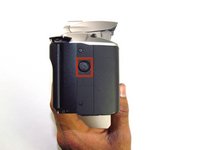











To reassemble your device, follow these instructions in reverse order.

Team

Cal Poly, Team 6-20, Maness Winter 2014 Member of Cal Poly, Team 6-20, Maness Winter 2014
CPSU-MANESS-W14S6G20
4 Members
132 Guides authored
