Free Shipping on Domestic Orders $75+

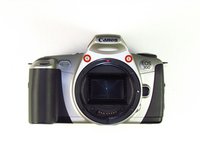
Canon EOS 300 Battery Door Replacement

What you need

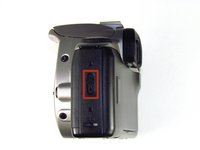
  1. Canon EOS 300 Battery Door Replacement, Batteries: step 1, image 1 of 3 Canon EOS 300 Battery Door Replacement, Batteries: step 1, image 2 of 3 Canon EOS 300 Battery Door Replacement, Batteries: step 1, image 3 of 3
    • Open up the battery door.

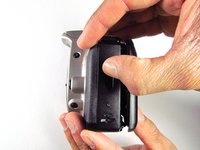
  2. Canon EOS 300 Battery Door Replacement: step 2, image 1 of 2 Canon EOS 300 Battery Door Replacement: step 2, image 2 of 2
    • Remove the batteries from the camera by sliding them out into your palm.

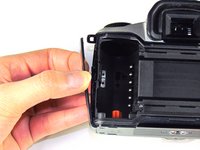
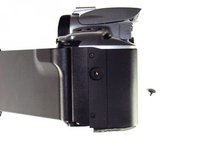
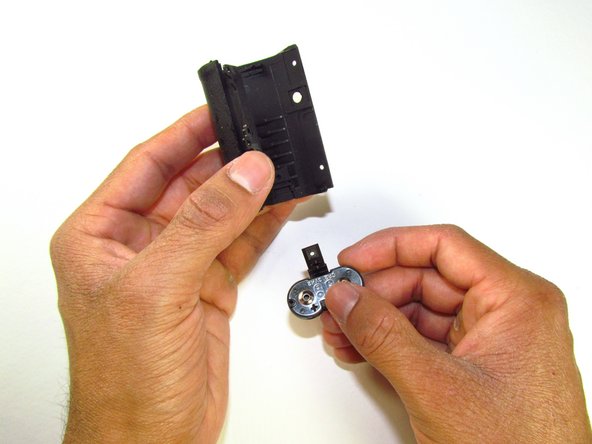
  3. Canon EOS 300 Battery Door Replacement, Side Panel with Lever: step 3, image 1 of 2 Canon EOS 300 Battery Door Replacement, Side Panel with Lever: step 3, image 2 of 2
    • Release the side latch to open the back panel.

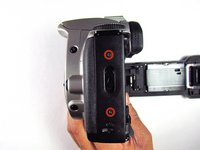
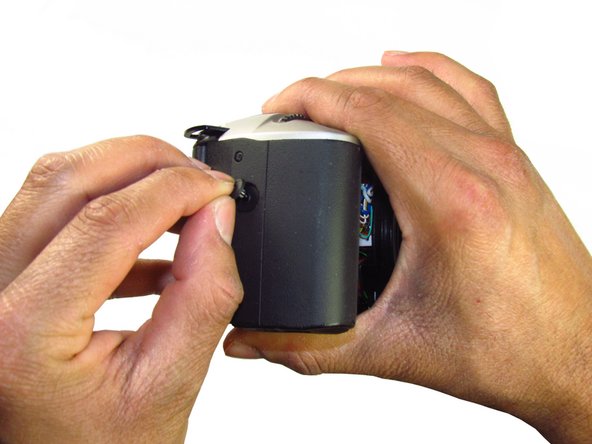
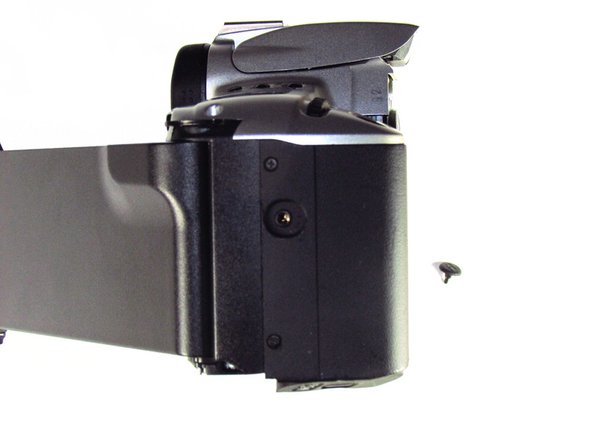
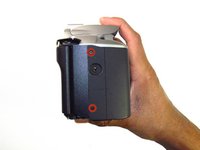
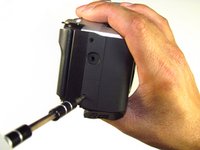
  4. Canon EOS 300 Battery Door Replacement: step 4, image 1 of 2 Canon EOS 300 Battery Door Replacement: step 4, image 2 of 2
    • Remove the two black 4.5mm screws above and below the latch.

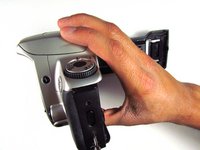
  5. Canon EOS 300 Battery Door Replacement: step 5, image 1 of 2 Canon EOS 300 Battery Door Replacement: step 5, image 2 of 2
    • Using your finger, carefully pry open the side panel from the top of camera.

    • Pull panel downwards to remove.

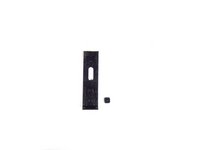
    • Make sure to keep track of the small black piece of rubber under the latch.

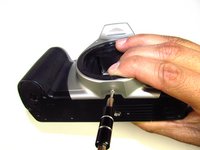
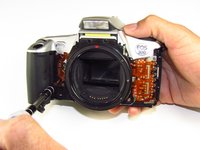
  6. Canon EOS 300 Battery Door Replacement, Front Panel: step 6, image 1 of 2 Canon EOS 300 Battery Door Replacement, Front Panel: step 6, image 2 of 2
    • Remove the two silver 6mm Phillips #1 screws.

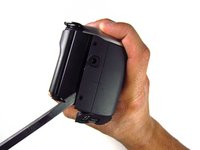
  7. Canon EOS 300 Battery Door Replacement: step 7, image 1 of 2 Canon EOS 300 Battery Door Replacement: step 7, image 2 of 2
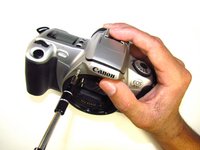
    • Flip camera over to the bottom.

    • Remove the one 5mm Phillips #1 silver screw.

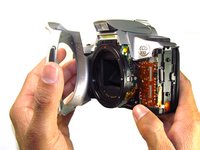
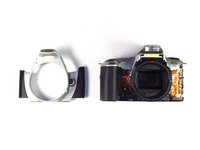
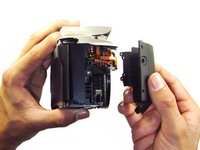
  8. Canon EOS 300 Battery Door Replacement: step 8, image 1 of 2 Canon EOS 300 Battery Door Replacement: step 8, image 2 of 2
    • Remove the front panel by pulling away from the side with the lever.

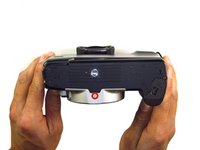
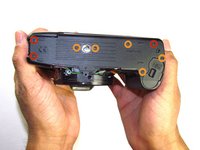
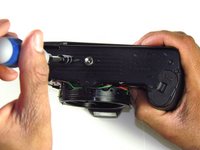
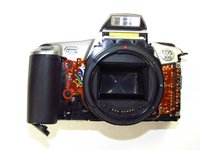
  9. Canon EOS 300 Battery Door Replacement, Bottom Panel: step 9, image 1 of 2 Canon EOS 300 Battery Door Replacement, Bottom Panel: step 9, image 2 of 2
    • Remove three black 7.3mm Phillips #1 screws located on the corners of the camera.

    • Remove five black 4.8mm Phillips #1 screws.

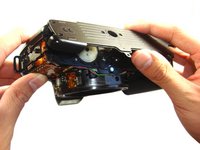
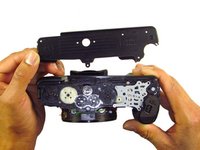
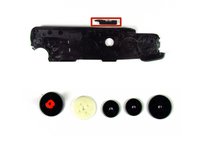
  10. Canon EOS 300 Battery Door Replacement: step 10, image 1 of 3 Canon EOS 300 Battery Door Replacement: step 10, image 2 of 3 Canon EOS 300 Battery Door Replacement: step 10, image 3 of 3
    • Simply remove the bottom panel by prying it off with your finger.

    • When removing the panel, be sure the bottom of the camera is facing upright. There are loose gears that may fall out.

    • Be wary of a loose piece of foam attached to the bottom panel.

  11. Canon EOS 300 Battery Door Replacement, Side Panel with Grip: step 11, image 1 of 3 Canon EOS 300 Battery Door Replacement, Side Panel with Grip: step 11, image 2 of 3 Canon EOS 300 Battery Door Replacement, Side Panel with Grip: step 11, image 3 of 3
    • Remove the remote control socket cover.

  12. Canon EOS 300 Battery Door Replacement: step 12, image 1 of 2 Canon EOS 300 Battery Door Replacement: step 12, image 2 of 2
    • Remove two black 4.5mm Phillips #1 screws.

  13. Canon EOS 300 Battery Door Replacement: step 13, image 1 of 2 Canon EOS 300 Battery Door Replacement: step 13, image 2 of 2
    • Remove two black 4.8mm Phillips #1 screws on the front of the camera.

  14. Canon EOS 300 Battery Door Replacement: step 14, image 1 of 2 Canon EOS 300 Battery Door Replacement: step 14, image 2 of 2
    • Pry open the side grip using a spudger.

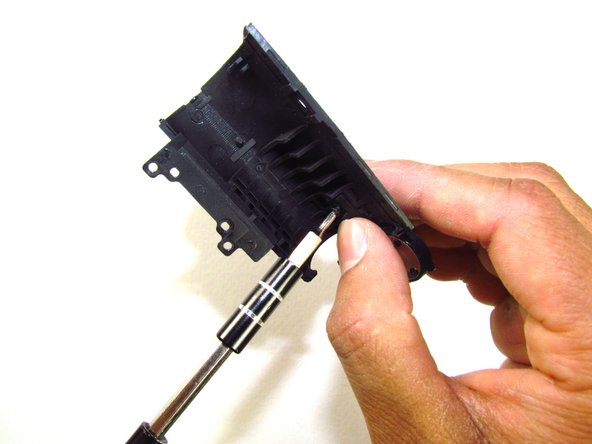
  15. Canon EOS 300 Battery Door Replacement, Battery Door: step 15, image 1 of 3 Canon EOS 300 Battery Door Replacement, Battery Door: step 15, image 2 of 3 Canon EOS 300 Battery Door Replacement, Battery Door: step 15, image 3 of 3
    • Remove one black 5mm Phillips #1 screw.

Conclusion

To reassemble your device, follow these instructions in reverse order.

4 other people completed this guide.

Jordan Tang

Member since: 01/24/14

608 Reputation

5 Guides authored

Team

Cal Poly, Team 6-20, Maness Winter 2014 Member of Cal Poly, Team 6-20, Maness Winter 2014

CPSU-MANESS-W14S6G20

4 Members

32 Guides authored

3 Guide Comments

When reassembling, make sure to attach the spring shown in step 8 to the film back release mechanism. I missed this the first time I reassembled the camera and the release/close slide would not automatically close like it did before. I found keeping a finger over the bottom post and using the SIM removal bit to stretch the spring to the top of the slide was very useful. Overall great guide! Thanks for posting!
Cody Mull - Reply Share

would there be a way to do it faster? i just need to attach a battery grip and am not comfortable with taking the whole camera apart just to unscrew 1 screw

sillyfy cz - Share

Thank you for this support.

Where can I find a new battery cover for the Canon EOS 300?

Mine is broken;

Do you have a website, please?

Best regards

Pierre-Yves Estors - Reply Share

Add Comment

View Statistics:

Past 24 Hours: 6

Past 7 Days: 17

Past 30 Days: 37

All Time: 2,922