Introduction
Despite the already large 256GB capacity of the CHUWI Gemibook XPro, you may desire a larger storage space if you handle many files or downloads. This simple guide will assist you in removing and replacing the SSD. For this guide, you will only need a Phillips #0 screwdriver (PH0 bit) and a replacement M.2 2280 SSD.
What you need
-
-
-
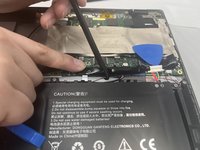
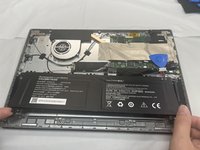
Use two opening tools or your fingernails to carefully "walk" the battery connector out of its socket.
-
-
-
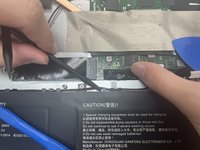
Unseat the speaker wires and antenna wire from their retaining hooks on the battery with a halberd spudger.
-
-
-
-
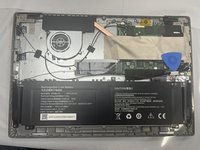
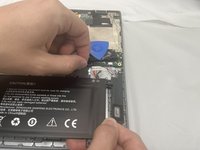
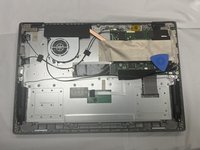
Use a Phillips #1 screwdriver to remove the five 4.3 mm screws that secure the battery.
-
-
-
-
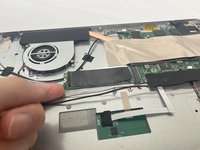
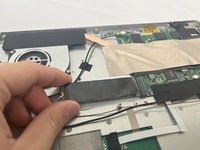
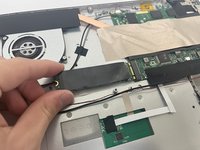
Use a Phillips #0 screwdriver to remove the single 3 mm screw securing the SSD.
-
-


 Ask FixBot






To reassemble your device, follow the above steps in reverse order.
Take your e-waste to an R2 or e-Stewards certified recycler.
Cancel: I did not complete this guide.
One other person completed this guide.

Team

University of North Texas, Team 5-1, Kilpatrick Fall 2024 Member of University of North Texas, Team 5-1, Kilpatrick Fall 2024
UNT-KILPATRICK-F24S5G1
4 Members
60 Guides authored
