
CASIO CDP-230R Speaker Replacement

Irene Luong and 3 other contributors
Last updated on Dec 12, 2017
Views: 2.5K
View statistics:
- Past 24 Hours:
- 3
- Past 7 Days:
- 19
- Past 30 Days:
- 104
- All Time:
- 2,502
Comments: 8
7 comments on steps, 1 guide comment.
Go to guide commentsCompleted: 0 1
No one has marked this guide "completed." Will you be the first?
1 person has marked this guide "completed." It's you — great job!
Favorites: 0 1
No one has favorited (and subscribed to) this guide. Will you be the first?
1 person has favorited (and subscribed to) this guide — and that's you!
Introduction
Go to step 1 ↓Speakers sometimes stop working or you may want to upgrade them. This guide shows you how to replace the two speakers on the front of the keyboard.
What you need
Tools

-
-
-
Flip the keyboard upside down, with the keys on a flat surface.
-
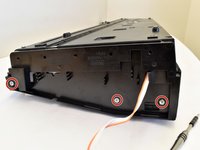
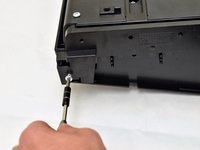
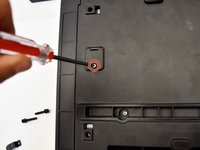
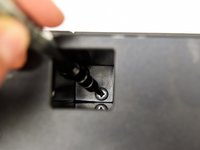
Remove the three black 14mm Japanese Industrial Standard (J) head screws using a J1 screwdriver on the top half of the outermost side panel.
 Ask FixBot
-
-
-
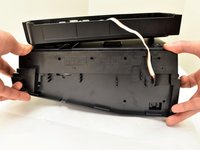
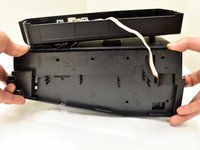
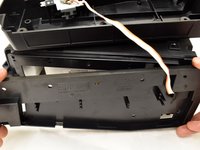
Use two hands to grab the side panel from both sides.
-
Pull the panel apart from the device one side at a time.
-
-
-
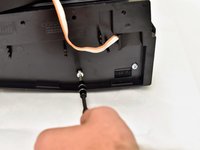
Remove the three silver 10mm screws with a J1 screwdriver on the bottom half of the innermost side panel of the device.
-
-
-
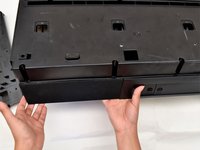
Remove the innermost side panel by pinching the top and bottom of the panel and pulling the panel off with both hands.
-
-
-
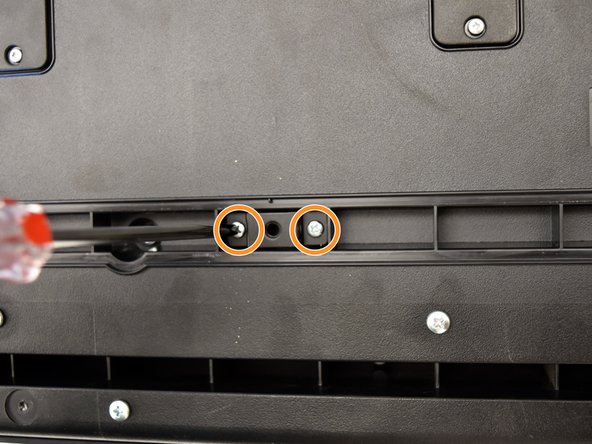
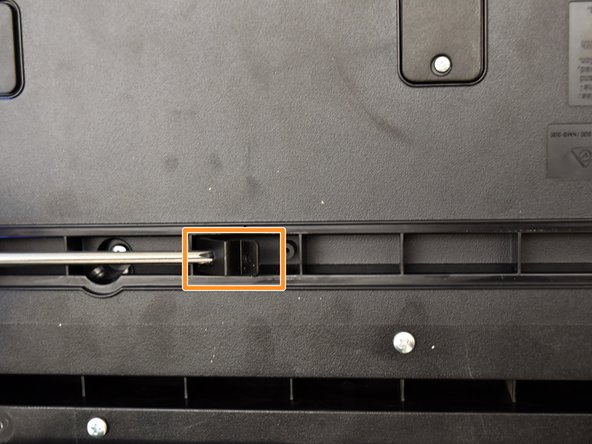
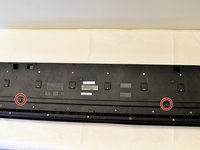
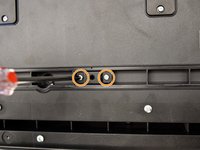
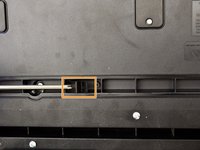
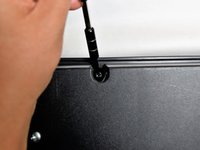
Remove the two black 30 mm J head screws with a J1 screwdriver to remove the long black bar.
-
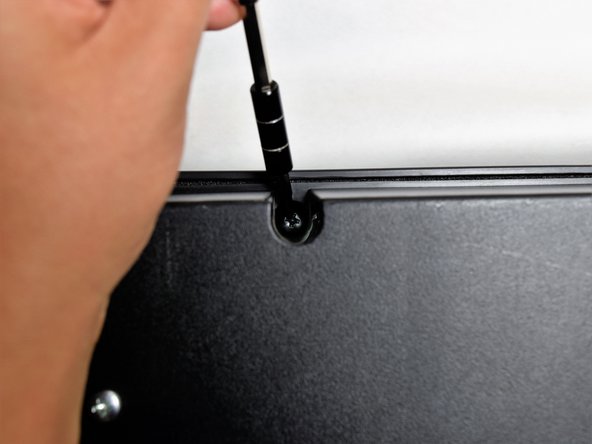
Remove the four silver 8mm x 2mm J head screws with a J1 screwdriver and the two brackets from the back panel.
-
-
-
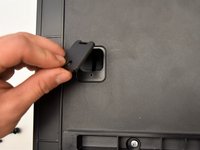
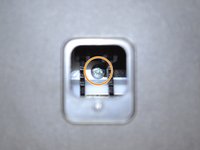
Remove the eight silver 10mm x 1.5mm J head screws with a J1 screwdriver and the square tabs from the back panel.
-
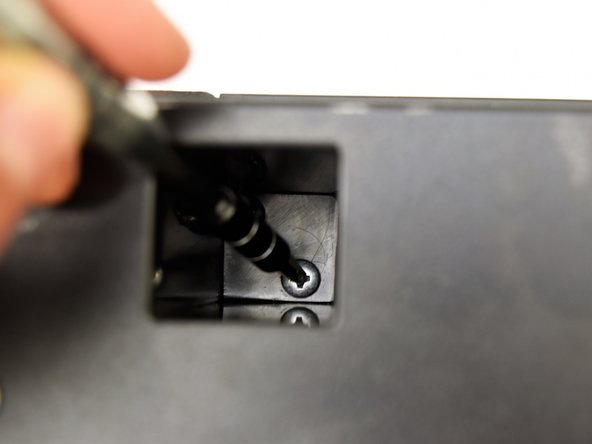
Remove the eight silver 10mm J head screws with a J1 screwdriver underneath the square tabs.
-
-
-
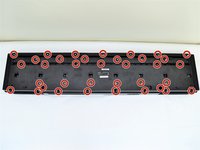
Remove the 36 silver 10mm J head screws with a J1 screwdriver from the back panel.
-
-
-
Place a hand on the front panel and speakers and carefully flip the keyboard over with the keys facing up.
-
Grab the center of the front panel with two hands and lift to remove panel.
-
Grab the speakers from the sides and lift to remove. Once you have done this for the first speaker, repeat with the second speaker.
-
-
-
-
-
-
Lay the speaker flat on the table and remove the four black 10mm J head screws with a J1 screwdriver.
-
-
-
Follow the cable from the speaker to the button panel.
-
Pull the speaker cable out of the button panel with a slight wiggle.
-
-










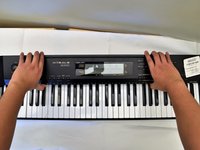
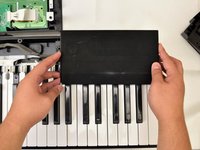


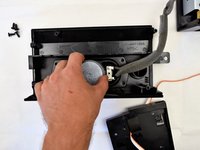
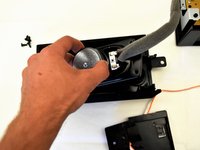


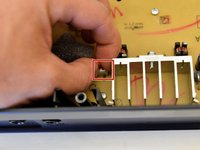
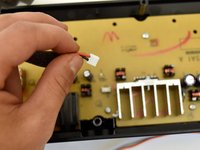
To reassemble your device, follow these instructions in reverse order.

Team

Cal Poly, Team S4-G2, Livingston Fall 2017 Member of Cal Poly, Team S4-G2, Livingston Fall 2017
CPSU-LIVINGSTON-F17S4G2
4 Members
72 Guides authored
1 Guide Comment
What is the part number for the CDP-230r speaker replacement? I cannot find them online or through Casio. Thanks.
