
Bosch PS21 Motor Replacement

Daniel Sebastian and 12 other contributors
Last updated on May 16, 2024
Views: 4.1K
View statistics:
- Past 24 Hours:
- 4
- Past 7 Days:
- 24
- Past 30 Days:
- 120
- All Time:
- 4,062
Comments: 1
1 comment on steps.
Completed: 1 2
1 person has marked this guide "completed." Will you be next?
2 people have marked this guide "completed." Including you — great job!
Favorites: 2 3
2 people have favorited (and subscribed to) this guide. Will you be next?
3 people have favorited (and subscribed to) this guide — including you!
Introduction
Go to step 1 ↓If the motor becomes faulty, it can be replaced in a simple manner. Bosch offers a new motor to purchase for the replacement. When disassembling the drill, make sure to have flat, clean working surface. Carefully follow this guide to replace the faulty motor.
What you need
Tools


-
-
-
Pinch the two release tabs on the sides of the battery, and slide the battery out.
 Ask FixBot
-
-
-
-
Tool used on this step:Tweezers$3.99
-
After removing the battery pack, locate the clip that connects the two halves of the outer casing shown in the picture. Remove the clip using angled tweezers or a similar tool. Save the clip for reassembly.
-
-
-
Locate the eight 5.5 mm screws as shown in the picture.
-
Remove each screw using a small Phillips head screw driver. Save all the screws for reassembly.
-
-
-
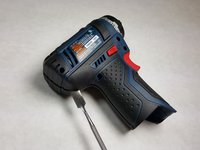
Starting at the rear of the drill, use a wedge to separate the two halves of the outer case at the parting line.
-
-
-
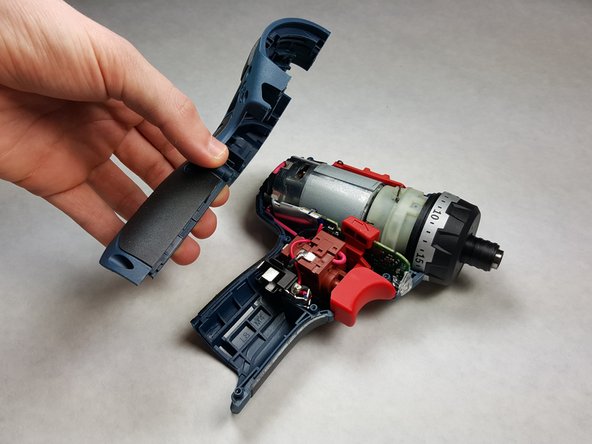
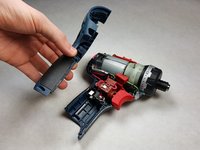
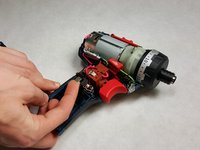
Lift up the metal tab as shown in the first picture to free the trigger assembly.
-
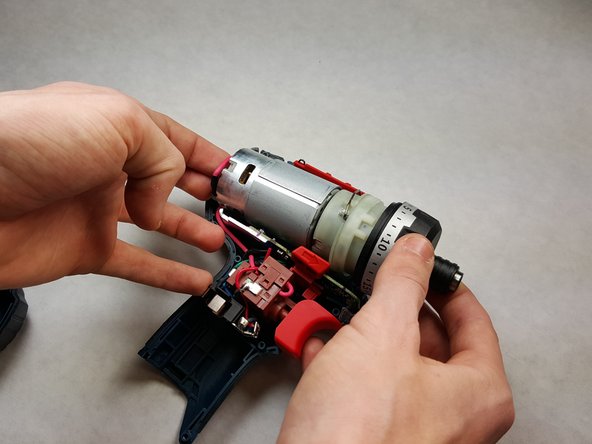
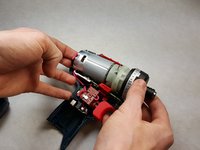
Gently dislodge the motor and trigger assembly from the drill case. Remove the components as one piece, shown in the second picture.
-
-
-
-
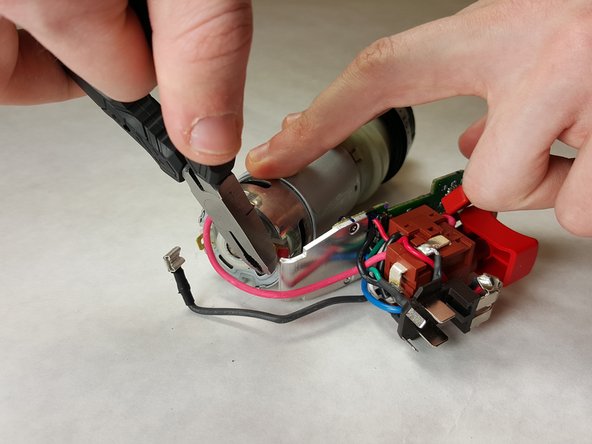
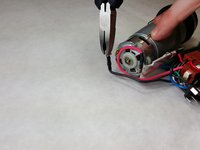
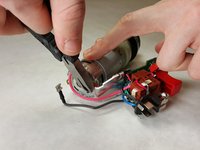
Firmly secure the motor assembly in place. Using a set of pliers, carefully pull the black wire connector away from the motor. Repeat this action with the red wire connector.
-
-
-
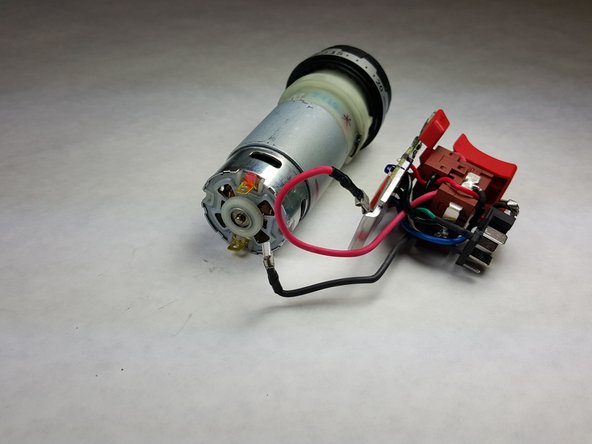
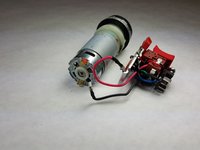
Once the wires have been disconnected, separate the trigger mechanism from the motor assembly.
-
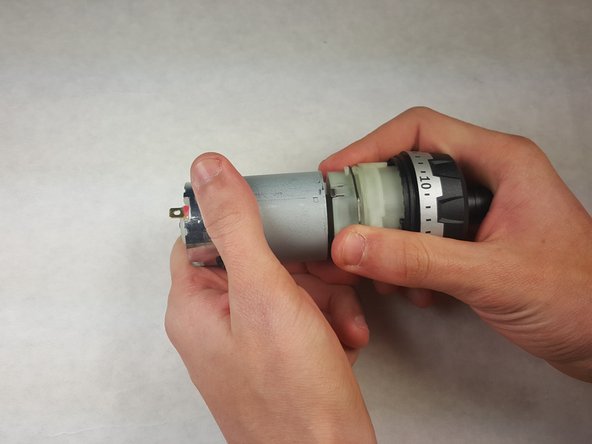
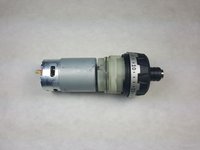
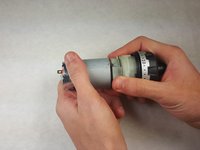
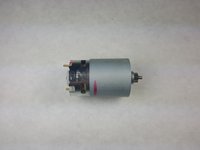
Place your hands on each end of mechanism and carefully pull apart the assembly in order to separate the gearbox from the motor.
-
-






To reassemble your device, follow these instructions in reverse order.
Cancel: I did not complete this guide.
One other person completed this guide.

Team

IUPUI, Team 1-2, Harley Spring 2016 Member of IUPUI, Team 1-2, Harley Spring 2016
IUPUI-HARLEY-S16S1G2
4 Members
48 Guides authored
