Free Shipping on Domestic Orders $75+

BolaButty X-GO C27-C Drivers Replacement

What you need

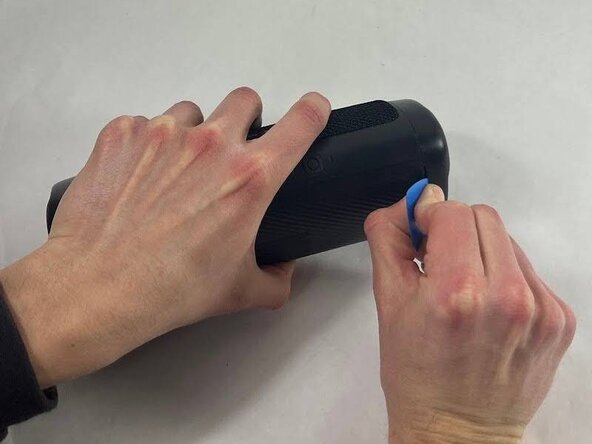
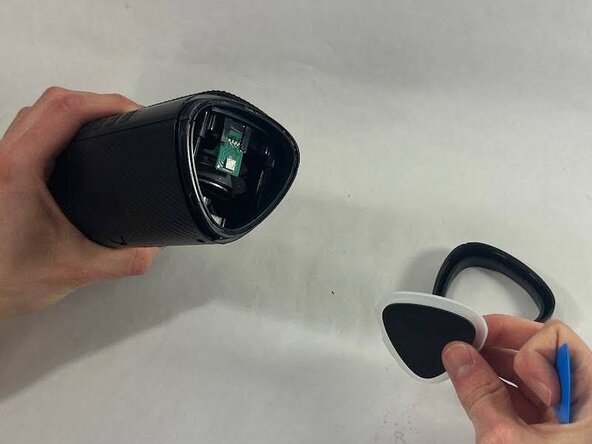
  1. BolaButty X-GO C27-C Drivers Replacement, Charging Port: step 1, image 1 of 3 BolaButty X-GO C27-C Drivers Replacement, Charging Port: step 1, image 2 of 3 BolaButty X-GO C27-C Drivers Replacement, Charging Port: step 1, image 3 of 3
    • Take an opening tool or pick and wedge it into the groove between the endcap and the main casing. Wiggle it back and forth.

    • Strike the speaker endcap firmly against a solid surface to pop the end caps off.

    • Removing the end caps requires a good amount of force. There is a realistic chance that you will damage your speaker or break the caps.

    Ask FixBot
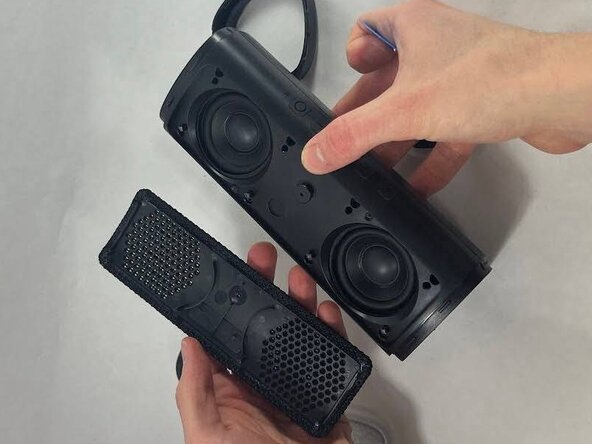
  2. BolaButty X-GO C27-C Drivers Replacement: step 2, image 1 of 2 BolaButty X-GO C27-C Drivers Replacement: step 2, image 2 of 2
    • Wedge an opening tool or a pick under the speaker cover and work it back and forth to loosen it. Repeat for all four sides.

    • Remove the speaker cover.

    Ask FixBot
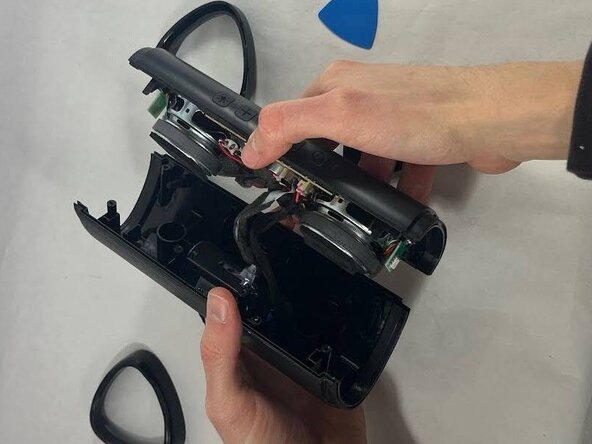
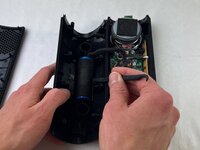
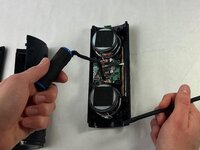
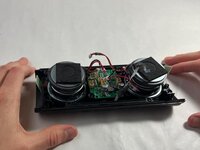
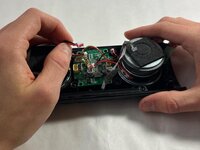
  3. BolaButty X-GO C27-C Drivers Replacement: step 3, image 1 of 2 BolaButty X-GO C27-C Drivers Replacement: step 3, image 2 of 2
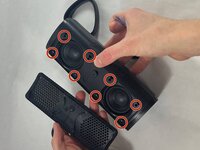
    • Remove the eight 12 mm screws securing the driver housing using a Phillips #0 screwdriver.

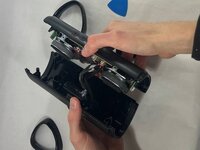
    • Gently pull apart the two halves of the speaker.

    • Take care not to strain the cables.

    Ask FixBot
  4. BolaButty X-GO C27-C Drivers Replacement: step 4, image 1 of 2 BolaButty X-GO C27-C Drivers Replacement: step 4, image 2 of 2
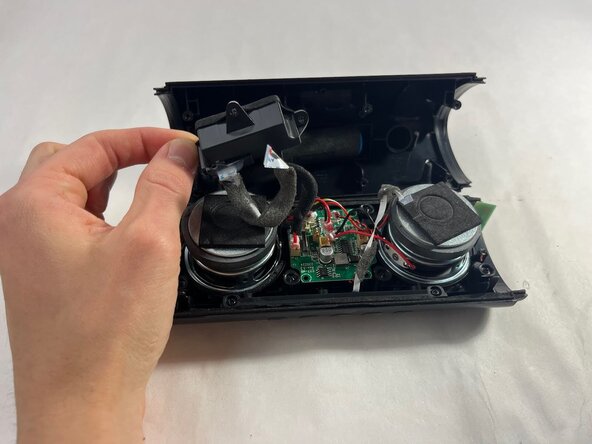
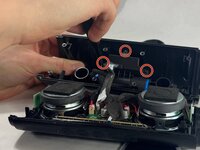
    • Use a Phillips #0 screwdriver to remove the three 10 mm screws securing the charging housing.

    • Separate the charging port from the battery.

    Ask FixBot
  5. BolaButty X-GO C27-C Drivers Replacement: step 5, image 1 of 2 BolaButty X-GO C27-C Drivers Replacement: step 5, image 2 of 2
    • Use a pair of tweezers to lift the black ZIF locking flap securing the ribbon attached to the charging port.

    • While pulling up on the latch, remove the ribbon.

    Ask FixBot
  6. BolaButty X-GO C27-C Drivers Replacement, Battery: step 6, image 1 of 2 BolaButty X-GO C27-C Drivers Replacement, Battery: step 6, image 2 of 2
    • Disconnect the battery connector from its motherboard port.

    Ask FixBot
  7. BolaButty X-GO C27-C Drivers Replacement: step 7, image 1 of 2 BolaButty X-GO C27-C Drivers Replacement: step 7, image 2 of 2
    • Use a spudger to lift the battery from the casing.

    • The battery is secured with some adhesive. If you have a difficult time removing it, use a hairdryer to lightly heat the adhesive.

    Ask FixBot
  8. BolaButty X-GO C27-C Drivers Replacement, Drivers: step 8, image 1 of 2 BolaButty X-GO C27-C Drivers Replacement, Drivers: step 8, image 2 of 2
    • Remove the LED board.

    • There will be some adhesive securing the board in place, so it won't feel like it will come out easily. Wiggle the board back and forth to loosen it before pulling vertically to remove.

    Ask FixBot
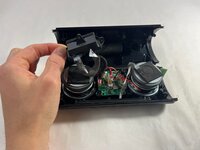
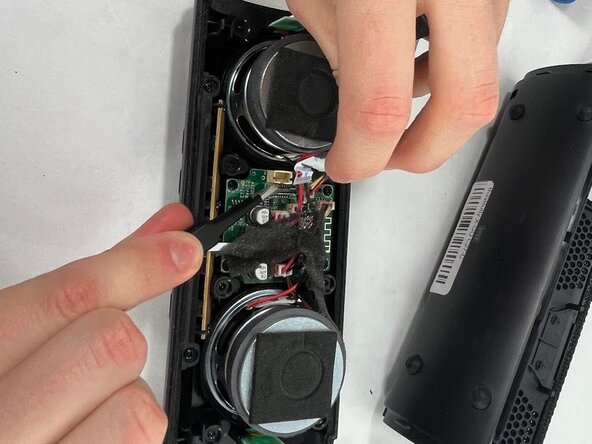
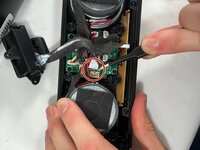
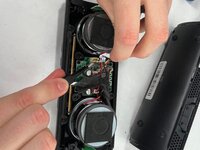
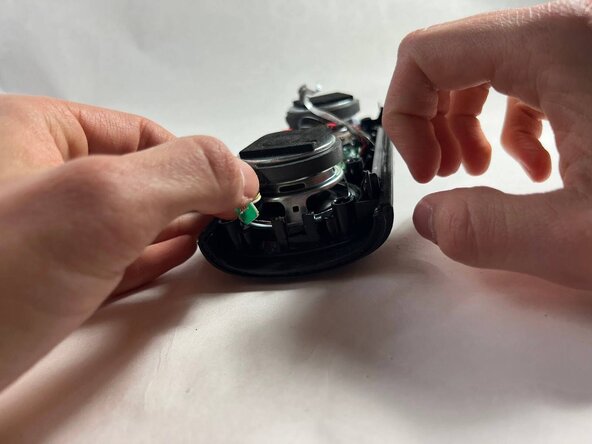
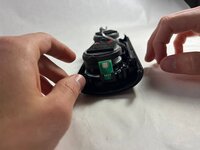
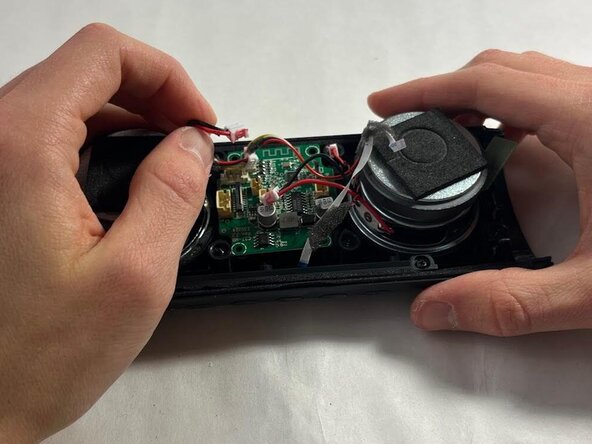
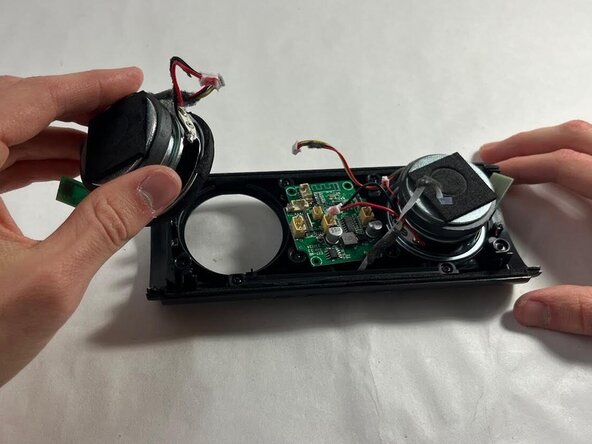
  9. BolaButty X-GO C27-C Drivers Replacement: step 9, image 1 of 3 BolaButty X-GO C27-C Drivers Replacement: step 9, image 2 of 3 BolaButty X-GO C27-C Drivers Replacement: step 9, image 3 of 3
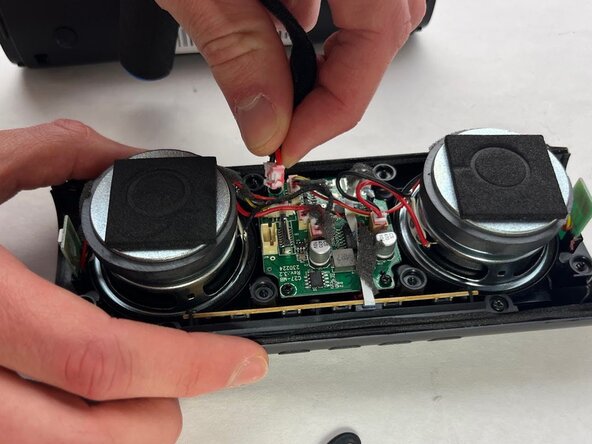
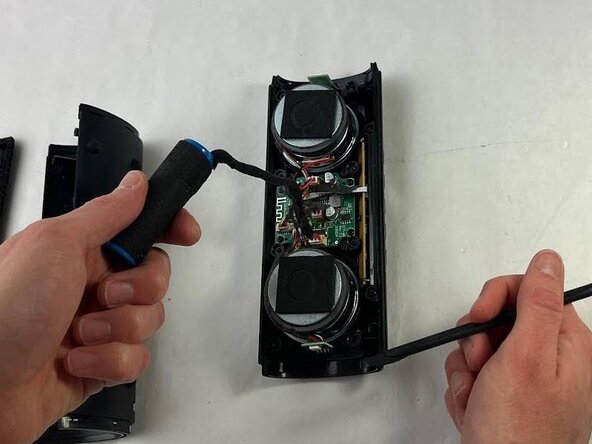
    • Unplug the driver connectors from the motherboard.

    • Remove the driver.

    • If you have difficulty with the wires, wiggle the connector back and forth to loosen it.

    Ask FixBot
  10. BolaButty X-GO C27-C Drivers Replacement: step 10, image 1 of 1
    • Repeat previous two steps for the second speaker.

    Ask FixBot
Conclusion

To reassemble your device, follow the above steps in reverse order.
Take your e-waste to an R2 or e-Stewards certified recycler.
Repair didn’t go as planned? Try some basic troubleshooting or ask our Answers community for help.

One other person completed this guide.

jcate

Member since: 03/21/25

572 Reputation

4 Guides authored

Team

2 Guide Comments

I want to buy a bolabettey C27-C inside 10 watt speaker can you sell it ?

Antu Roy - Reply Share
I also needed

SWD - Reply Share
Add Comment

View Statistics:

Past 24 Hours: 5

Past 7 Days: 14

Past 30 Days: 48

All Time: 636