
Bluetooth Media Controller Battery Replacement

DRP 2025 and 2 other contributors
Last updated on Aug 19, 2025
Views: 329
View statistics:
- Past 24 Hours:
- 4
- Past 7 Days:
- 20
- Past 30 Days:
- 66
- All Time:
- 329
Comments: 0
No one has left comments on this guide. Will you be first?
Go to guide commentsCompleted: 2 3
2 people have marked this guide "completed." Will you be next?
3 people have marked this guide "completed." Including you — great job!
Favorites: 0 1
No one has favorited (and subscribed to) this guide. Will you be the first?
1 person has favorited (and subscribed to) this guide — and that's you!
Community-Contributed Guide
An awesome member of our community made this guide. It was not created by iFixit staff.
Introduction
Go to step 1 ↓I will show you how to replace this Bluetooth Media Controller battery from Shopee. This remote uses CR2025 Battery and if you were different, use other battery.
WARNING:
EVEN IF THIS A EASY REPLACEMENT, DAMAGES CAN OCCURED.
I WILL NOT RESPONSIBLE FOR THE DAMAGE OF YOUR REPLACEMENT.
-
-
-
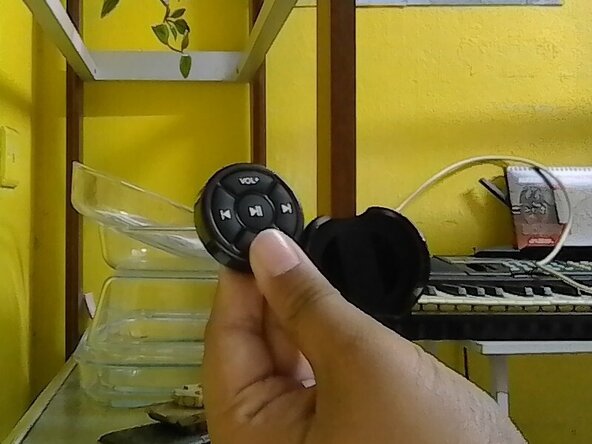
Hold the remote back and front on your own finger position or mine.
-
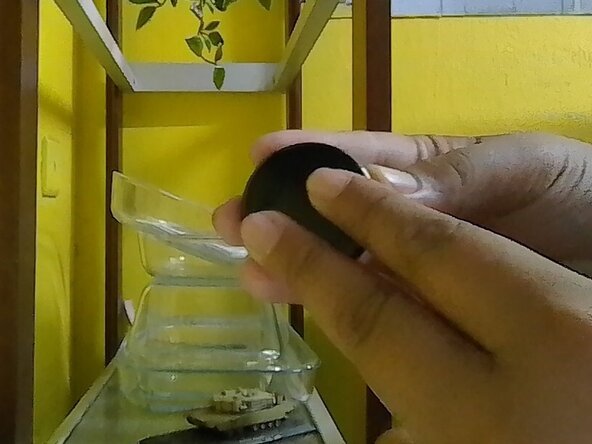
Follow where the text written and move the back to the arrow of the text OPEN.
-
-
-
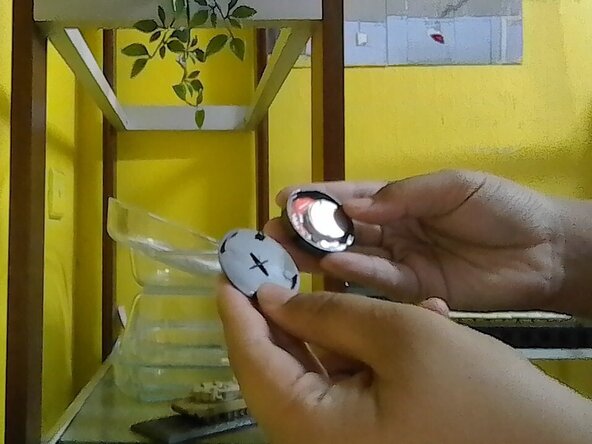
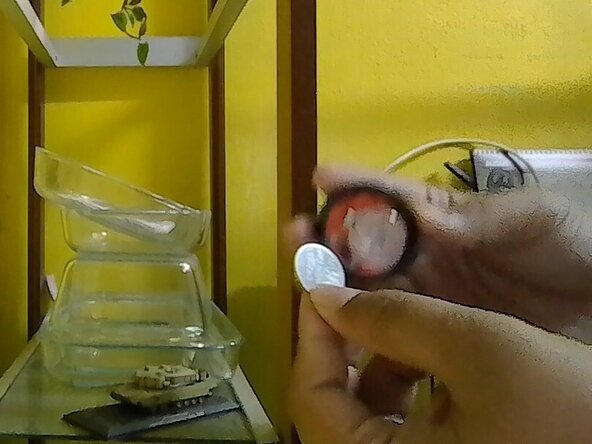
Once the back had opened, check the inside of the remote and find the old battery.
-
-
 Ask FixBot
To reassemble it back, reverse the instruction.
Cancel: I did not complete this guide.
2 other people completed this guide.

