Free Shipping on Domestic Orders $75+

Blu L120 Motherboard Replacement

What you need

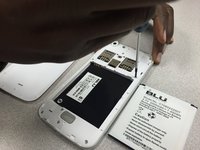
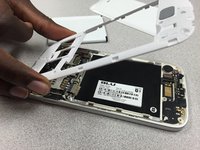
  1. Blu L120 Motherboard Replacement, Remove back panel: step 1, image 1 of 3 Blu L120 Motherboard Replacement, Remove back panel: step 1, image 2 of 3 Blu L120 Motherboard Replacement, Remove back panel: step 1, image 3 of 3
    • Remove the cover by lifting the notch towards the bottom of the phone. Use your fingernail to lift it up.

    Ask FixBot

    Add Comment

  2. Blu L120 Motherboard Replacement, Screw Removal: step 2, image 1 of 3 Blu L120 Motherboard Replacement, Screw Removal: step 2, image 2 of 3 Blu L120 Motherboard Replacement, Screw Removal: step 2, image 3 of 3
    • Remove these nine screws with a small phillips screwdriver. They are all the same size.

    • There is a small screw hidden under the warranty sticker. You may either remove or poke through it .

    Ask FixBot

    Add Comment

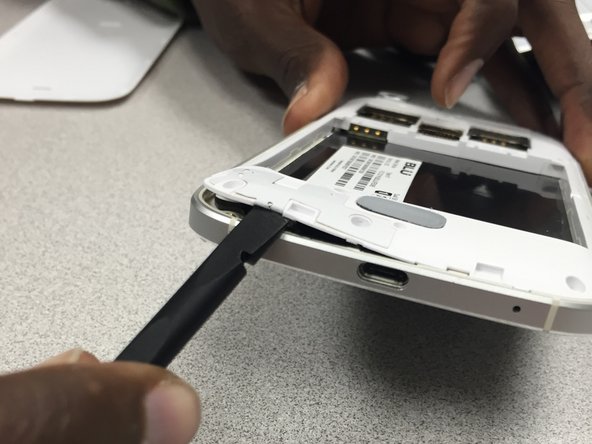
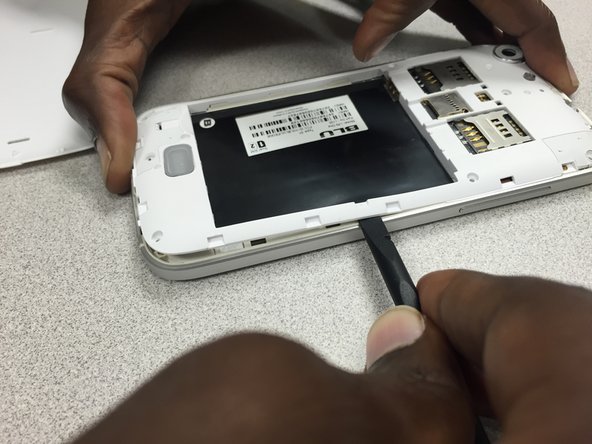
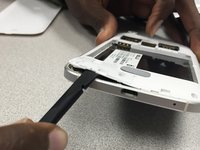
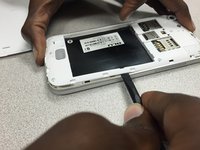
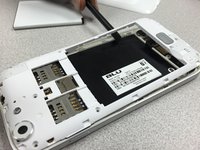
  3. Blu L120 Motherboard Replacement, Rear Panel  removal: step 3, image 1 of 3 Blu L120 Motherboard Replacement, Rear Panel  removal: step 3, image 2 of 3 Blu L120 Motherboard Replacement, Rear Panel  removal: step 3, image 3 of 3
    • Use the pry tool to gently separate the panel from the frame, starting from the bottom left corner and continue along the edge of the phone.

    • *WARNING* by doing this, you will void the manufacturers warranty.

    Ask FixBot

    Add Comment

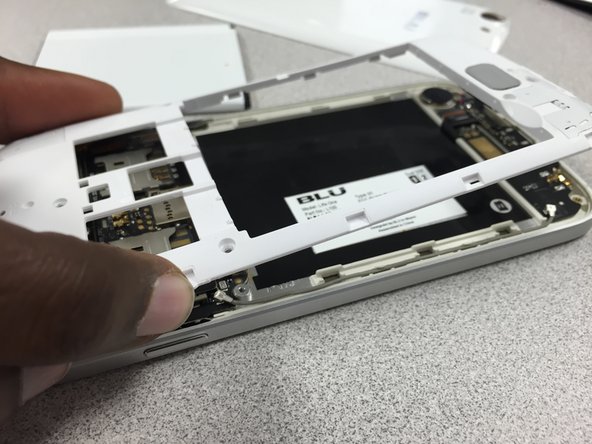
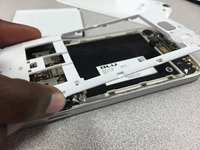
  4. Blu L120 Motherboard Replacement, Separate back panel from frame: step 4, image 1 of 3 Blu L120 Motherboard Replacement, Separate back panel from frame: step 4, image 2 of 3 Blu L120 Motherboard Replacement, Separate back panel from frame: step 4, image 3 of 3
    • Continue using the pry tool around the back panel of the phone to separate both pieces.

    • Once you have gone around the entire frame, use both hands to pull it apart.

    Ask FixBot

    Add Comment

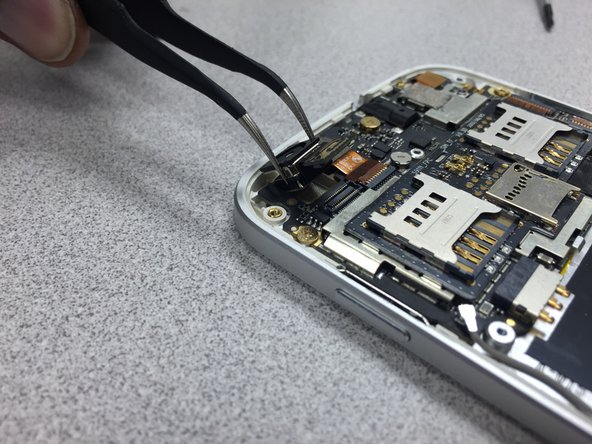
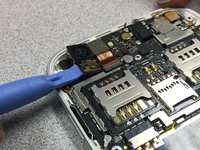
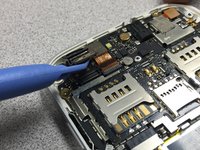
  5. Blu L120 Motherboard Replacement, Camera Removal: step 5, image 1 of 3 Blu L120 Motherboard Replacement, Camera Removal: step 5, image 2 of 3 Blu L120 Motherboard Replacement, Camera Removal: step 5, image 3 of 3
    Tool used on this step:
    Tweezers
    $4.99
    Buy
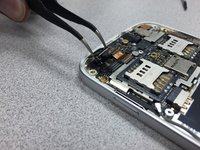
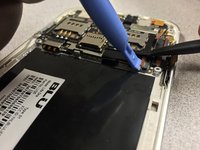
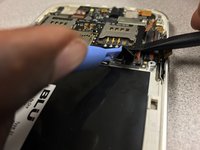
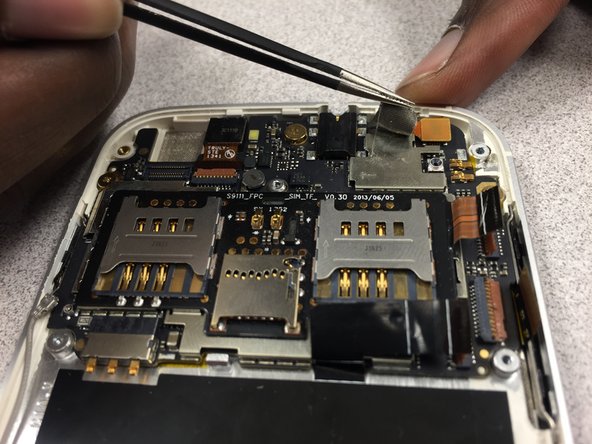
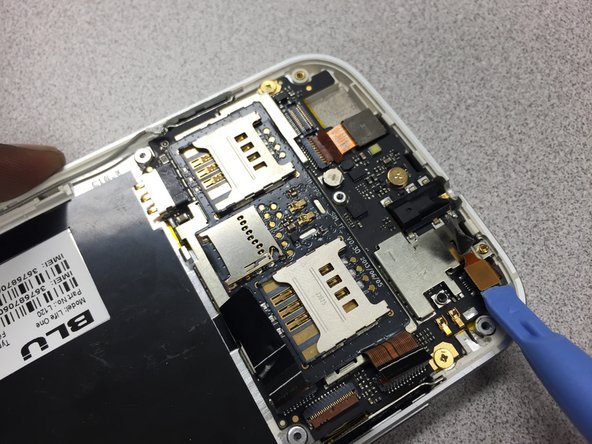
    • Use the pry tool to disconnect the camera from the device.

    • Gently lift the camera up and use the tweezers to remove it from the phone.

    • Reinstall the camera. Then follow the guide in reverse to put the phone back together.

    Ask FixBot

    Add Comment

  6. Blu L120 Motherboard Replacement, Motherboard: step 6, image 1 of 3 Blu L120 Motherboard Replacement, Motherboard: step 6, image 2 of 3 Blu L120 Motherboard Replacement, Motherboard: step 6, image 3 of 3
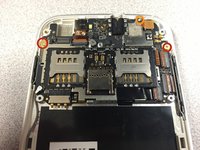
    • Remove these three screws using 00 Philips screwdriver. Note the smaller screw circled in orange.

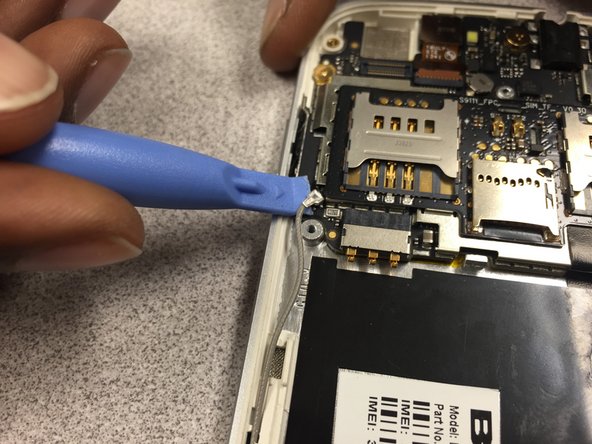
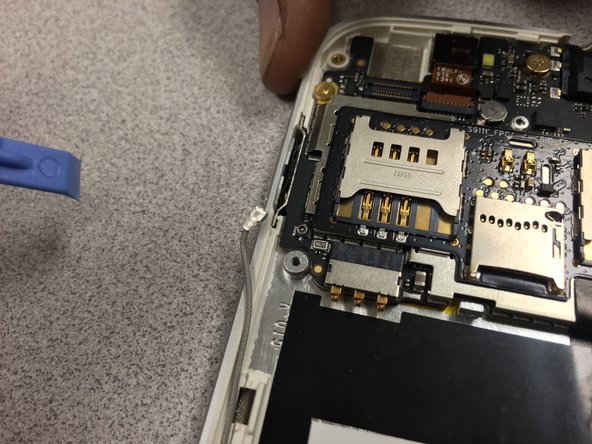
    • Then gently pry up on the metal antenna connector at the end of the grey wire. Move the wire out of the way.

    Ask FixBot

    Add Comment

  7. Blu L120 Motherboard Replacement: step 7, image 1 of 2 Blu L120 Motherboard Replacement: step 7, image 2 of 2
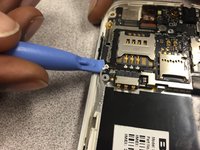
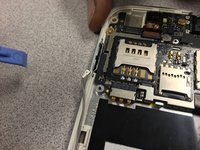
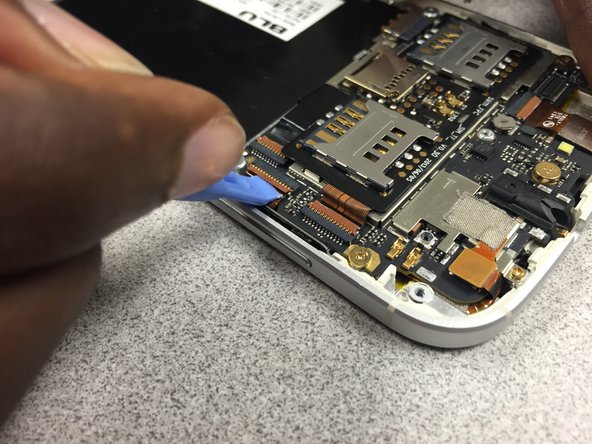
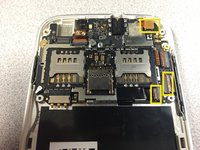
    • Next you must disconnect these three cables.

    • Use your pry tool to lift up on the brown tab to release the ribbon cable.

    Ask FixBot

    Add Comment

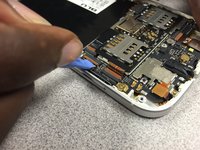
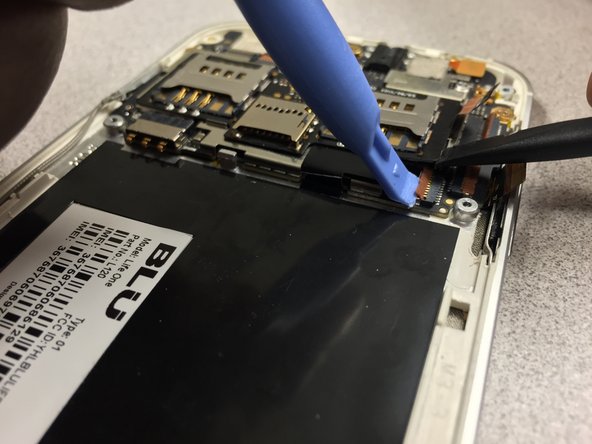
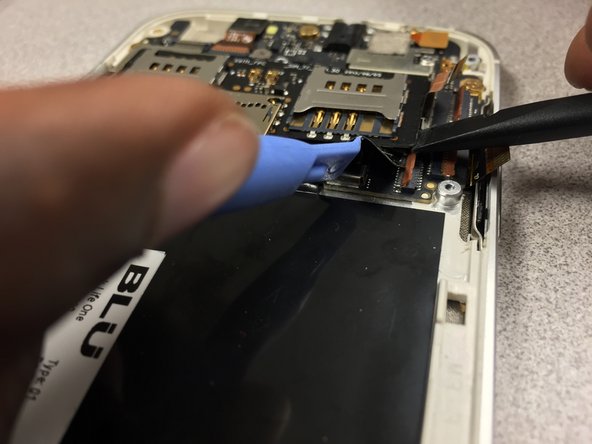
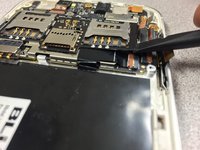
  8. Blu L120 Motherboard Replacement: step 8, image 1 of 3 Blu L120 Motherboard Replacement: step 8, image 2 of 3 Blu L120 Motherboard Replacement: step 8, image 3 of 3
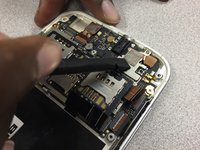
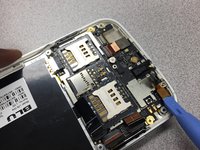
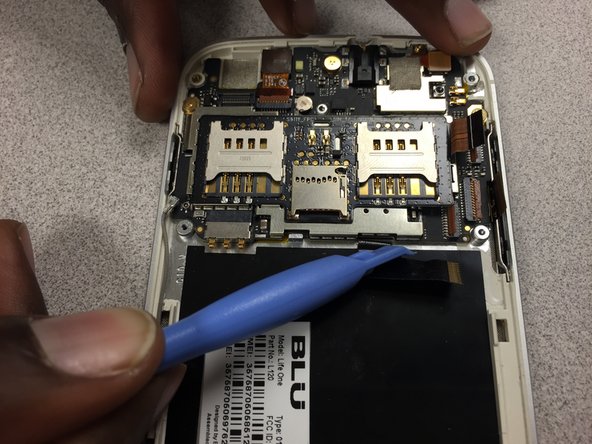
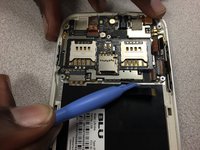
    • For the last ribbon cable, use a spudger to gently pry up on the board under the right sim card slot.

    • Next, take your pry tool to lift up on the brown tab holding down the ribbon cable.

    • The cable is now free to be pulled back out of its' slot.

    Ask FixBot

    Add Comment

  9. Blu L120 Motherboard Replacement: step 9, image 1 of 3 Blu L120 Motherboard Replacement: step 9, image 2 of 3 Blu L120 Motherboard Replacement: step 9, image 3 of 3
    Tool used on this step:
    Tweezers
    $4.99
    Buy
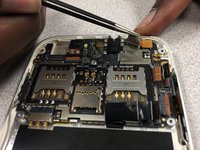
    • Using a spudger, peel up on the mesh tape then use your tweezers to peel the rest of it up.

    Ask FixBot

    Add Comment

  10. Blu L120 Motherboard Replacement: step 10, image 1 of 3 Blu L120 Motherboard Replacement: step 10, image 2 of 3 Blu L120 Motherboard Replacement: step 10, image 3 of 3
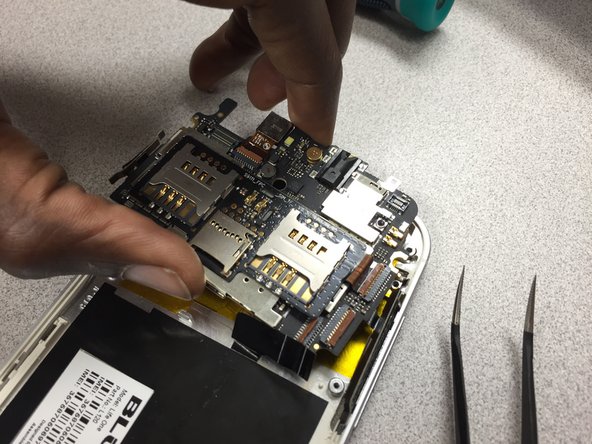
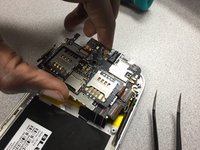
    • Now that the motherboard is free to be pried up, be sure that no cables are in the way or can be snagged when removing the motherboard.

    • Just lift up and away.

    • Follow the instructions in reverse to put the phone back together.

    Ask FixBot

    Add Comment

Conclusion

To reassemble your device, follow these instructions in reverse order.

Cancel: I did not complete this guide.

Julio

Member since: 10/25/14

695 Reputation

6 Guides authored

Team

Gateway, Team 1-5, Johnson Fall 2014 Member of Gateway, Team 1-5, Johnson Fall 2014

GCC-JOHNSON-F14S1G5

3 Members

6 Guides authored

0 Guide Comments

Add Comment

View Statistics:

Past 24 Hours: 1

Past 7 Days: 6

Past 30 Days: 39

All Time: 1,036