
Blu Grand M Speaker Replacement

Cameron Retzlaff and 3 other contributors
Last updated on Dec 10, 2018
Views: 502
View statistics:
- Past 24 Hours:
- 0
- Past 7 Days:
- 14
- Past 30 Days:
- 67
- All Time:
- 502
Comments: 1
1 comment on steps.
Completed: 1 2
1 person has marked this guide "completed." Will you be next?
2 people have marked this guide "completed." Including you — great job!
Favorites: 0 1
No one has favorited (and subscribed to) this guide. Will you be the first?
1 person has favorited (and subscribed to) this guide — and that's you!
Missing Details
Some of this guide's details are missing. Help users by adding tools, difficulty, or time.
Introduction
Go to step 1 ↓If your phone is not making any noise or the sounds are distorted while on speaker phone or playing videos, the speaker may need to be replaced. You will need to follow the battery replacement guide before you can start this repair guide.
What you need
Tools


-
-
-
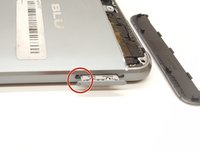
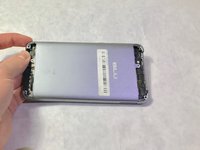
Using a Phillips #000 screwdriver, remove the 3mm screws. Be sure to do this for the top and bottom of the phone.
-
-
-
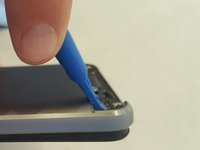
Remove SIM card tray with paperclip or SIM card tray removal tool.
-
Push down on the phone beside the camera and up on the backplate with your thumbs to remove the back plate. Remove adhesive if necessary.
-
-
-
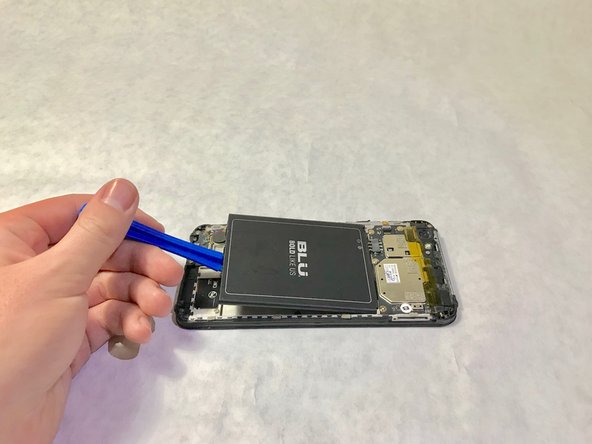
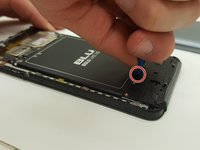
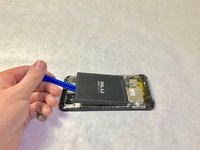
Place the plastic opening tool in the highlighted indent, and push up on the battery to remove it.
-
-
-
-
-
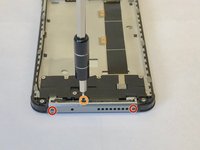
Remove the exterior cover with a Torx 2 screwdriver, to remove two 3.0mm screws.
-
Remove the 4.0mm screw with a Phillips #000 screwdriver.
-
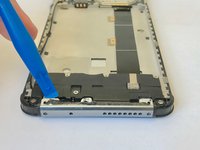
Using the blue plastic opening tool, remove the exterior cover.
-
-
-
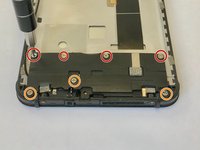
Use a Phillips #000 screwdriver to remove each of the four 1.5mm screws.
-
Use a Phillips #000 screwdriver to remove each of the three 3.0mm screws.
-
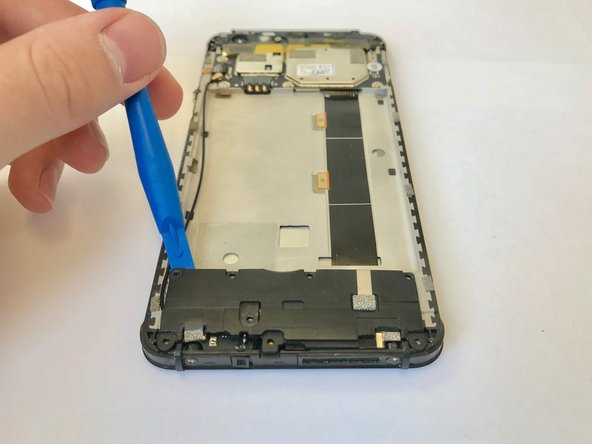
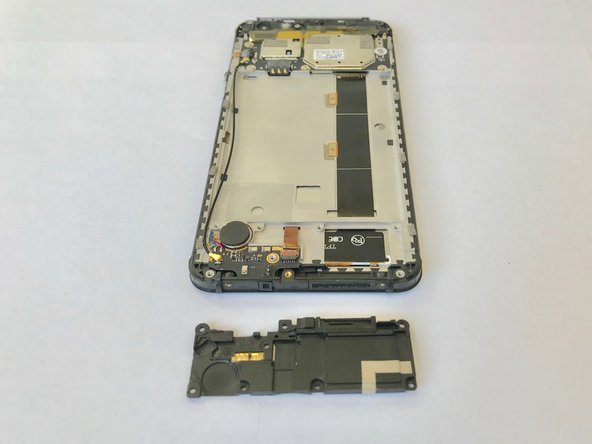
Use the plastic opening tool to remove the speaker.
-
-


 Ask FixBot






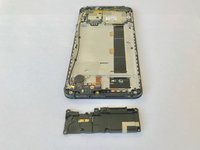
To reassemble your device, follow these instructions in reverse order.
Cancel: I did not complete this guide.
One other person completed this guide.

Team

Washington State, Team S9-G2, Hope Fall 2018 Member of Washington State, Team S9-G2, Hope Fall 2018
WSU-HOPE-F18S9G2
3 Members
60 Guides authored
