Free Shipping on Domestic Orders $75+

Blackberry RIM 7250 Front Housing Replacement

What you need

    1. Blackberry RIM 7250 Front Housing Replacement, Battery: step 1, image 1 of 3 Blackberry RIM 7250 Front Housing Replacement, Battery: step 1, image 2 of 3 Blackberry RIM 7250 Front Housing Replacement, Battery: step 1, image 3 of 3
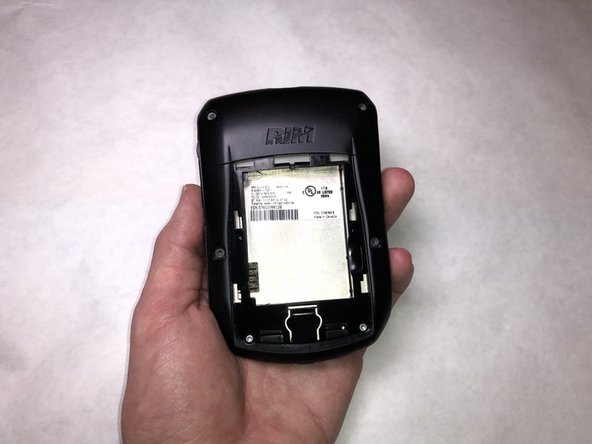
      • Push the release button down and away from the device.

      • Slide the cover off toward the bottom of the device, revealing the battery compartment.

      Ask FixBot

      Add Comment

    2. Blackberry RIM 7250 Front Housing Replacement: step 2, image 1 of 3 Blackberry RIM 7250 Front Housing Replacement: step 2, image 2 of 3 Blackberry RIM 7250 Front Housing Replacement: step 2, image 3 of 3
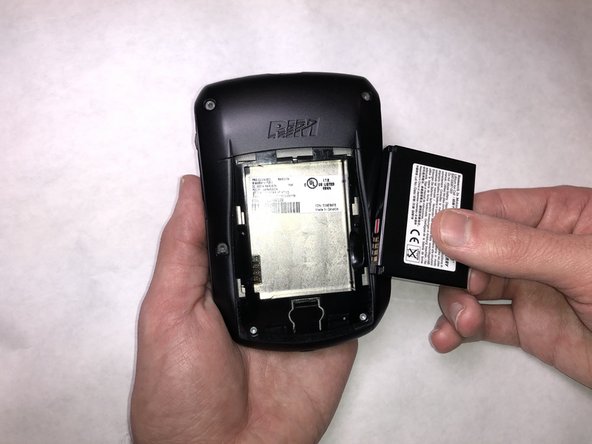
      • Place your finger in the groove next to the battery.

      • Lift your finger up to eject the battery from the battery compartment.

      Ask FixBot

      Add Comment

    3. Blackberry RIM 7250 Front Housing Replacement: step 3, image 1 of 3 Blackberry RIM 7250 Front Housing Replacement: step 3, image 2 of 3 Blackberry RIM 7250 Front Housing Replacement: step 3, image 3 of 3
      • Remove the battery from the compartment.

      Ask FixBot

      Add Comment

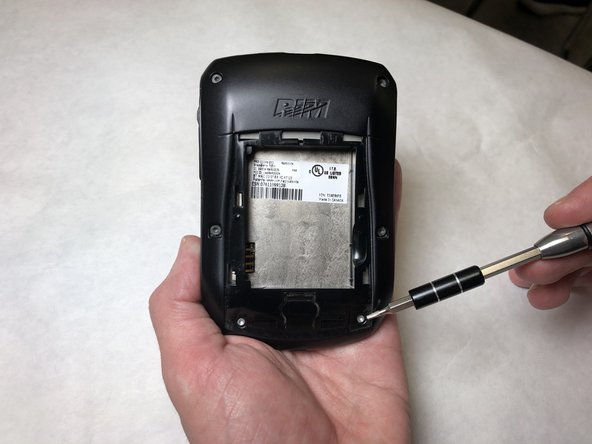
    1. Blackberry RIM 7250 Front Housing Replacement, Back Housing: step 4, image 1 of 2 Blackberry RIM 7250 Front Housing Replacement, Back Housing: step 4, image 2 of 2
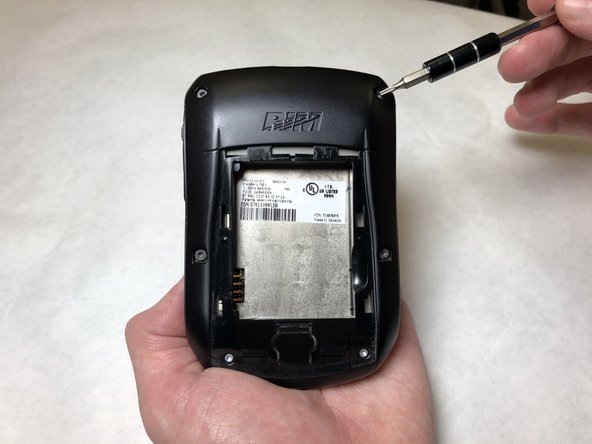
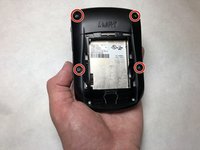
      • Remove the four 10.7 mm Torx T6 screws.

      Ask FixBot

      Add Comment

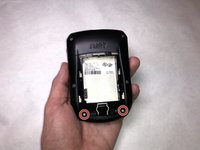
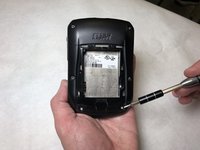
    2. Blackberry RIM 7250 Front Housing Replacement: step 5, image 1 of 2 Blackberry RIM 7250 Front Housing Replacement: step 5, image 2 of 2
      • Remove the two 5 mm Torx T6 screws.

      Ask FixBot

      Add Comment

    3. Blackberry RIM 7250 Front Housing Replacement: step 6, image 1 of 1
      • Hold the phone with one hand, with the bottom facing toward you.

      • For both clips, insert the plastic opening tool and push away from you.

      • You will hear a clicking sound for each clip that is released.

      Ask FixBot

      Add Comment

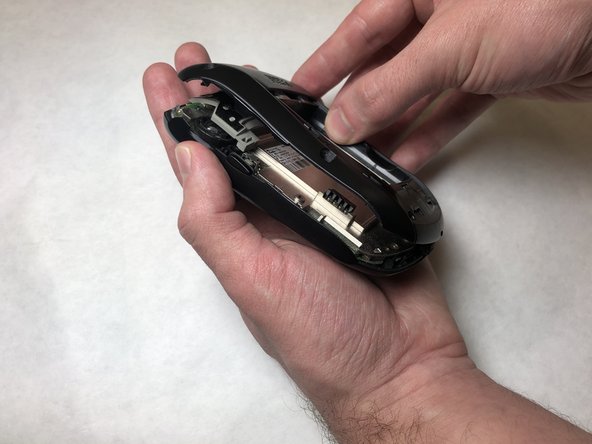
    4. Blackberry RIM 7250 Front Housing Replacement: step 7, image 1 of 3 Blackberry RIM 7250 Front Housing Replacement: step 7, image 2 of 3 Blackberry RIM 7250 Front Housing Replacement: step 7, image 3 of 3
      • Grab the back housing from the bottom and lift the housing away from you.

      Ask FixBot

      Add Comment

    1. Blackberry RIM 7250 Front Housing Replacement, Front Housing: step 8, image 1 of 2 Blackberry RIM 7250 Front Housing Replacement, Front Housing: step 8, image 2 of 2
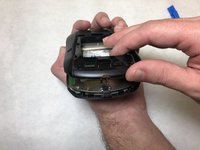
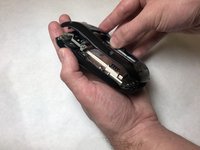
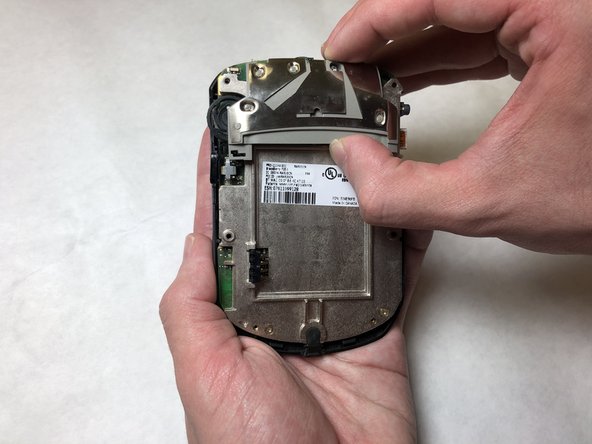
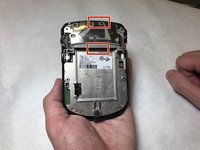
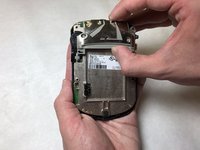
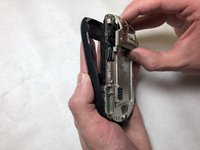
      • Place your thumb on the bottom rectangle and your index finger on the top rectangle.

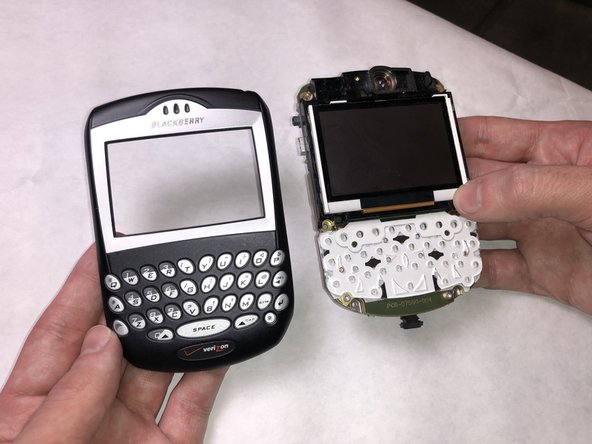
      • Squeeze your fingers together to release the internals from the front housing.

      Ask FixBot

      Add Comment

    2. Blackberry RIM 7250 Front Housing Replacement: step 9, image 1 of 3 Blackberry RIM 7250 Front Housing Replacement: step 9, image 2 of 3 Blackberry RIM 7250 Front Housing Replacement: step 9, image 3 of 3
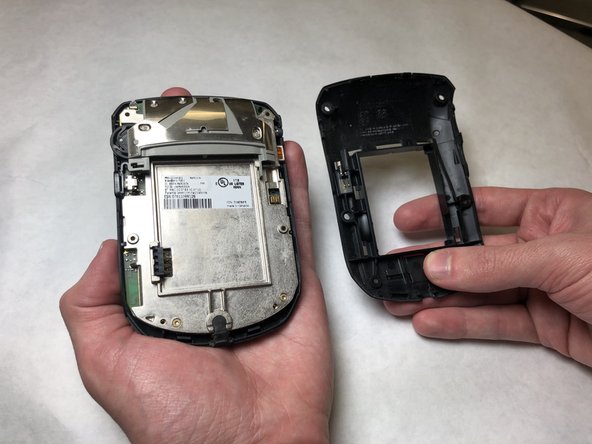
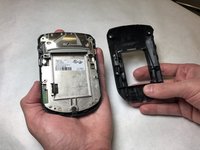
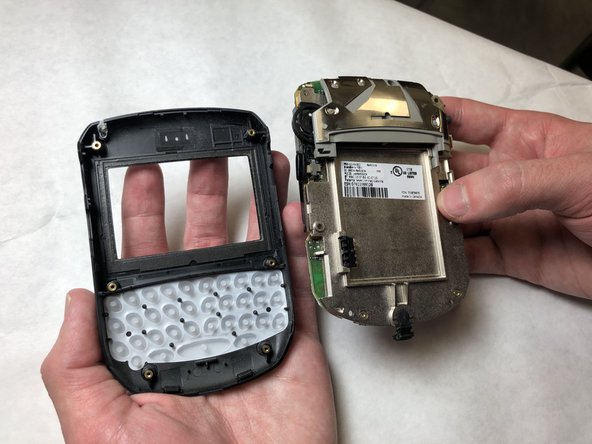
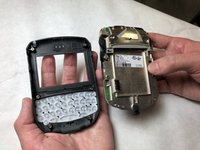
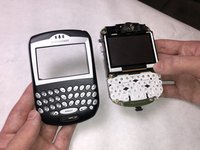
      • Pull the two pieces apart to separate the front housing from the internals.

      Ask FixBot

      Add Comment

Conclusion

To reassemble your device, follow these instructions in reverse order.

Cancel: I did not complete this guide.

Noah Eckert

Member since: 11/05/18

519 Reputation

5 Guides authored

Team

IUPUI, Team S2-G4, Baechle Fall 2018 Member of IUPUI, Team S2-G4, Baechle Fall 2018

IUPUI-BAECHLE-F18S2G4

3 Members

45 Guides authored

0 Guide Comments

Add Comment

View Statistics:

Past 24 Hours: 0

Past 7 Days: 4

Past 30 Days: 22

All Time: 394