Free Shipping on Domestic Orders $75+

Blackberry PRIV Rear-Facing Camera Replacement

What you need

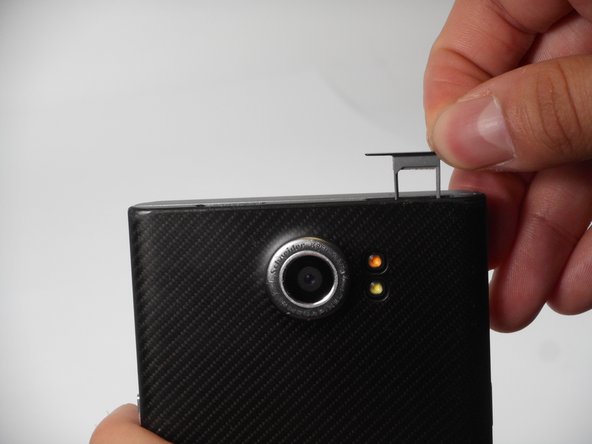
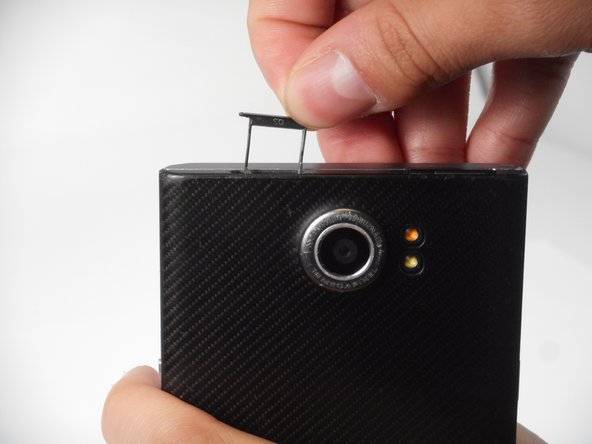
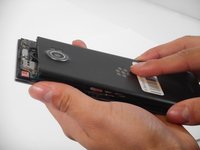
  1. Blackberry PRIV Rear-Facing Camera Replacement, Rear Casing: step 1, image 1 of 3 Blackberry PRIV Rear-Facing Camera Replacement, Rear Casing: step 1, image 2 of 3 Blackberry PRIV Rear-Facing Camera Replacement, Rear Casing: step 1, image 3 of 3
    • Look for the two small holes at the top of your device.

    • Use a SIM eject tool to push down into the holes which lifts the SIM and SD trays.

    • Pull the trays up and out of the device.

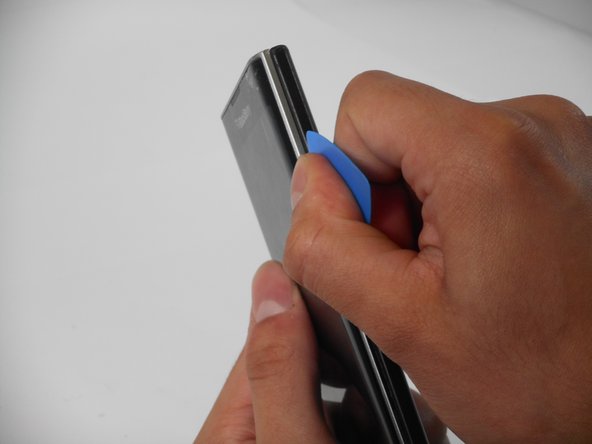
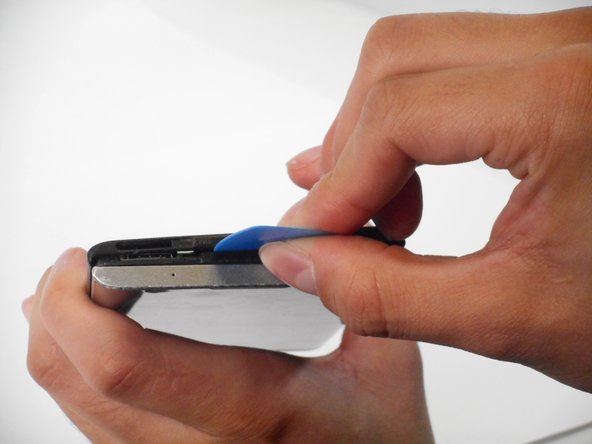
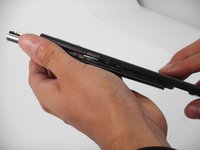
  2. Blackberry PRIV Rear-Facing Camera Replacement: step 2, image 1 of 3 Blackberry PRIV Rear-Facing Camera Replacement: step 2, image 2 of 3 Blackberry PRIV Rear-Facing Camera Replacement: step 2, image 3 of 3
    • Insert an opening pick in the seam between the rear casing and chassis. Apply downward pressure to pry the casing upward.

    • Follow this procedure for only the right, left, and top side of the casing.

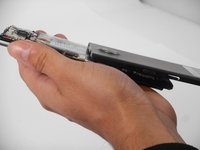
  3. Blackberry PRIV Rear-Facing Camera Replacement: step 3, image 1 of 3 Blackberry PRIV Rear-Facing Camera Replacement: step 3, image 2 of 3 Blackberry PRIV Rear-Facing Camera Replacement: step 3, image 3 of 3
    • Remove the rear casing by sliding the case down and out.

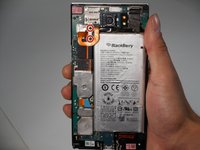
  4. Blackberry PRIV Rear-Facing Camera Replacement, Battery: step 4, image 1 of 2 Blackberry PRIV Rear-Facing Camera Replacement, Battery: step 4, image 2 of 2
    • Remove the two 3.3 mm T4 Torx screws that secure the battery connector.

    • There may be a plastic protector covering the circuit board and battery. Remove the plastic protector to begin.

  5. Blackberry PRIV Rear-Facing Camera Replacement: step 5, image 1 of 2 Blackberry PRIV Rear-Facing Camera Replacement: step 5, image 2 of 2
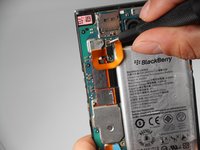
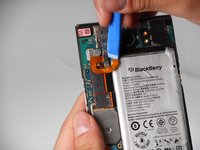
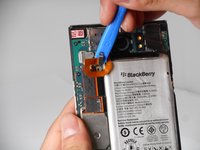
    • Use an opening tool to lift and disconnect the battery connector.

  6. Blackberry PRIV Rear-Facing Camera Replacement: step 6, image 1 of 3 Blackberry PRIV Rear-Facing Camera Replacement: step 6, image 2 of 3 Blackberry PRIV Rear-Facing Camera Replacement: step 6, image 3 of 3
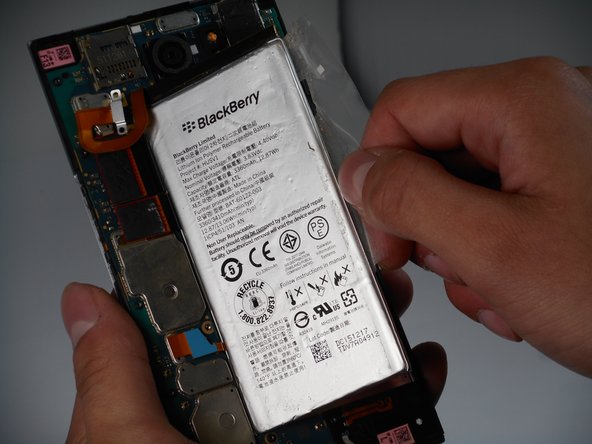
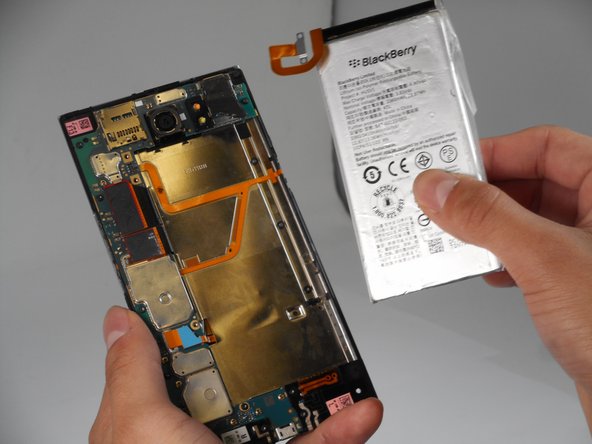
    • Pull on the plastic tab to remove the battery from the device.

    • For easier removal, use a blow dryer to warm the battery glue.

    • Be careful to not overheat the battery or puncture the battery as lithium batteries are dangerous.

  7. Blackberry PRIV Rear-Facing Camera Replacement, Rear-Facing Camera: step 7, image 1 of 1
    • Remove the seven 3.3 mm T4 Torx screws that secure the motherboard.

  8. Blackberry PRIV Rear-Facing Camera Replacement: step 8, image 1 of 3 Blackberry PRIV Rear-Facing Camera Replacement: step 8, image 2 of 3 Blackberry PRIV Rear-Facing Camera Replacement: step 8, image 3 of 3
    • Remove the two 3.3 mm T4 Torx screws that secure the speaker casing.

    • Lift and remove the speaker casing.

  9. Blackberry PRIV Rear-Facing Camera Replacement: step 9, image 1 of 3 Blackberry PRIV Rear-Facing Camera Replacement: step 9, image 2 of 3 Blackberry PRIV Rear-Facing Camera Replacement: step 9, image 3 of 3
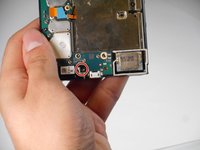
    • Remove the one 3.3 mm T4 Torx screw that secures the headphone jack.

    • Lift and remove the headphone jack.

  10. Blackberry PRIV Rear-Facing Camera Replacement: step 10, image 1 of 3 Blackberry PRIV Rear-Facing Camera Replacement: step 10, image 2 of 3 Blackberry PRIV Rear-Facing Camera Replacement: step 10, image 3 of 3
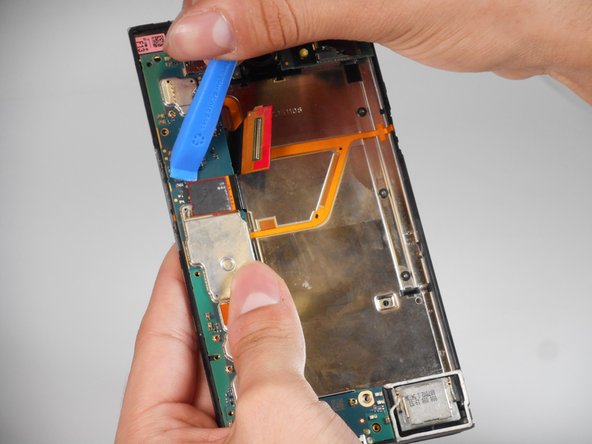
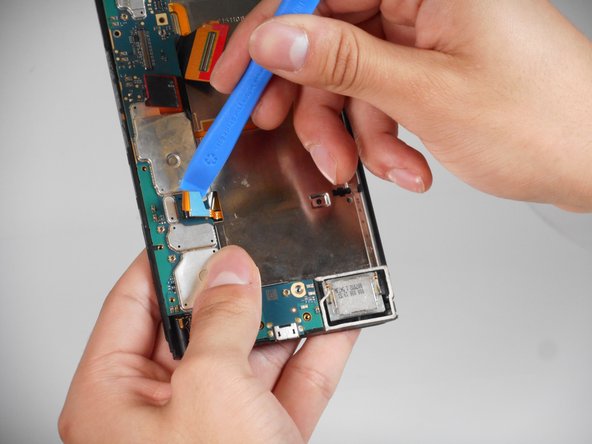
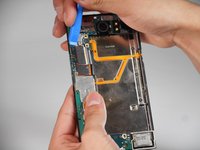
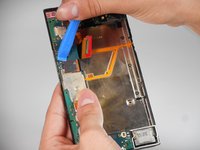
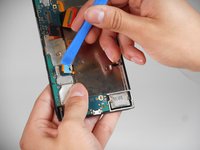
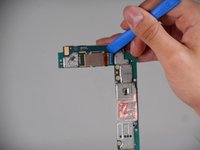
    • Use an opening tool to lift and disconnect the three press connectors.

  11. Blackberry PRIV Rear-Facing Camera Replacement: step 11, image 1 of 3 Blackberry PRIV Rear-Facing Camera Replacement: step 11, image 2 of 3 Blackberry PRIV Rear-Facing Camera Replacement: step 11, image 3 of 3
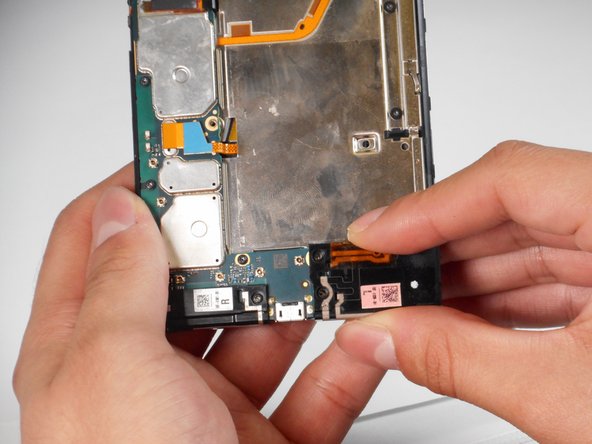
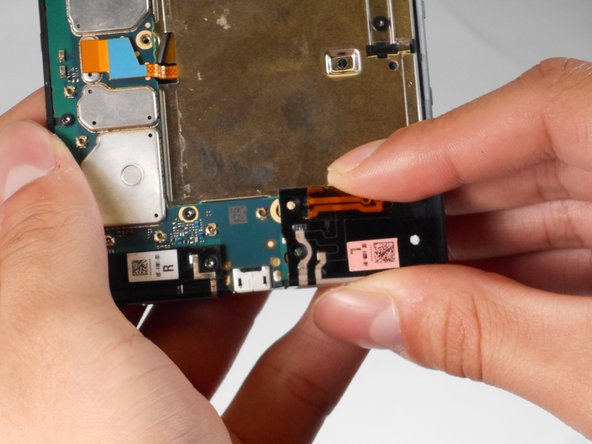
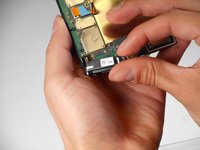
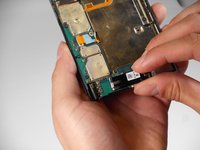
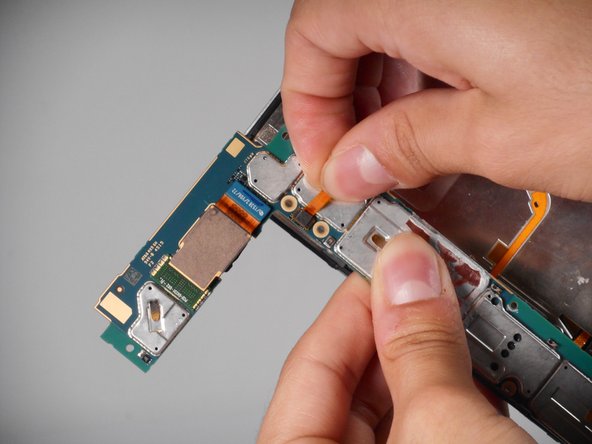
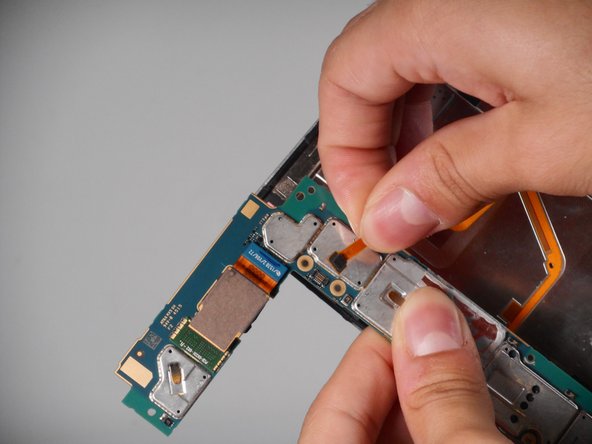
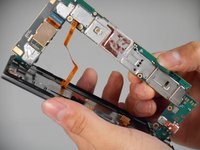
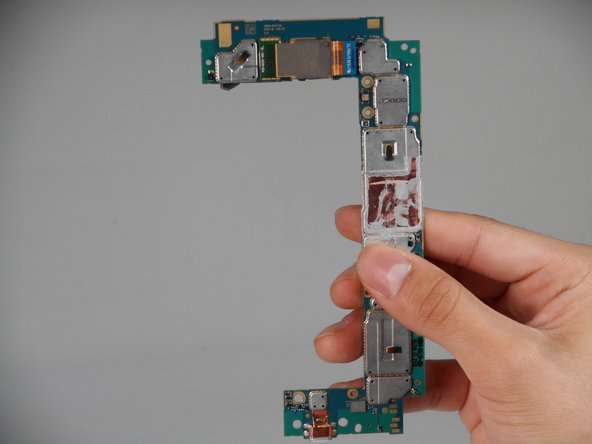
    • Lift the motherboard from the device.

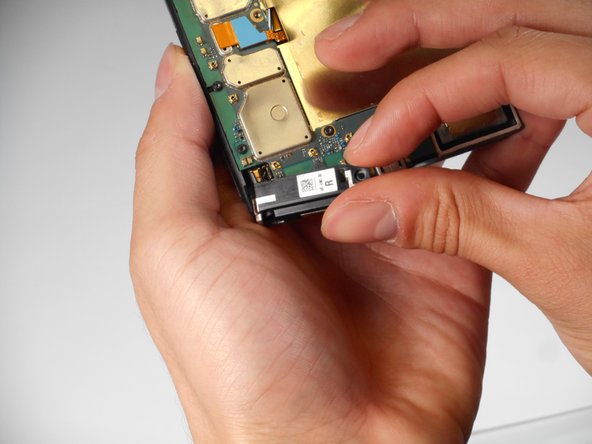
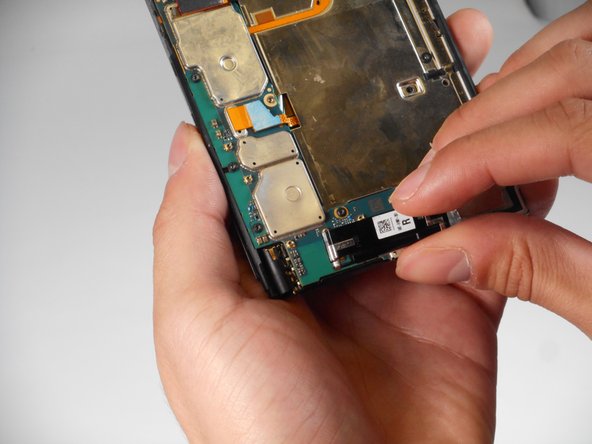
    • Do not pull the circuit board with too much force as there is a strip connected under.

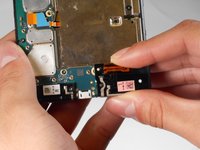
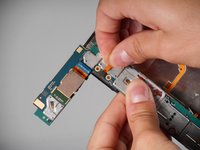
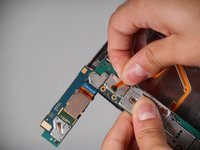
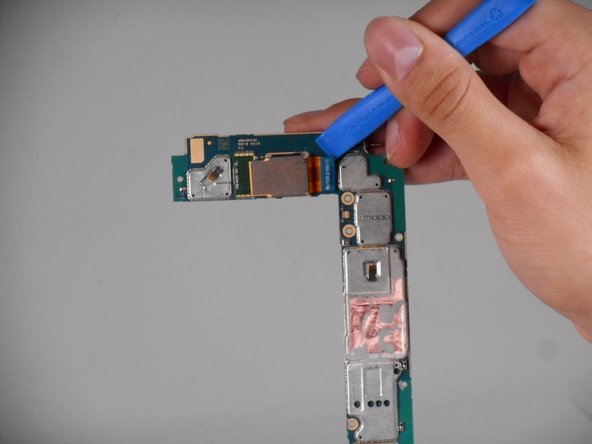
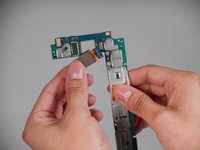
    • Using two fingers, pinch the on the strip as close to the connector as possible.

    • Lift and disconnect the connector from the motherboard.

  12. Blackberry PRIV Rear-Facing Camera Replacement: step 12, image 1 of 3 Blackberry PRIV Rear-Facing Camera Replacement: step 12, image 2 of 3 Blackberry PRIV Rear-Facing Camera Replacement: step 12, image 3 of 3
    • Turn the motherboard around.

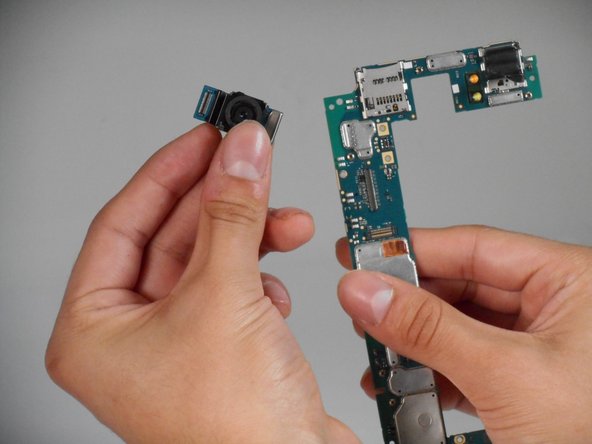
    • Use an opening tool to lift and disconnect the camera connector.

  13. Blackberry PRIV Rear-Facing Camera Replacement: step 13, image 1 of 2 Blackberry PRIV Rear-Facing Camera Replacement: step 13, image 2 of 2
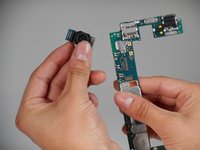
    • Lift and remove the camera from the circuit board.

Conclusion

To reassemble your device, follow the above steps in reverse order.
Take your e-waste to an R2 or e-Stewards certified recycler.
Repair didn’t go as planned? Try some basic troubleshooting or ask our Answers community for help.

Benjamin Olvera

Member since: 09/25/24

563 Reputation

5 Guides authored

0 Guide Comments

Add Comment

View Statistics:

Past 24 Hours: 1

Past 7 Days: 3

Past 30 Days: 10

All Time: 160