
Blackberry PRIV Battery Replacement

Benjamin Olvera and one other contributor
Last updated on Dec 30, 2024
Views: 1.3K
View statistics:
- Past 24 Hours:
- 5
- Past 7 Days:
- 27
- Past 30 Days:
- 113
- All Time:
- 1,279
Comments: 0
No one has left comments on this guide. Will you be first?
Go to guide commentsCompleted: 0 1
No one has marked this guide "completed." Will you be the first?
1 person has marked this guide "completed." It's you — great job!
Favorites: 0 1
No one has favorited (and subscribed to) this guide. Will you be the first?
1 person has favorited (and subscribed to) this guide — and that's you!
Featured Student Guide
This guide has been the hard work of our awesome students and is found to be exceptionally cool by the iFixit staff.
Introduction
Go to step 1 ↓A failing battery can impact daily use and pose safety risks. By replacing the battery, you can restore your phone's reliability, improve its lifespan, and avoid the need for a costly new device. Before replacing the battery, test with a different charger and inspect the charging port for debris. Make sure to not puncture the battery as it can be dangerous. Always power off the phone and disconnect it from any power source before starting. Use this guide to replace your device's battery.
What you need
Tools


-
-
-
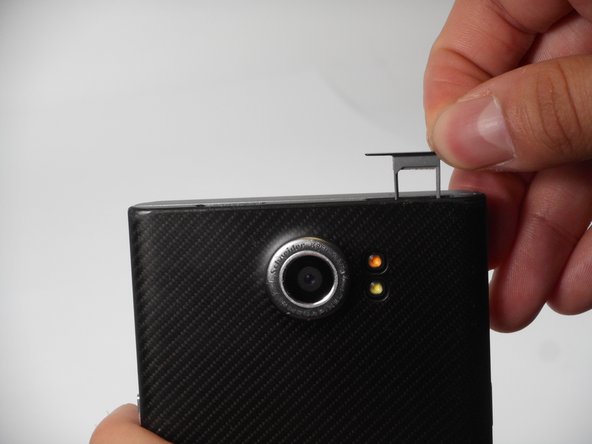
Look for the two small holes at the top of your device.
-
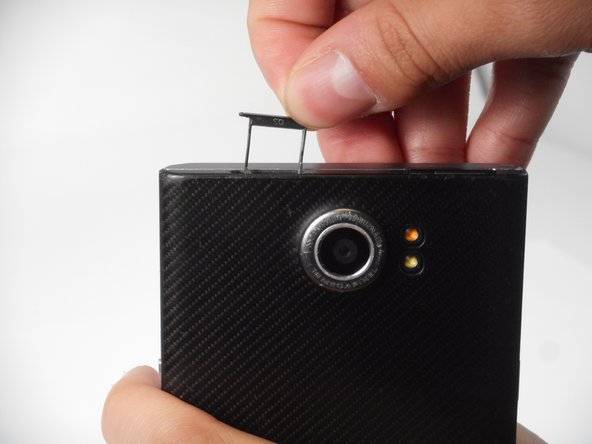
Use a SIM eject tool to push down into the holes which lifts the SIM and SD trays.
-
Pull the trays up and out of the device.
 Ask FixBot
-
-
-
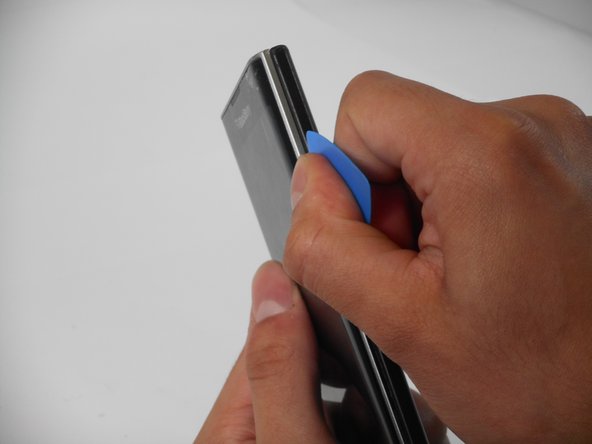
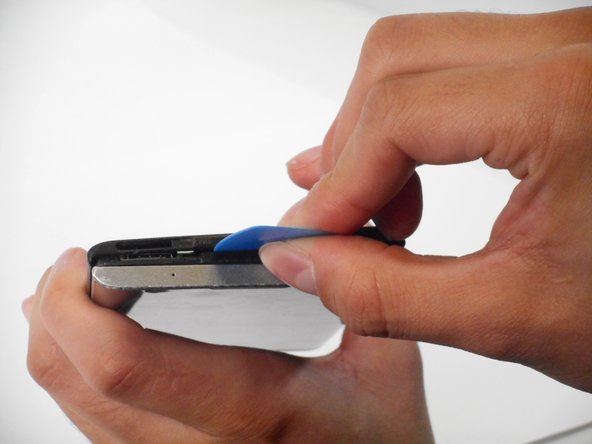
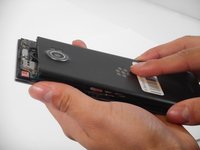
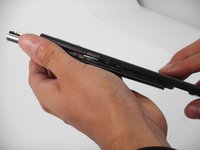
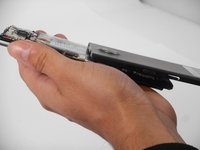
Insert an opening pick in the seam between the rear casing and chassis. Apply downward pressure to pry the casing upward.
-
-
-
-
-
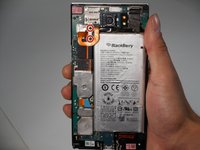
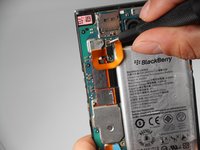
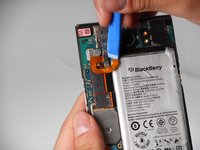
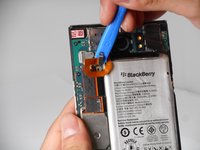
Remove the two 3.3 mm T4 Torx screws that secure the battery connector.
-
-
-










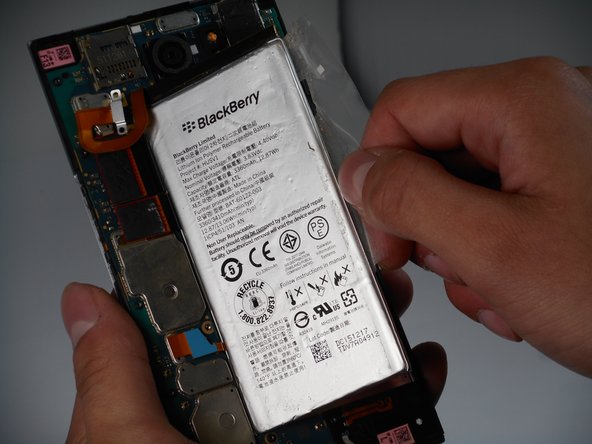
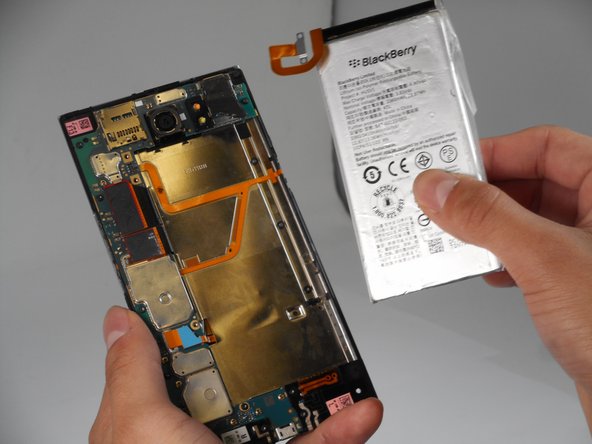
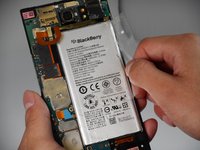
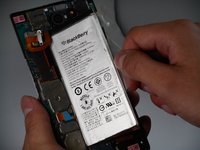
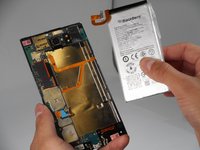
To reassemble your device, follow the above steps in reverse order.
For optimal performance, after completing this guide, calibrate your newly installed battery.
Take your e-waste to an R2 or e-Stewards certified recycler.
Repair didn’t go as planned? Try some basic troubleshooting or ask our Answers community for help.

Team

University of Memphis, Team 1-4, Sneed Fall 2024 Member of University of Memphis, Team 1-4, Sneed Fall 2024
UM-SNEED-F24S1G4
4 Members
60 Guides authored
