Free Shipping on Domestic Orders $75+

BlackBerry World Edition 8830 Keyboard Replacement

Views: 1K

View statistics:

Past 24 Hours:
4
Past 7 Days:
16
Past 30 Days:
80
All Time:
1,039
Comments: 0

No one has left comments on this guide. Will you be first?

Go to guide comments
Completed: 0

No one has marked this guide "completed." Will you be the first?

Favorites: 0

No one has favorited (and subscribed to) this guide. Will you be the first?

Time Required: 15 - 20 minutes
Difficulty: Moderate
BlackBerry World Edition 8830 Keyboard Replacement

What you need

Tools

    1. BlackBerry World Edition 8830 Keyboard Replacement, Battery: step 1, image 1 of 3 BlackBerry World Edition 8830 Keyboard Replacement, Battery: step 1, image 2 of 3 BlackBerry World Edition 8830 Keyboard Replacement, Battery: step 1, image 3 of 3
      • Before beginning this installation, make sure phone is powered off .

      • Turn phone over to the backside.

      • Press down on the lower portion of the back cover.

      • Slide the lower portion down to remove the cover and reveal the battery.

      Ask FixBot

      Add Comment

    2. BlackBerry World Edition 8830 Keyboard Replacement: step 2, image 1 of 1
      • Remove the battery from the phone.

      Ask FixBot

      Add Comment

    1. BlackBerry World Edition 8830 Keyboard Replacement, Front and Back Casing: step 3, image 1 of 2 BlackBerry World Edition 8830 Keyboard Replacement, Front and Back Casing: step 3, image 2 of 2
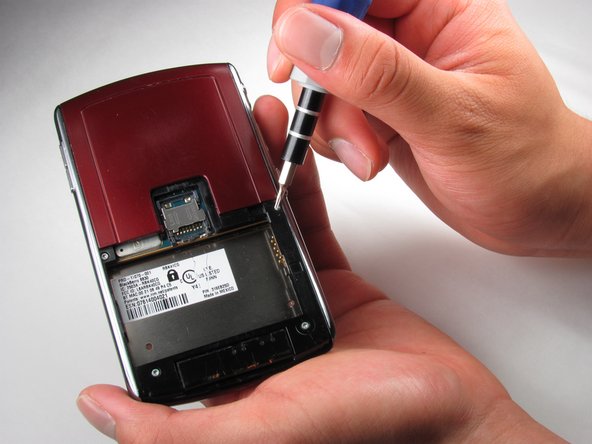
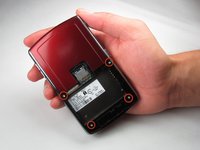
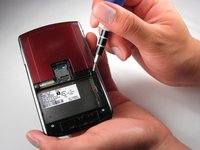
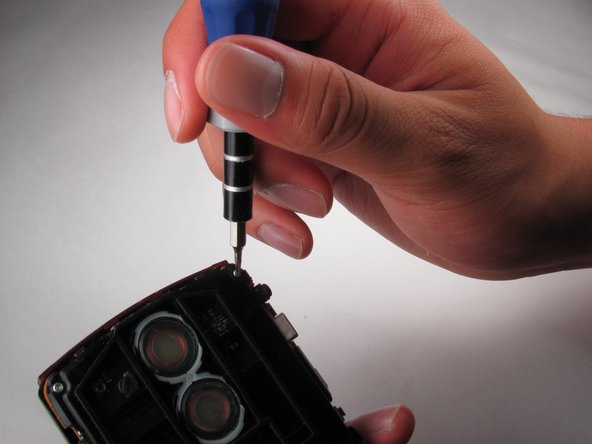
      • Once the battery is removed, remove the four 9.2 mm screws with the T4 Torx Screwdriver.

      Ask FixBot

      Add Comment

    2. BlackBerry World Edition 8830 Keyboard Replacement: step 4, image 1 of 3 BlackBerry World Edition 8830 Keyboard Replacement: step 4, image 2 of 3 BlackBerry World Edition 8830 Keyboard Replacement: step 4, image 3 of 3
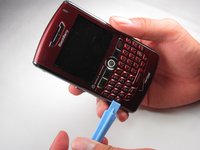
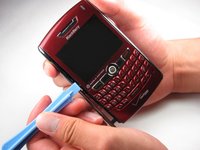
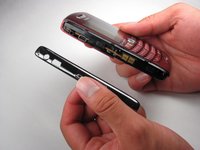
      • Remove side panels with the Plastic Opening Tool by sliding it along the edge of the panel until you can pry it off with the tool.

      Ask FixBot

      Add Comment

    3. BlackBerry World Edition 8830 Keyboard Replacement: step 5, image 1 of 2 BlackBerry World Edition 8830 Keyboard Replacement: step 5, image 2 of 2
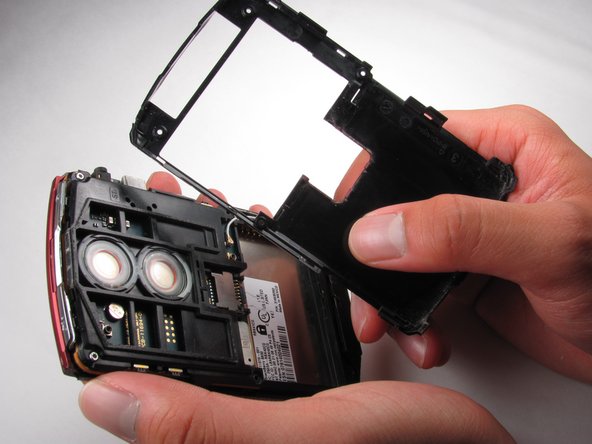
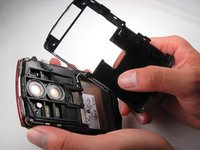
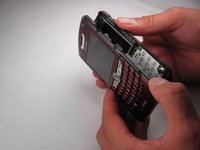
      • Remove the back casing using the Plastic Opening Tool

      • Once the back casing is removed the top two buttons are likely to pop out.

      Ask FixBot

      Add Comment

    4. BlackBerry World Edition 8830 Keyboard Replacement: step 6, image 1 of 3 BlackBerry World Edition 8830 Keyboard Replacement: step 6, image 2 of 3 BlackBerry World Edition 8830 Keyboard Replacement: step 6, image 3 of 3
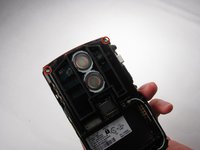
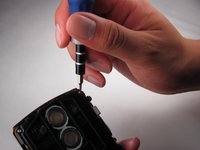
      • Locate the two 9.2mm screws on the upper inside casing

      • Remove them using the T4 Torx Screwdriver

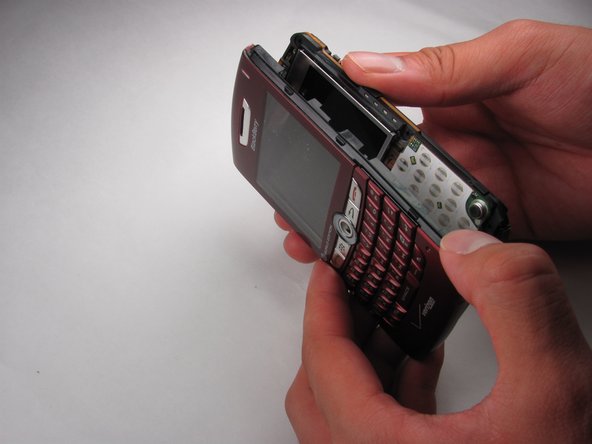
      • Slide off the front casing once the screws are removed.

      • Trackball will fall out once the casing is removed.

      Ask FixBot

      Add Comment

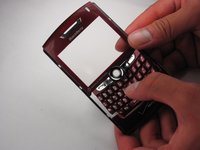
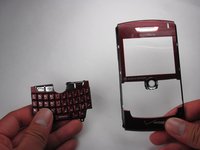
    1. BlackBerry World Edition 8830 Keyboard Replacement, Keyboard: step 7, image 1 of 3 BlackBerry World Edition 8830 Keyboard Replacement, Keyboard: step 7, image 2 of 3 BlackBerry World Edition 8830 Keyboard Replacement, Keyboard: step 7, image 3 of 3
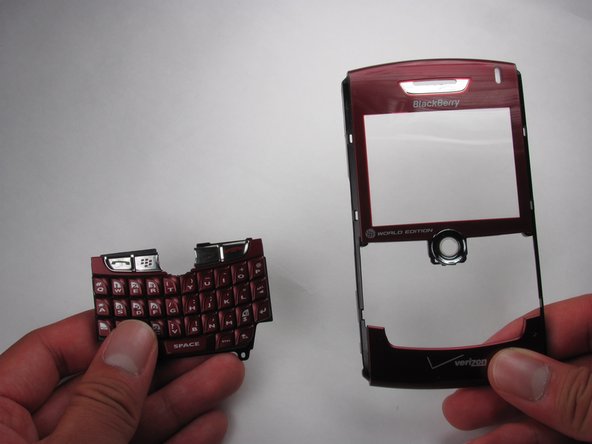
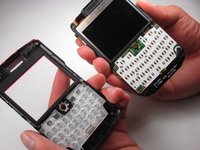
      • Remove the keyboard from the front casing.

      Ask FixBot

      Add Comment

Conclusion

To reassemble your device, follow these instructions in reverse order.

Cancel: I did not complete this guide.

Team

Cal Poly, Team 17-27, Amido Spring 2012 Member of Cal Poly, Team 17-27, Amido Spring 2012

CPSU-AMIDO-S12S17G27

4 Members

84 Guides authored

0 Guide Comments

Add Comment

View Statistics:

Past 24 Hours: 4

Past 7 Days: 16

Past 30 Days: 80

All Time: 1,039