Free Shipping on Domestic Orders $75+

BlackBerry Passport Motherboard Replacement

What you need

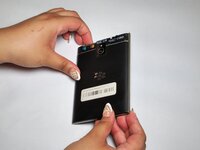
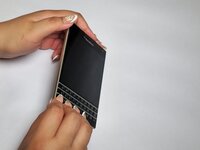
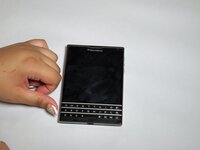
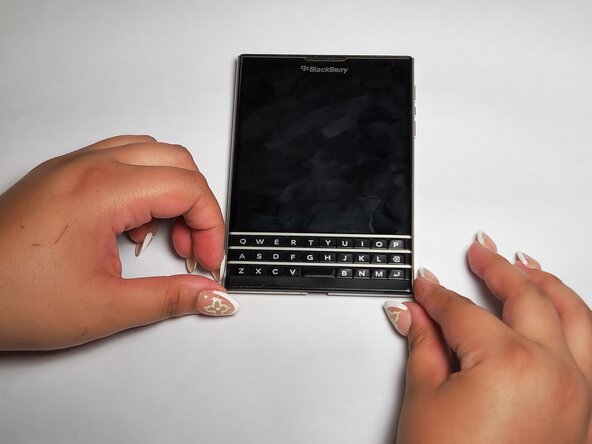
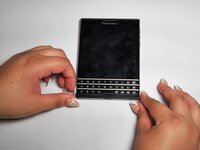
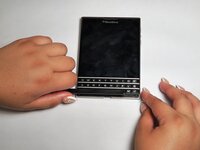
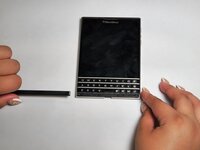
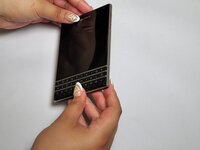
  1. BlackBerry Passport Motherboard Replacement, Motherboard: step 1, image 1 of 3 BlackBerry Passport Motherboard Replacement, Motherboard: step 1, image 2 of 3 BlackBerry Passport Motherboard Replacement, Motherboard: step 1, image 3 of 3
    • Flip the phone on its front.

  2. BlackBerry Passport Motherboard Replacement: step 2, image 1 of 2 BlackBerry Passport Motherboard Replacement: step 2, image 2 of 2
    • Remove the top SIM/microSD card cover by the notch.

  3. BlackBerry Passport Motherboard Replacement: step 3, image 1 of 1
    • Remove the top two 7 mm screws using a T4 Torx screwdriver.

    • Remove the bottom three 5 mm screws using a T4 Torx screwdriver.

  4. BlackBerry Passport Motherboard Replacement: step 4, image 1 of 3 BlackBerry Passport Motherboard Replacement: step 4, image 2 of 3 BlackBerry Passport Motherboard Replacement: step 4, image 3 of 3
    • Flip the phone to its back.

  5. BlackBerry Passport Motherboard Replacement: step 5, image 1 of 3 BlackBerry Passport Motherboard Replacement: step 5, image 2 of 3 BlackBerry Passport Motherboard Replacement: step 5, image 3 of 3
    • Remove the cover located under the keyboard.

  6. BlackBerry Passport Motherboard Replacement: step 6, image 1 of 1
    • Remove the two 6 mm screws using the T4 Torx screwdriver.

  7. BlackBerry Passport Motherboard Replacement: step 7, image 1 of 3 BlackBerry Passport Motherboard Replacement: step 7, image 2 of 3 BlackBerry Passport Motherboard Replacement: step 7, image 3 of 3
    • Flip the phone on its front.

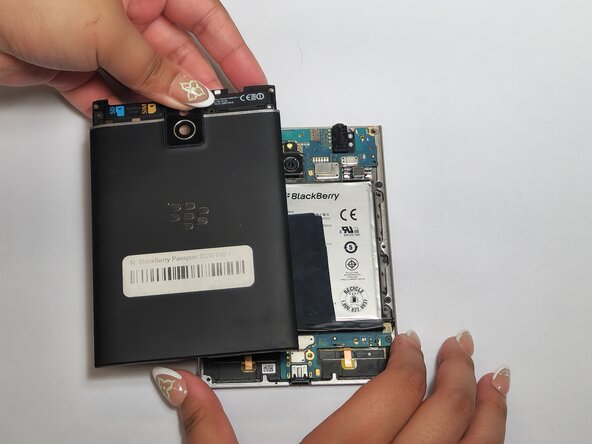
  8. BlackBerry Passport Motherboard Replacement: step 8, image 1 of 3 BlackBerry Passport Motherboard Replacement: step 8, image 2 of 3 BlackBerry Passport Motherboard Replacement: step 8, image 3 of 3
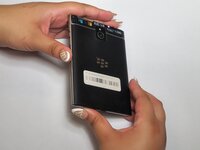
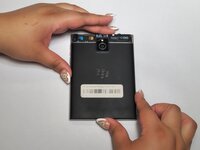
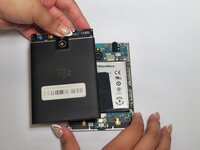
    • Remove the back cover.

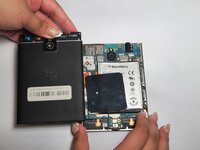
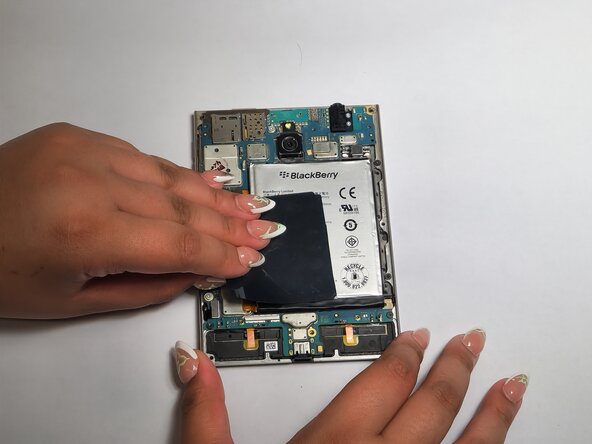
  9. BlackBerry Passport Motherboard Replacement: step 9, image 1 of 3 BlackBerry Passport Motherboard Replacement: step 9, image 2 of 3 BlackBerry Passport Motherboard Replacement: step 9, image 3 of 3
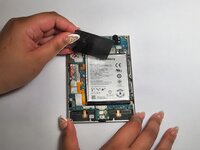
    • Remove the black tape from the battery and the motherboard.

  10. BlackBerry Passport Motherboard Replacement: step 10, image 1 of 1
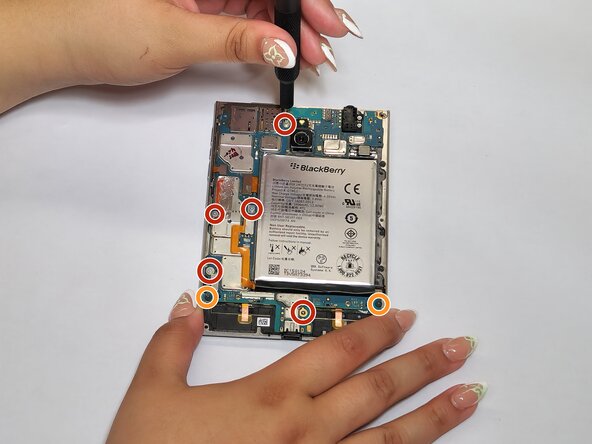
    • Remove the five 4 mm screws using a T4 Torx screwdriver.

    • Remove the two 3 mm screws using a T4 Torx screwdriver.

  11. BlackBerry Passport Motherboard Replacement: step 11, image 1 of 1
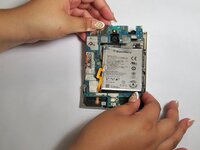
    • Disconnect the left four connectors.

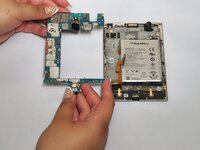
  12. BlackBerry Passport Motherboard Replacement: step 12, image 1 of 3 BlackBerry Passport Motherboard Replacement: step 12, image 2 of 3 BlackBerry Passport Motherboard Replacement: step 12, image 3 of 3
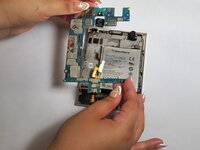
    • Remove the motherboard.

Conclusion

To reassemble your device, follow these instructions in reverse order.

One other person completed this guide.

Nicolas Tartinsky

Member since: 02/20/25

264 Reputation

1 Guide authored

Team

0 Guide Comments

Add Comment

View Statistics:

Past 24 Hours: 3

Past 7 Days: 11

Past 30 Days: 63

All Time: 588