Introduction
The BlackBerry Curve 8900 is a 2008 cellphone, developed by BlackBerry Limited (previously known as RIM, or Research In Motion).
This page is a step by step guide on how to replace the cellphone's antenna. You might find this replacement necessary if your Blackberry Curve experiences frequent call drops, static, poor reception, slow download speeds, or generally low wireless signals. If you can't replace a damaged/faulty antenna, your device might be incapable of receiving signals from cell towers.
Luckily, this repair requires no special background knowledge and can be completed in a few simple steps.
What you need
-
-
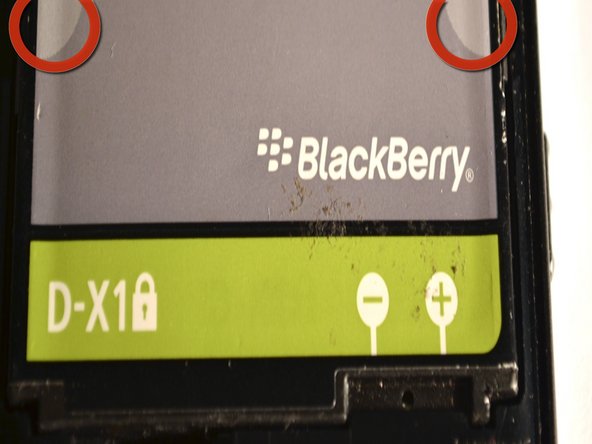
Pinch the battery at the grey semi-circles on the top left and top right corners of the battery using your fingers and remove it from the device.
-
-
-
Remove the six screws from the mid-frame of the device, using the T6 Torx Screwdriver.
-
-
-
-
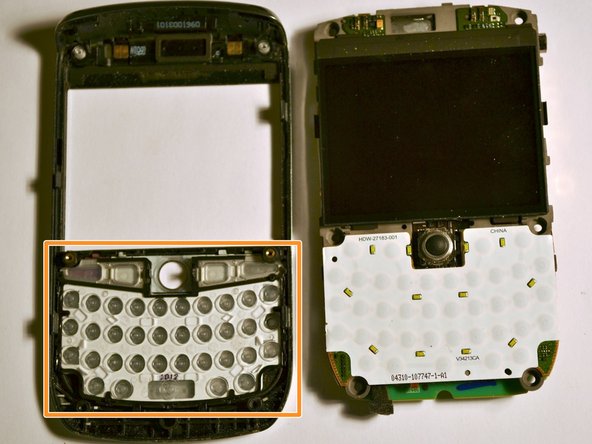
Gently remove the mid-frame from the phone, exposing the motherboard.
-
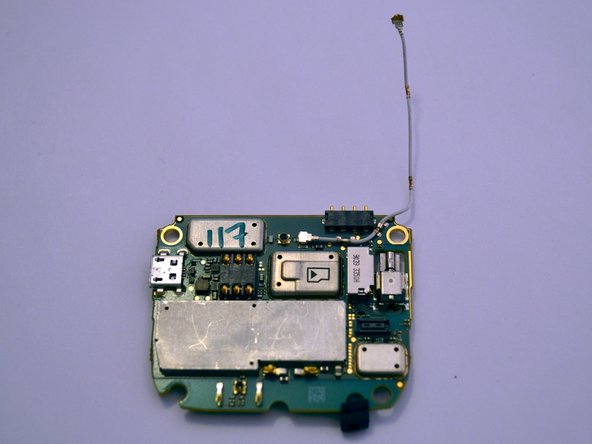
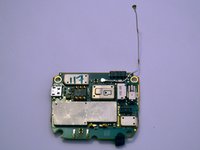
This is the motherboard.
-
-
-
Gently pull back the plastic tabs that secure the motherboard to the case.
-
Slowly pull the tabs, working your way around the case, until they are lifted and the motherboard is free.
-
Remove the motherboard.
-
-
-
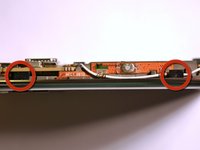
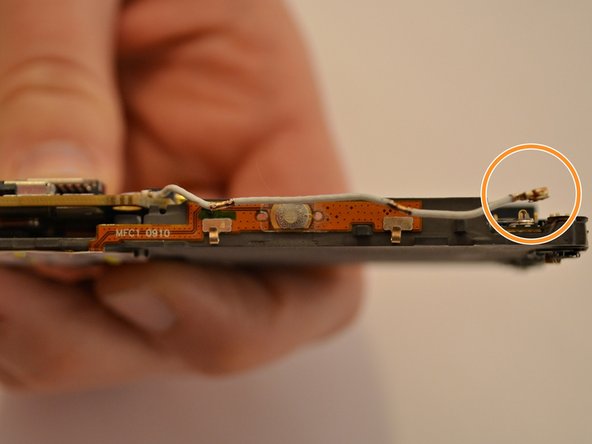
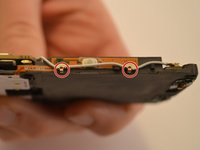
Carefully detach the antenna from the two clips on the side of the motherboard.
-
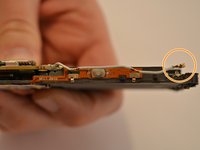
Disconnect the antenna from the motherboard in the same manner.
-
-
-
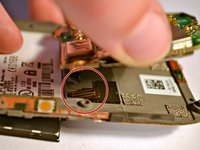
Carefully disconnect the ribbon cable located on the bottom right of the motherboard.
-
-
-
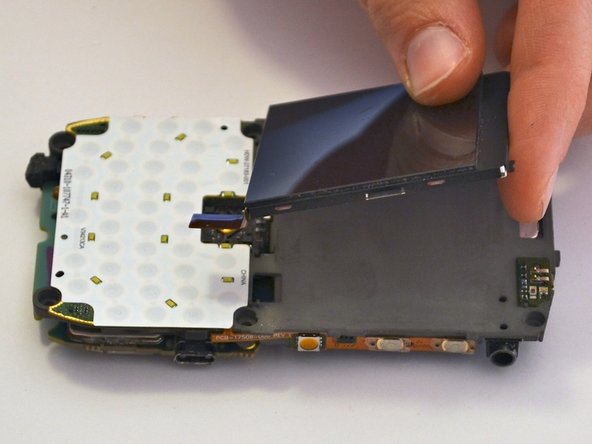
Locate the chip underneath the screen.
-
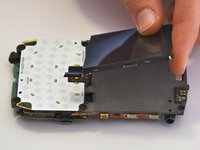
Gently remove the screen, without applying too much pressure, taking care not to damage it.
-
-
-
Lift up the motherboard from the bottom edge to reveal the ribbon cables.
-
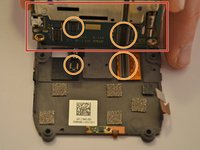
Carefully disconnect the two ribbon cables connecting the motherboard to the display on either side.
-
Remove the motherboard and place off to the side.
-

 Ask FixBot







Once all the steps have been completed, reassemble the device in reverse order.

Team

Cuesta, Team 1-3, Zipperian Fall 2011 Member of Cuesta, Team 1-3, Zipperian Fall 2011
CUESTA-ZIPPERIAN-F11S1G3
3 Members
24 Guides authored
