Free Shipping on Domestic Orders $75+

BlackBerry Curve 8310 LCD Screen Replacement

What you need

    1. BlackBerry Curve 8310 LCD Screen Replacement, Battery: step 1, image 1 of 1
      • Press down on the battery release button and slide the back cover up with your thumb.

      Ask FixBot

      Add Comment

    2. BlackBerry Curve 8310 LCD Screen Replacement: step 2, image 1 of 1
      • Pry from the top of the battery to pull it out.

      Ask FixBot

      Add Comment

    1. BlackBerry Curve 8310 LCD Screen Replacement, Lens: step 3, image 1 of 1
      • Slide the metal sim card cover to the unlock position.

      • Remove the sim card.

      • The arrows on the sim card enclosure indicate the lock and unlock positions.

      Ask FixBot

      Add Comment

    2. BlackBerry Curve 8310 LCD Screen Replacement: step 4, image 1 of 1
      • Remove the two T5 Torx screws circled at the top of the phone.

      • The T5 Torx screws may be covered by a white sticker.

      Ask FixBot

      Add Comment

    3. BlackBerry Curve 8310 LCD Screen Replacement: step 5, image 1 of 1
      • Remove the red cover at the bottom of the phone.

      • You may have to work a spudger underneath to release the plastic clips.

      Ask FixBot

      Add Comment

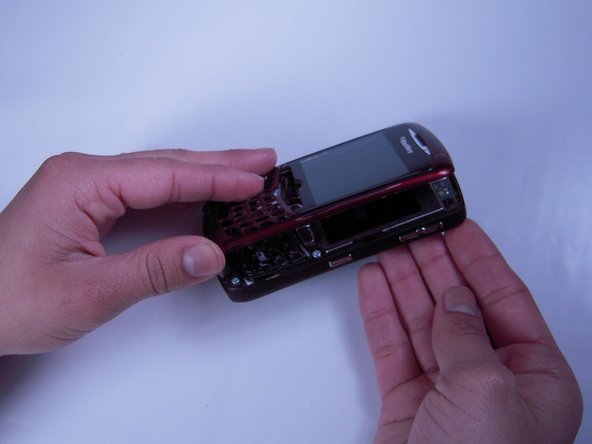
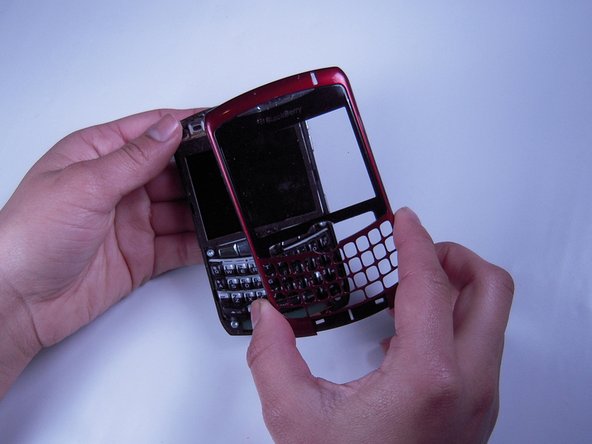
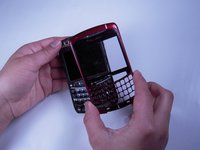
    4. BlackBerry Curve 8310 LCD Screen Replacement: step 6, image 1 of 3 BlackBerry Curve 8310 LCD Screen Replacement: step 6, image 2 of 3 BlackBerry Curve 8310 LCD Screen Replacement: step 6, image 3 of 3
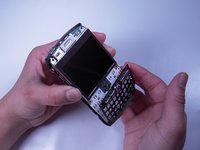
      • Be careful not to damage the front cover's plastic clips while trying to separate it from the phone.

      • Use a spudger to pry the front cover away from the side panels.

      • Work the spudger around the entire phone until the front cover is free.

      Ask FixBot

      Add Comment

    1. BlackBerry Curve 8310 LCD Screen Replacement, Keyboard: step 7, image 1 of 1
      • Remove the keyboard.

      Ask FixBot

      Add Comment

    1. BlackBerry Curve 8310 LCD Screen Replacement, Screen Housing: step 8, image 1 of 1
      • Remove the four T6 Torx screws located on the corners of the keyboard frame.

      Ask FixBot

      Add Comment

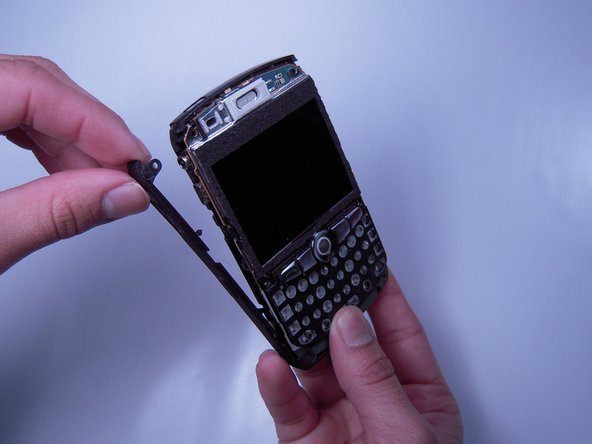
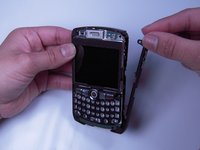
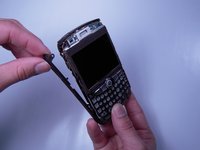
    2. BlackBerry Curve 8310 LCD Screen Replacement: step 9, image 1 of 2 BlackBerry Curve 8310 LCD Screen Replacement: step 9, image 2 of 2
      • Now remove the left and right side panels.

      Ask FixBot

      Add Comment

    3. BlackBerry Curve 8310 LCD Screen Replacement: step 10, image 1 of 3 BlackBerry Curve 8310 LCD Screen Replacement: step 10, image 2 of 3 BlackBerry Curve 8310 LCD Screen Replacement: step 10, image 3 of 3
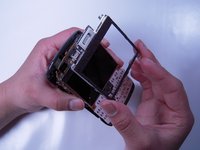
      • Remove the keyboard frame.

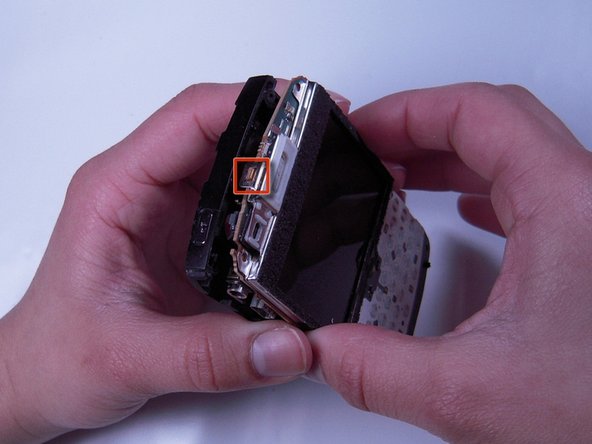
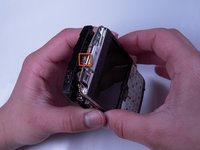
      • Be sure to unhook the screen housing from the motherboard before continuing. Refer to the square indicated in the second picture.

      • Now remove the screen housing.

      Ask FixBot

      Add Comment

    1. BlackBerry Curve 8310 LCD Screen Replacement, LCD Screen: step 11, image 1 of 1
      • Unplug the ribbon cable from the board.

      • The ribbon cable is located at the top left of the phone above the screen.

      Ask FixBot

      Add Comment

    2. BlackBerry Curve 8310 LCD Screen Replacement: step 12, image 1 of 1
      • Insert tool between LCD screen and board.

      • Pry LCD screen from board.

      Ask FixBot

      Add Comment

Conclusion

To reassemble your device, follow these instructions in reverse order.

Cancel: I did not complete this guide.

4 other people completed this guide.

Mandy Chan

Member since: 01/20/12

91 Reputation

2 Guides authored

Team

Cal Poly, Team 10-32, Amido Winter 2012 Member of Cal Poly, Team 10-32, Amido Winter 2012

CPSU-AMIDO-W12S10G32

4 Members

84 Guides authored

0 Guide Comments

Add Comment

View Statistics:

Past 24 Hours: 3

Past 7 Days: 14

Past 30 Days: 32

All Time: 2,164