Introduction
A motherboard connects the crucial parts of your smartphone. You may experience system failure, unexpected restarts, poor battery life, or abnormal screen behavior if your motherboard is damaged.
This guide will show you how to replace your BlackBerry 8820’s faulty motherboard. You do not need any specialized skills to complete this guide.
Before you begin this repair, make sure to power off your Blackberry and disconnect it from the charger.
What you need
-
-
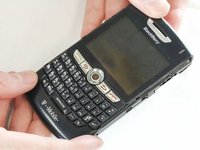
Remove the battery cover by applying pressure and sliding the silver square on the back of the phone downwards.
 Ask FixBot
-
-
-
Remove the battery by prying under it with your finger or a plastic opening tool.
-
Remove the four small 3/8" long screws using a 1/16" diameter torx screwdriver.
-
-
-
-
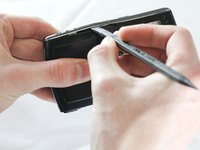
Remove the bottom casing clip, which will easily unsnap when pulled.
-
-
-
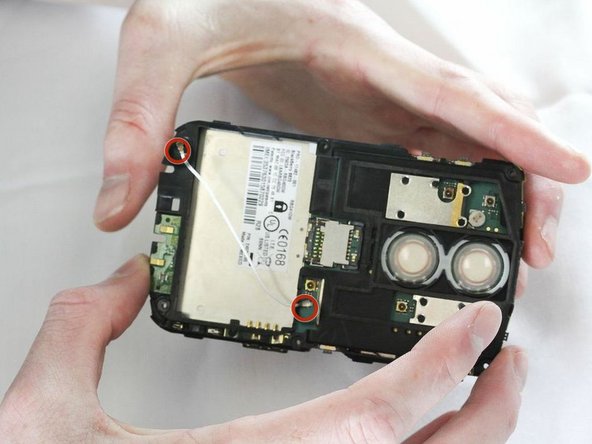
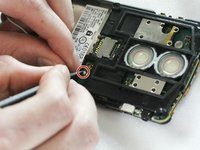
Unhook both sides of the white wire from the motherboard using the plastic opening tool from before.
-
-
-
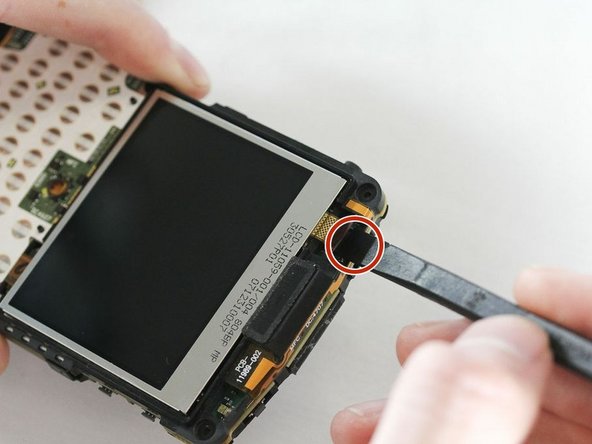
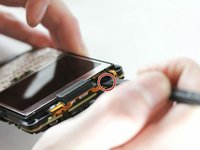
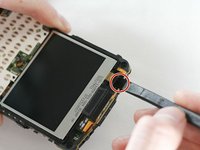
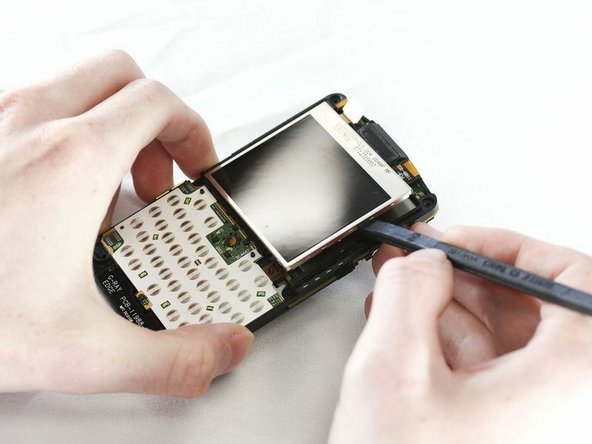
Locate the gloss SATA cable strap connecting LCD screen at the top of the phone.
-
Detach this cable by levering under the connector with a prying tool.
-
-
-
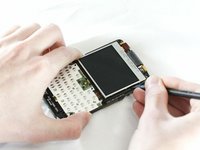
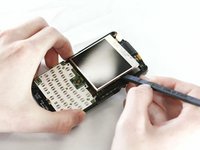
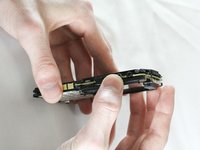
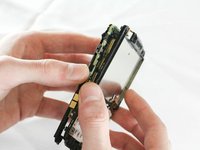
There will be two small clips on each side of the motherboard. Unhook each clip one at a time using the plastic opening tool.
-
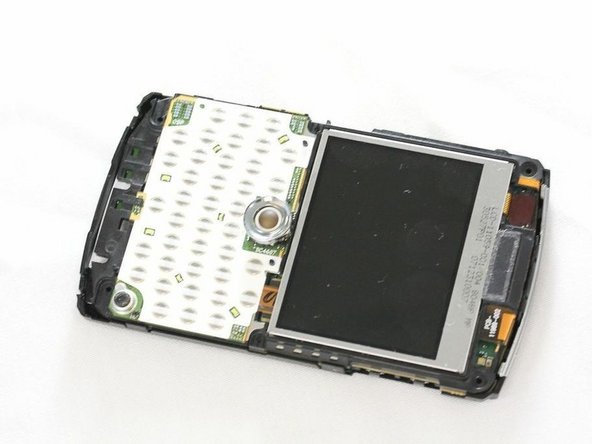
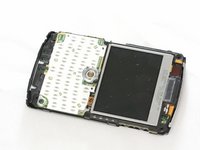
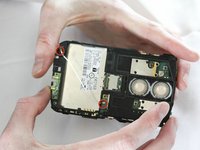
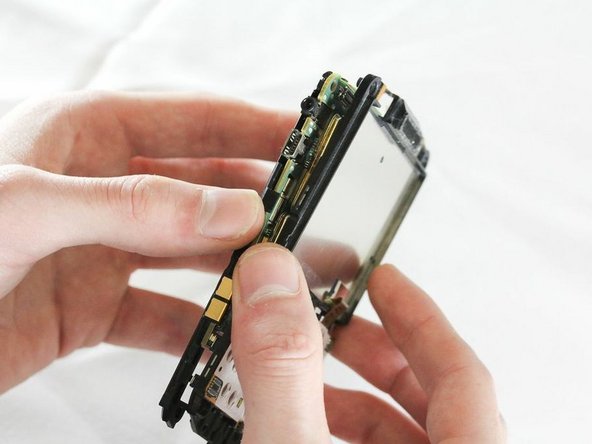
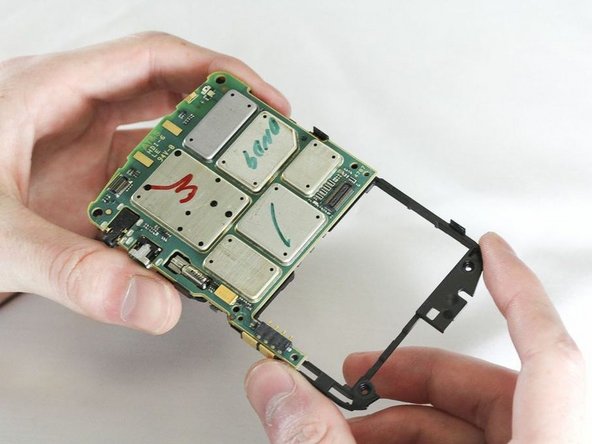
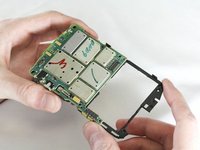
Once all four clips are unhooked you should be able to pull the motherboard from the casing with your hands.
-
After removing the old motherboard, you can now replace it with a new one.
-








To reassemble your device, follow these instructions in reverse order. After replacing your BlackBerry's motherboard with a new one, recycle the old motherboard at an [[E-Waste#:~:text=Those%20dead%20parts%20should%20go,be%20put%20in%20the%20trash.|electronics recycler|new_window=true]].
Cancel: I did not complete this guide.
3 other people completed this guide.

Team

Cal Poly, Team 13-64, Johann Spring 2013 Member of Cal Poly, Team 13-64, Johann Spring 2013
CPSU-JOHANN-S13S13G64
4 Members
13 Guides authored
