Free Shipping on Domestic Orders $75+

BlackBerry 7510 LCD Screen Replacement

Views: 3K

View statistics:

Past 24 Hours:
0
Past 7 Days:
7
Past 30 Days:
41
All Time:
2,973
Comments: 0

No one has left comments on this guide. Will you be first?

Go to guide comments
Completed: 0

No one has marked this guide "completed." Will you be the first?

Favorites: 0

No one has favorited (and subscribed to) this guide. Will you be the first?

Time Required: 15 - 25 minutes
Difficulty: Easy
Mismatched Prerequisites

This guide does not have a proper prerequisite guide. Help match it to its ideal partner by finding it or writing one!

BlackBerry 7510 LCD Screen Replacement

Introduction

Go to step 1 ↓

This guide demonstrates how to remove and replace the LCD screen.

What you need

Tools

    1. BlackBerry 7510 LCD Screen Replacement, Back Face of Phone: step 1, image 1 of 1
      • Remove the battery cover and battery before continuing.

      • Remove the six T6 Torx screws on the back of the phone.

      • Make sure to keep the screws somewhere that they will not get lost.

      Ask FixBot

      Add Comment

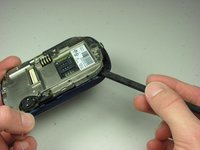
    2. BlackBerry 7510 LCD Screen Replacement: step 2, image 1 of 1
      • Using your finger nail or a spudger, carefully pry up the back cover.

      • Begin in one spot and slowly circle around the device as you pry up all of the back cover.

      Ask FixBot

      Add Comment

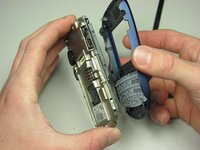
    3. BlackBerry 7510 LCD Screen Replacement: step 3, image 1 of 1
      • Lift off the back cover.

      Ask FixBot

      Add Comment

    4. BlackBerry 7510 LCD Screen Replacement: step 4, image 1 of 1
      • Remove the two T6 screws.

      Ask FixBot

      Add Comment

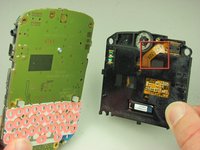
    5. BlackBerry 7510 LCD Screen Replacement: step 5, image 1 of 2 BlackBerry 7510 LCD Screen Replacement: step 5, image 2 of 2
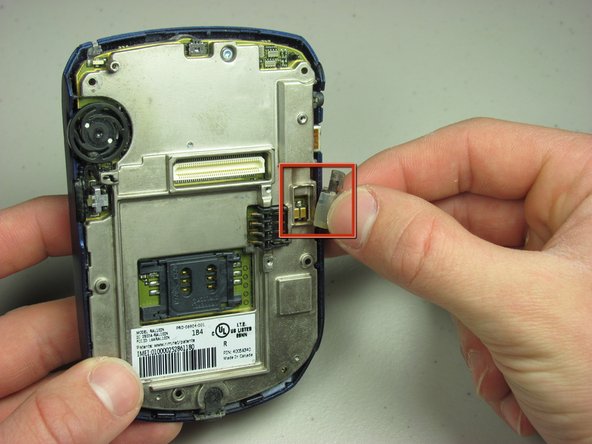
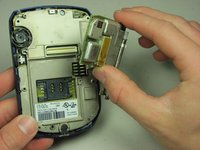
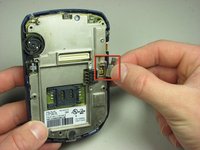
      • Remove the daughterboard.

      • Remove the exposed vibration motor.

      Ask FixBot

      Add Comment

    1. BlackBerry 7510 LCD Screen Replacement, LCD Screen: step 6, image 1 of 1
      • Unscrew the screw holding the back plate.

      Ask FixBot

      Add Comment

    2. BlackBerry 7510 LCD Screen Replacement: step 7, image 1 of 2 BlackBerry 7510 LCD Screen Replacement: step 7, image 2 of 2
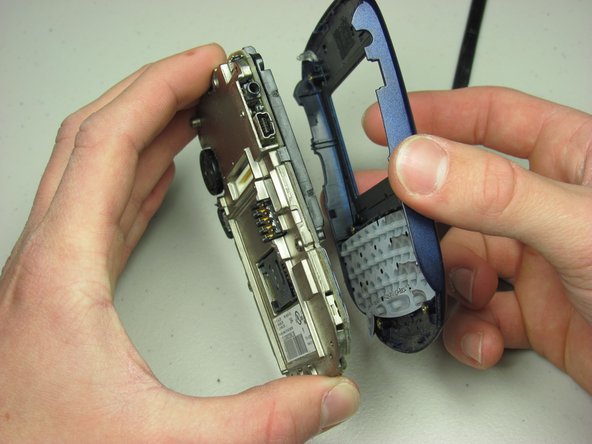
      • Carefully pry off front cover. Make sure the plastic clips are unlatched before applying force.

      • Lift off front cover from metal plate.

      Ask FixBot

      Add Comment

    3. BlackBerry 7510 LCD Screen Replacement: step 8, image 1 of 1
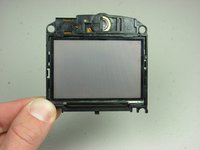
      • Pry off the LCD screen with spudger at the two clips.

      Ask FixBot

      Add Comment

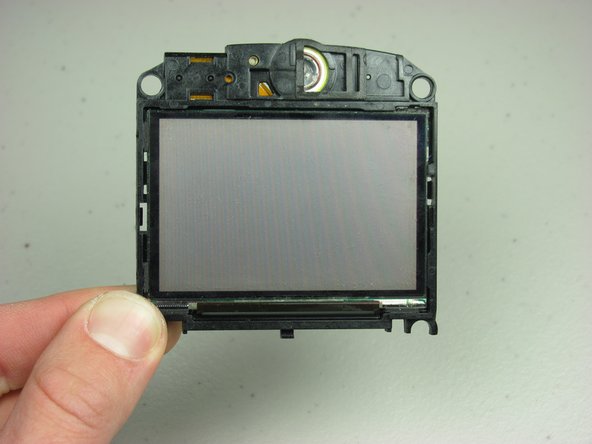
    4. BlackBerry 7510 LCD Screen Replacement: step 9, image 1 of 2 BlackBerry 7510 LCD Screen Replacement: step 9, image 2 of 2
      • Remove the LCD screen and replace it with a new one.

      • Careful not to rip the LCD ribbon.

      Ask FixBot

      Add Comment

Conclusion

To reassemble your device, follow these instructions in reverse order.

Cancel: I did not complete this guide.

Neil Johnson

Member since: 01/24/10

12 Reputation

6 Guides authored

Team

Cal Poly, Team 14-44, Regan Winter 2010 Member of Cal Poly, Team 14-44, Regan Winter 2010

CPSU-REGAN-W10S14G44

4 Members

96 Guides authored

0 Guide Comments

Add Comment

View Statistics:

Past 24 Hours: 0

Past 7 Days: 7

Past 30 Days: 41

All Time: 2,973