
BlackBerry 7510 Keypad Replacement

Neil Johnson and 8 other contributors
Last updated on Jan 11, 2019
Views: 2.8K
View statistics:
- Past 24 Hours:
- 1
- Past 7 Days:
- 15
- Past 30 Days:
- 40
- All Time:
- 2,836
Comments: 0
No one has left comments on this guide. Will you be first?
Go to guide commentsCompleted: 0 1
No one has marked this guide "completed." Will you be the first?
1 person has marked this guide "completed." It's you — great job!
Favorites: 0 1
No one has favorited (and subscribed to) this guide. Will you be the first?
1 person has favorited (and subscribed to) this guide — and that's you!
Mismatched Prerequisites
This guide does not have a proper prerequisite guide. Help match it to its ideal partner by finding it or writing one!
Step Trimmer
This guide has unnecessary steps. Trim them to be more concise!
Introduction
Go to step 1 ↓This is a guide showing how to repair your keypad for the RIM blackberry 7510.
What you need
Tools

-
-
-
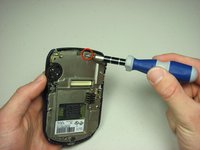
Remove the six T6 Torx screws on the back of the phone.
-
Make sure to keep the screws somewhere that they will not get lost.
 Ask FixBot
-
-
-
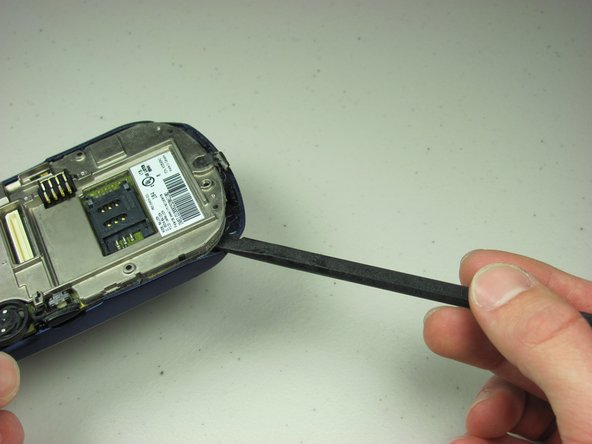
Using your finger nail or a spudger, carefully pry up the back cover.
-
Begin in one spot and slowly circle around the device as you pry up all of the back cover.
-
-
-
-
-
-
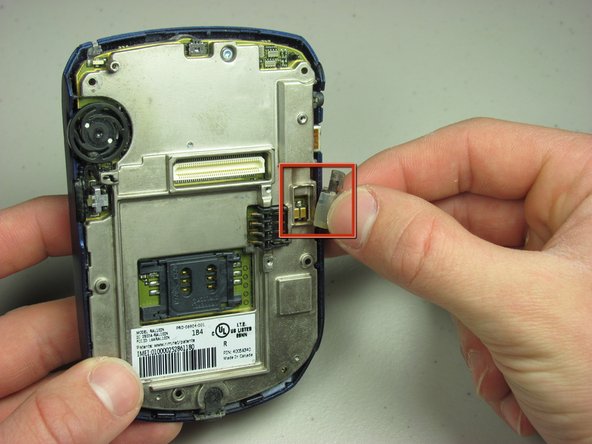
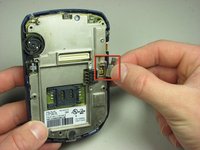
Unscrew metal plate.
-
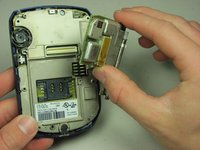
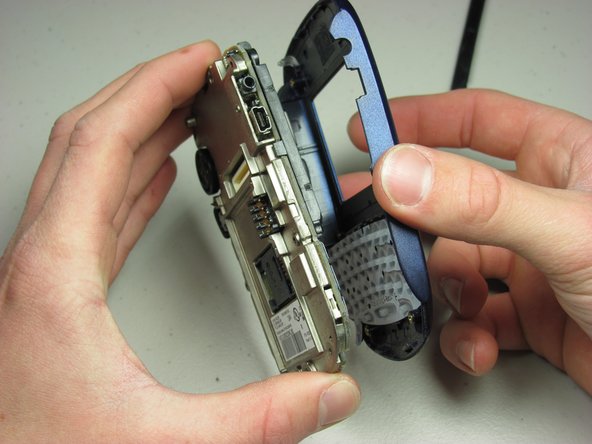
Pry off front cover.
-
Lift off front cover to expose LCD screen.
-
-




To reassemble your device, follow these instructions in reverse order.

Team

Cal Poly, Team 14-44, Regan Winter 2010 Member of Cal Poly, Team 14-44, Regan Winter 2010
CPSU-REGAN-W10S14G44
4 Members
96 Guides authored
