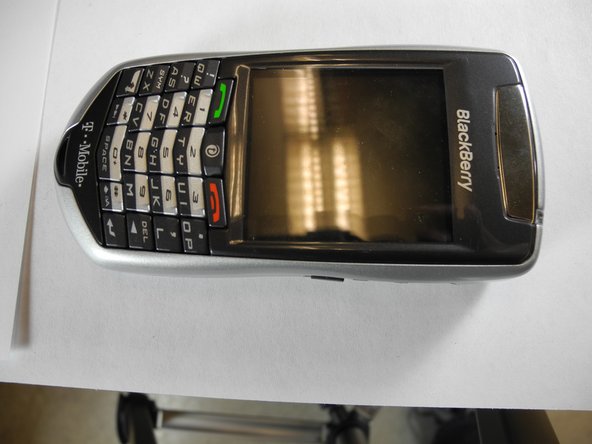
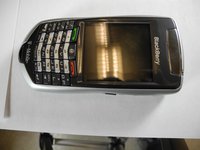
BlackBerry 7105t LCD Replacement

JamOrd5 and 4 other contributors
Last updated on Feb 19, 2016
Views: 939
View statistics:
- Past 24 Hours:
- 3
- Past 7 Days:
- 24
- Past 30 Days:
- 85
- All Time:
- 939
Comments: 0
No one has left comments on this guide. Will you be first?
Go to guide commentsCompleted: 0 1
No one has marked this guide "completed." Will you be the first?
1 person has marked this guide "completed." It's you — great job!
Favorites: 0 1
No one has favorited (and subscribed to) this guide. Will you be the first?
1 person has favorited (and subscribed to) this guide — and that's you!
Action Shots
Be an action hero! This guide needs images that better demonstrate how to perform specific actions.
Needs Better Images
Better photos will improve this guide. Help out by taking, editing, or uploading new ones!
Missing Steps
Oops! This guide is currently missing one or more important steps.
Community-Contributed Guide
An awesome member of our community made this guide. It was not created by iFixit staff.
Introduction
Go to step 1 ↓How to replace the LCD and reassemble the Blackberry 7105t
What you need
Parts


-
-
-
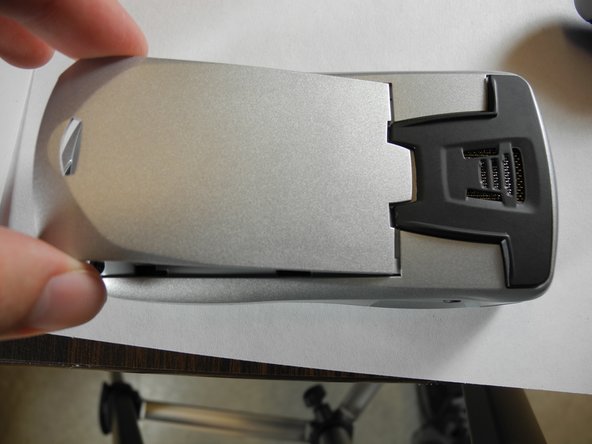
With the back of the device facing you, press down on the button while sliding the battery casing away from the speaker to remove it.
 Ask FixBot
-
-
-
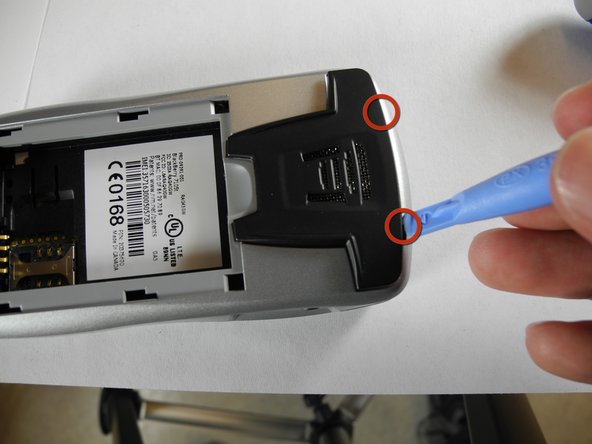
Use a plastic opening tool or fingernails to unclip the two hinges of the speaker covering and remove it.
-
-
-
Remove the battery by pushing against it from the right and then pulling towards you.
-
-
-
Remove the four screws indicated in the picture with a #T6 Torx Bit screwdriver and set them aside.
-
-
-
Use a plastic opening tool or your fingernails to remove the plastic backing.
-
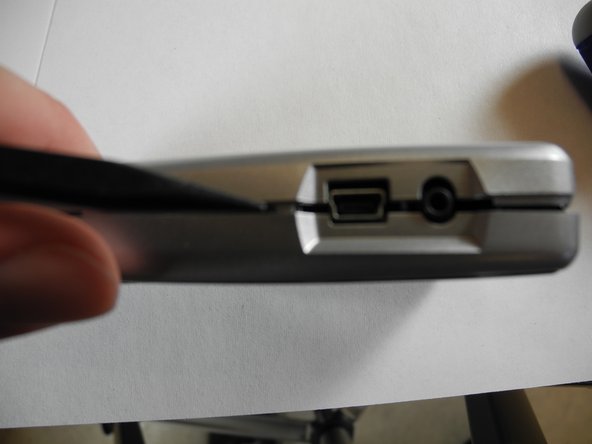
Start with the seam indicated in the picture and slide the plastic opening tool until the case is seperated.
-
-
-
Unscrew the four screws indicated in the picture with #T6 Torx Bit screwdriver.
-
Place the four screws released from the phone in a plastic bag.
-
-
-
-
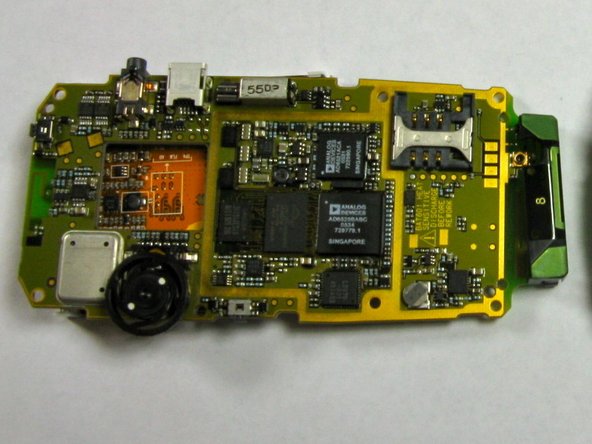
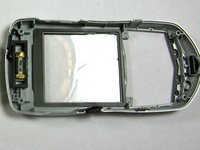
The black battery casing and logic board can now be separated for the following steps.
-
-
-
-
-
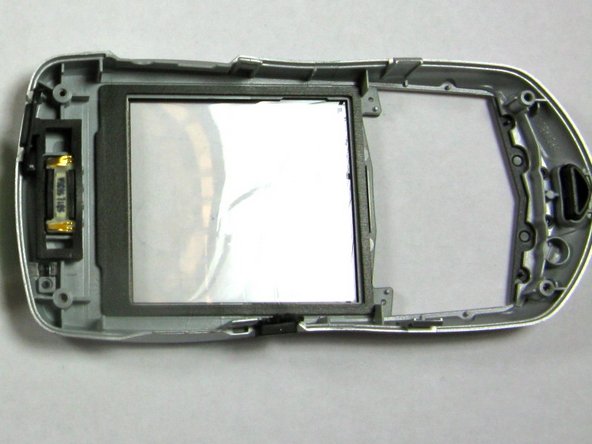
The silver piece is not attached to the logic board in any way, and can be taken off by lifting it up with plastic opening tools.
-
-
-
-
-
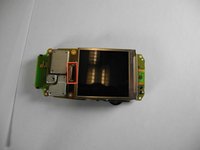
With the screen facing you, you will be able to see a small grey plastic clip.
-
Use a plastic opening tool to unfasten the clip as shown.
-
-
-
Flip the logic board over to the other side.
-
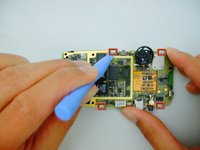
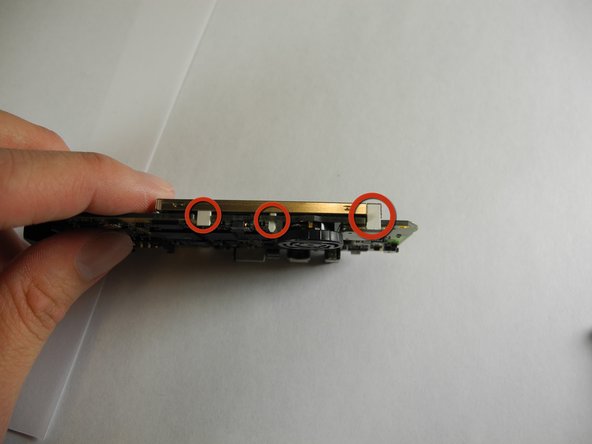
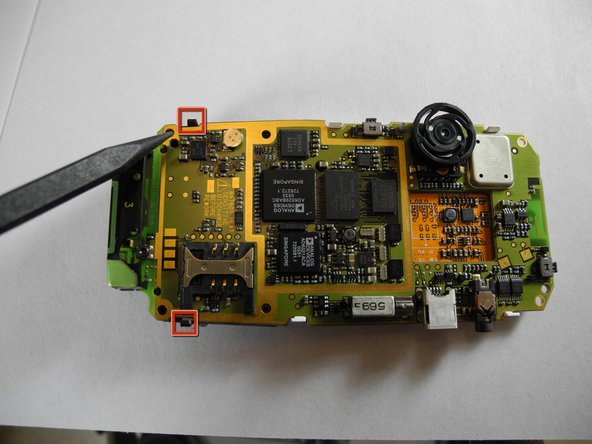
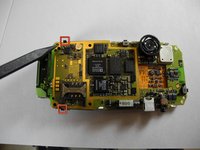
Use a plastic opening tool unclip the top two clips shown in red, and then the bottom two clips. This releases the screen.
-
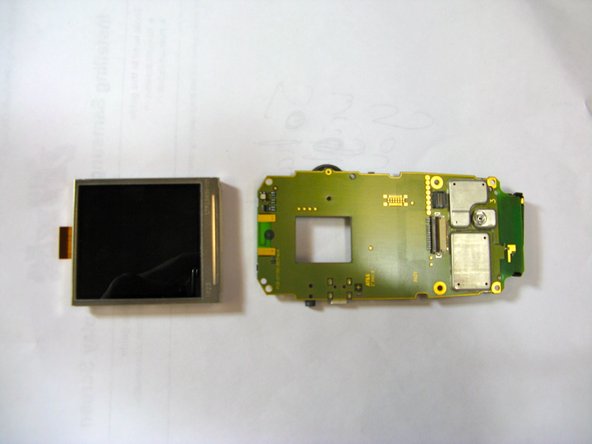
Flip logic board over and remove screen.
-
-
-
After removing the original screen, keep the logic board facing you the way it was.
-
Take the new screen and slip the flexible piece of connecting circuitry under the grey plastic flap that you pried up in step 10.
-
Push it gently but firmly until it does not move any further to the left, then close the grey flap.
-
After this, the screen can be pushed down and clicked back into place.
-
To reassemble the phone, reverse instructions.
-
-
-
-
-
Handle the screen carefully as it is fragile.
-
Push the screen gently but firmly until the connecting cable does not move any further to the left, then close the grey flap.
-
Push the screen down until it clicks into place.
-
Be sure to check that the white clips are aligned on each side before continuing.
-
-
-
Reattach Keyboard.
-
Flip phone over to the backside.
-
Make sure black clips on the back of the logic board click and are aligned.
-
-
-
Reattach the front and back covers starting with the front.
-
Make sure side clips are not overlapping on the outside.
-
-
-
Reattach speaker covering as shown.
-
Using the Ipod opening tool, press the two clips on the top side of the speaker covering until they slip into the notch.
-
Warning: The clips are fragile, do not apply excessive force.
-
-