Introduction
Use this guide to remove and replace the blade on your Black and Decker CM1640.
If your lawn mower is inconsistently cutting grass and leaving your lawn looking torn and uneven in height, it's probably because the blade has dulled. A dull blade won't cut grass effectively and can harm your lawn. This encourages the increase of weeds and pests. A dull blade also has a chance of breaking, harming your lawn mower.
Once the blade has been removed, you may be able to sharpen it instead of buying a replacement.
The process of replacing your blade looks daunting but it's actually simple. As long as you follow this repair guide closely and are mindful of the safety considerations, your blade replacement will be done in no time and you can get back to mowing your lawn efficiently.
What you need
-
-
-
Remove the battery by pulling the release and sliding it out.
-
Pull out the safety key.
 Ask FixBot
-
-
-
-
Lock the old blade in place by putting a block of wood (or equivalent) on the right-hand side, between the blade and the deck.
-
-
-
Using an adjustable wrench or a socket wrench, remove the bolt and washer in the old blade by rotating counter clockwise.
-
Remove the old blade.
-
-
-
Insert the new blade by aligning it with the mounting holes.
-
Place the block of wood (or equivalent) between the blade and the deck on the left-hand side.
-
Insert the washer and bolt through the blade and tighten it into place by rotating clockwise.
-
-


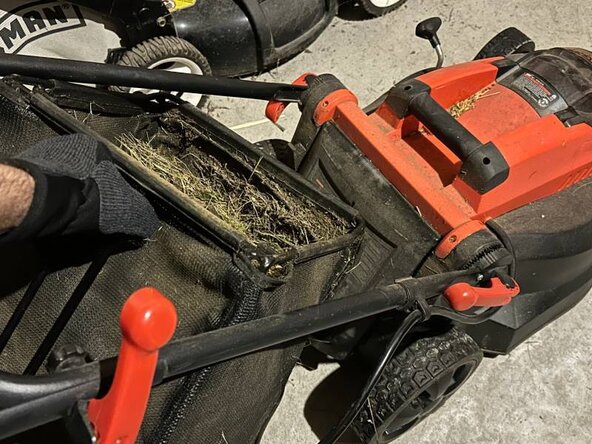
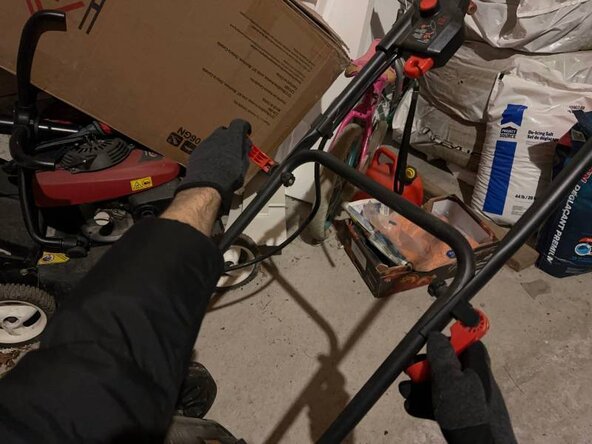


You've successfully replaced the blade! Now you can mow your lawn with ease and peace of mind. Repeat steps 1-3 in reverse to return your lawn mower to working order.

Team

York University, Team M-8, Woodhouse Winter 2026 Member of York University, Team M-8, Woodhouse Winter 2026
YORK-WOODHOUSE-W26SMG8
2 Members
9 Guides authored
