Free Shipping on Domestic Orders $75+

Bissell SmartClean 1605 Front Cover Replacement

What you need

    1. Bissell SmartClean 1605 Front Cover Replacement, Front Cover: step 1, image 1 of 1
      • Power off your device

      Ask FixBot

      Add Comment

    2. Bissell SmartClean 1605 Front Cover Replacement: step 2, image 1 of 1
      • Flip your device and unscrew the marked screws using a phillips screwdriver.

      Ask FixBot

      Add Comment

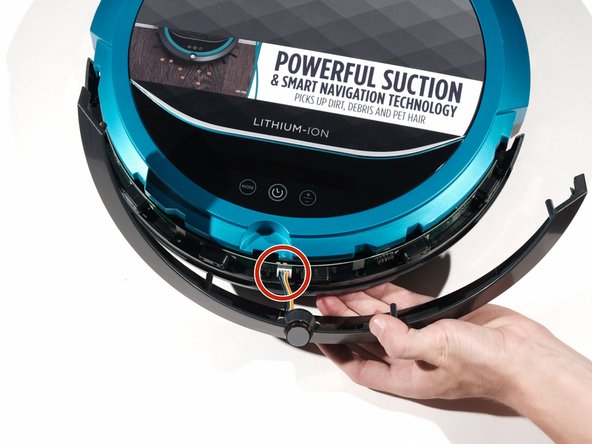
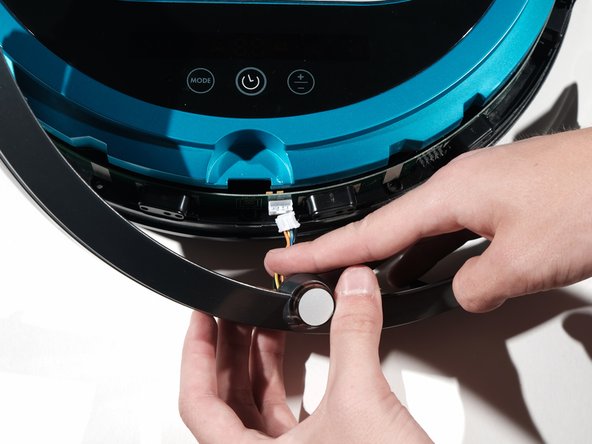
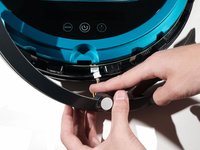
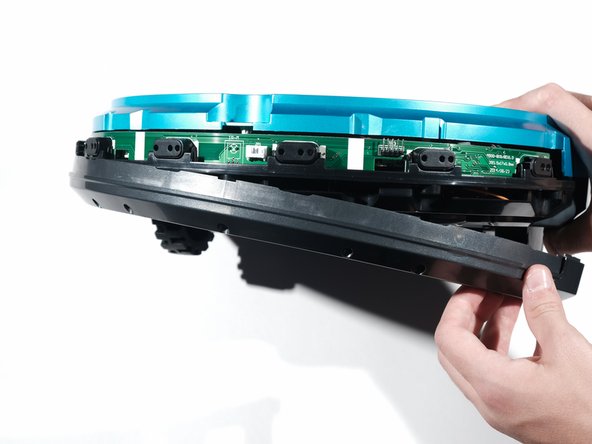
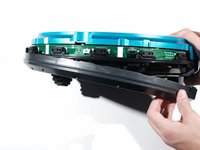
    3. Bissell SmartClean 1605 Front Cover Replacement: step 3, image 1 of 3 Bissell SmartClean 1605 Front Cover Replacement: step 3, image 2 of 3 Bissell SmartClean 1605 Front Cover Replacement: step 3, image 3 of 3
      • Gently pry off the top half of the front cover

      • Remove the wires from the socket.

      • Don't pull the wires too hard, they can become disconnected from the plastic plug.

      Ask FixBot

      Add Comment

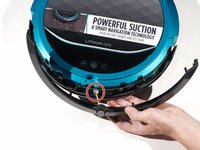
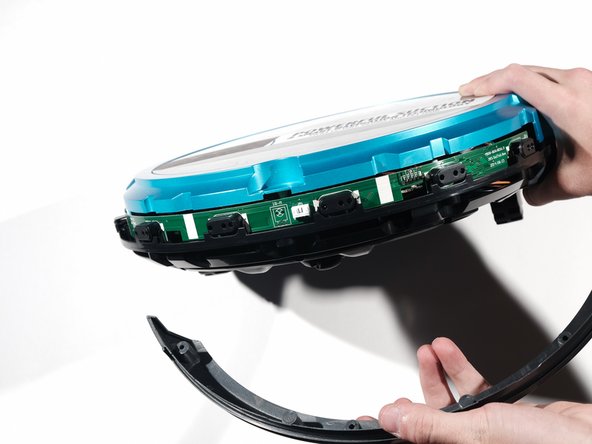
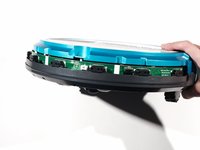
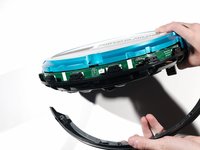
    4. Bissell SmartClean 1605 Front Cover Replacement: step 4, image 1 of 3 Bissell SmartClean 1605 Front Cover Replacement: step 4, image 2 of 3 Bissell SmartClean 1605 Front Cover Replacement: step 4, image 3 of 3
      • Once the top cover is removed, pry off the bottom casing.

      Ask FixBot

      Add Comment

Conclusion

To reassemble your device, follow these instructions in reverse order.

Cancel: I did not complete this guide.

Michael Derrenbacher

Member since: 09/26/17

104 Reputation

1 Guide authored

Team

Cal Poly, Team S7-G4, Banghart Fall 2017 Member of Cal Poly, Team S7-G4, Banghart Fall 2017

CPSU-BANGHART-F17S7G4

5 Members

60 Guides authored

0 Guide Comments

Add Comment

View Statistics:

Past 24 Hours: 0

Past 7 Days: 2

Past 30 Days: 19

All Time: 444