Free Shipping on Domestic Orders $75+

Bissell OptiClean Cyclonic Vacuum Filter Replacements

What you need

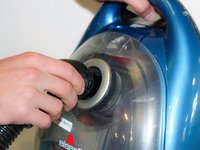
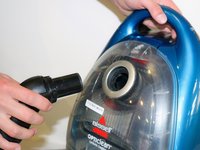
    1. Bissell OptiClean Cyclonic Vacuum Filter Replacements, Flex Hose with Handle: step 1, image 1 of 2 Bissell OptiClean Cyclonic Vacuum Filter Replacements, Flex Hose with Handle: step 1, image 2 of 2
      • Grab hold of both the flex hose handle and the extension wand.

      • Pull straight out to detach the handle from the extension wand.

      Ask FixBot

      Add Comment

    2. Bissell OptiClean Cyclonic Vacuum Filter Replacements: step 2, image 1 of 1
      • Locate the lock clip on the other end of the flex hose.

      Ask FixBot

      Add Comment

    3. Bissell OptiClean Cyclonic Vacuum Filter Replacements: step 3, image 1 of 2 Bissell OptiClean Cyclonic Vacuum Filter Replacements: step 3, image 2 of 2
      • Hold down the lock clip to unlock the flex hose from the vacuum.

      • Remove the flex hose from the vacuum.

      Ask FixBot

      Add Comment

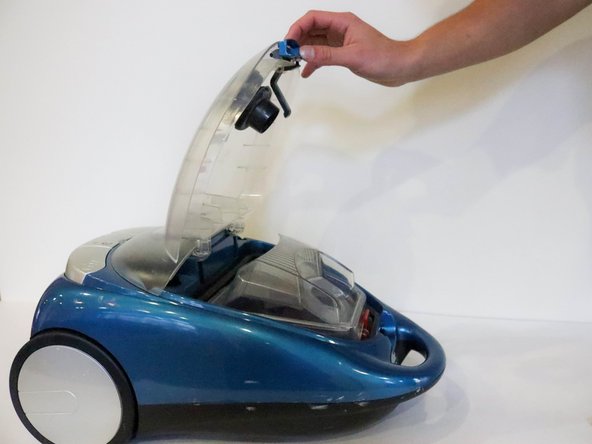
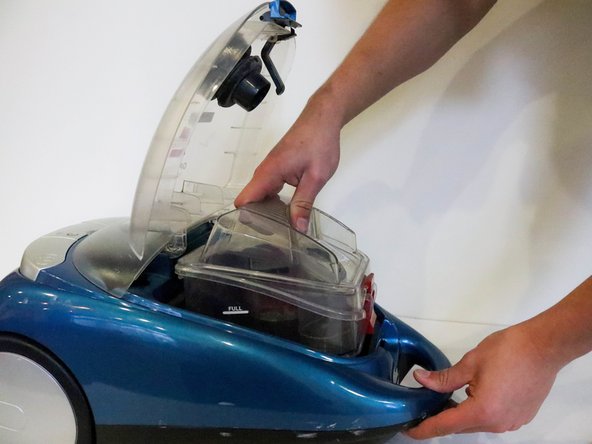
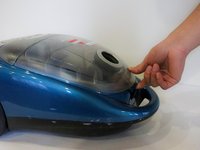
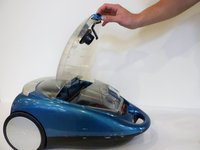
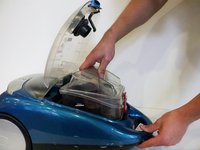
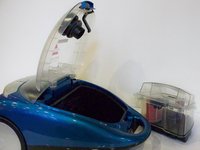
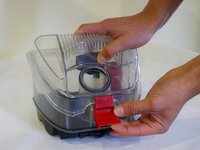
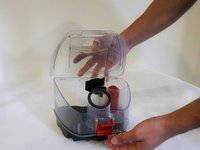
    1. Bissell OptiClean Cyclonic Vacuum Filter Replacements, Filters: step 4, image 1 of 3 Bissell OptiClean Cyclonic Vacuum Filter Replacements, Filters: step 4, image 2 of 3 Bissell OptiClean Cyclonic Vacuum Filter Replacements, Filters: step 4, image 3 of 3
      • After removing hose, place vacuum on back and unclip the top compartment.

      • Open the compartment.

      • Pull the dirt collection box out of the vacuum.

      Ask FixBot

      Add Comment

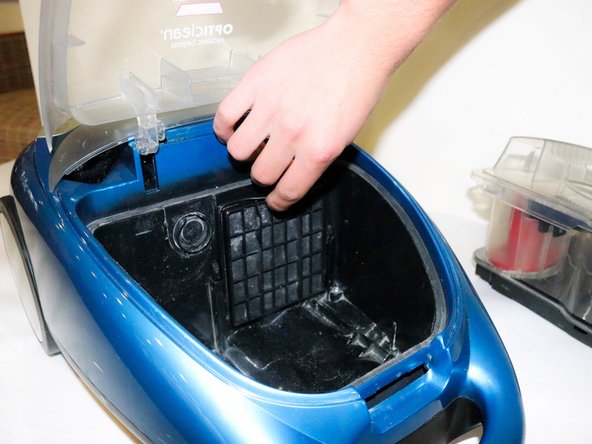
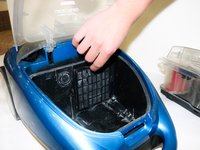
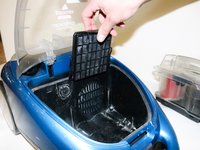
    2. Bissell OptiClean Cyclonic Vacuum Filter Replacements: step 5, image 1 of 3 Bissell OptiClean Cyclonic Vacuum Filter Replacements: step 5, image 2 of 3 Bissell OptiClean Cyclonic Vacuum Filter Replacements: step 5, image 3 of 3
      • Place dirt collection box to the side.

      • Locate the Pre-Motor Filter.

      • Pull the filter out by grabbing the pull tab on top.

      Ask FixBot

      Add Comment

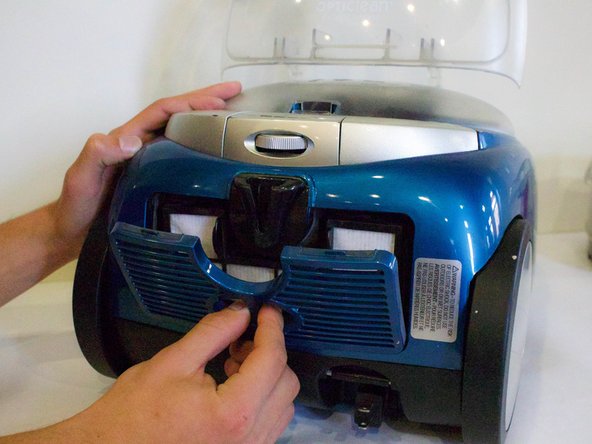
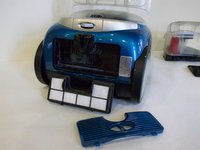
    3. Bissell OptiClean Cyclonic Vacuum Filter Replacements: step 6, image 1 of 3 Bissell OptiClean Cyclonic Vacuum Filter Replacements: step 6, image 2 of 3 Bissell OptiClean Cyclonic Vacuum Filter Replacements: step 6, image 3 of 3
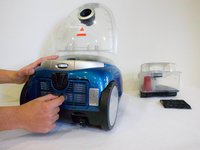
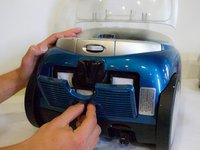
      • Turn vacuum around and locate the filter cover on the bottom.

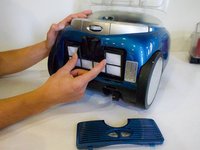
      • Place fingers in the opening and pull off the filter cover.

      • Place fingers on each tab on the Post-Motor HEPA Media Filter and pull out.

      Ask FixBot

      Add Comment

    4. Bissell OptiClean Cyclonic Vacuum Filter Replacements: step 7, image 1 of 3 Bissell OptiClean Cyclonic Vacuum Filter Replacements: step 7, image 2 of 3 Bissell OptiClean Cyclonic Vacuum Filter Replacements: step 7, image 3 of 3
      • Take filter out to clean or replace.

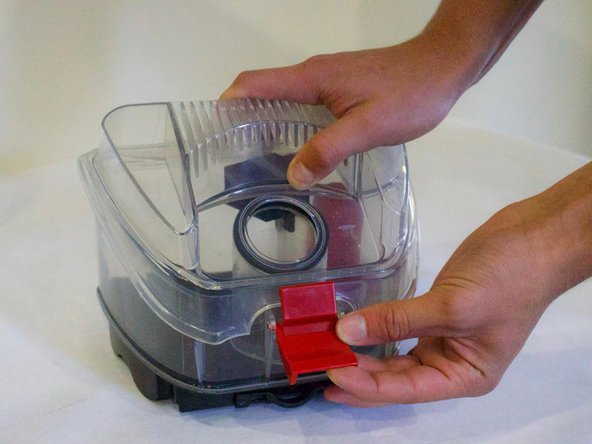
      • To clean Dirt Collection Box, unlatch lid and take off.

      Ask FixBot

      Add Comment

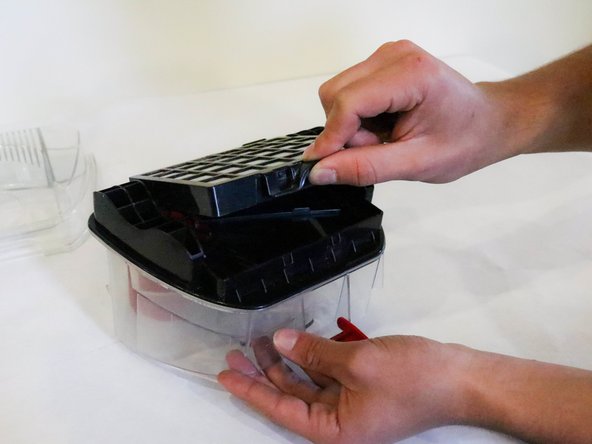
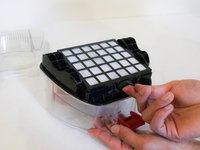
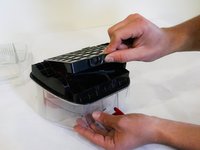
    5. Bissell OptiClean Cyclonic Vacuum Filter Replacements: step 8, image 1 of 3 Bissell OptiClean Cyclonic Vacuum Filter Replacements: step 8, image 2 of 3 Bissell OptiClean Cyclonic Vacuum Filter Replacements: step 8, image 3 of 3
      • Flip Dirt Collection Box over and locate the push tab.

      • Push the Dirt Cup HEPA Media Filter up to take it off.

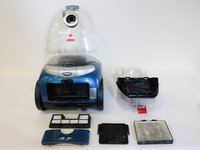
      • Picture 3 Shows all the filters taken out of the vacuum.

      Ask FixBot

      Add Comment

Conclusion

To reassemble your device, follow these instructions in reverse order.

Cancel: I did not complete this guide.

Austin Marshall

Member since: 01/18/18

130 Reputation

1 Guide authored

Team

Cal Poly, Team S12-G1, Banghart Winter 2018 Member of Cal Poly, Team S12-G1, Banghart Winter 2018

CPSU-BANGHART-W18S12G1

5 Members

60 Guides authored

0 Guide Comments

Add Comment

View Statistics:

Past 24 Hours: 5

Past 7 Days: 11

Past 30 Days: 26

All Time: 1,090