Introduction
Use this guide to replace the motherboard in a pair of Beats Solo 2 Wireless.
The motherboard is the most important piece of the Beats Solo 2 Wireless. It is connected to every electrical component and ensures that every process involved in making the Beats Solo 2 Wireless work properly is done effectively.
If the motherboard is broken or damaged, this can cause problems with sound quality and feedback, or may even cause the headphones to stop working completely.
What you need
-
-
-
Insert an opening pick in the seam between the left outer speaker casing and the speaker housing.
-
Slide the pick around the perimeter of the casing until the outer casing releases entirely from the speaker housing.
 Ask FixBot
-
-
-
-
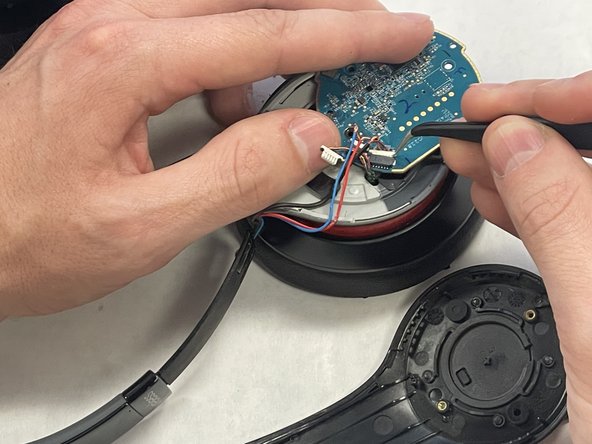
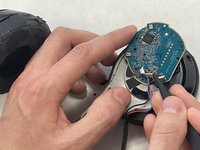
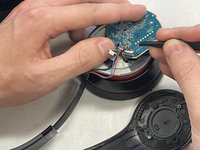
Use tweezers to remove the tape from the motherboard.
-
Loosen the wires from the casing with tweezers.
-
-
-
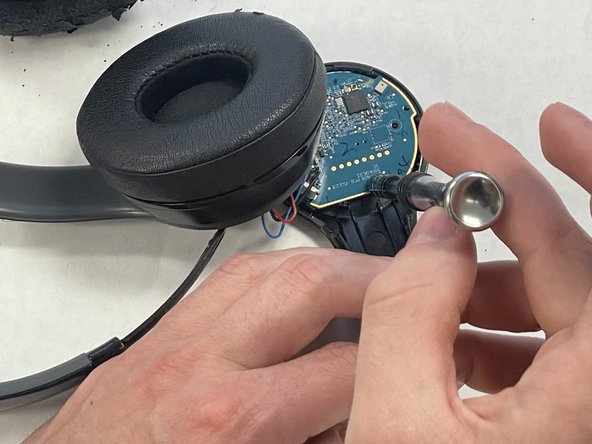
Use a Phillips screwdriver to remove all four of the 4.25 mm screw that secure the motherboard.
-
-



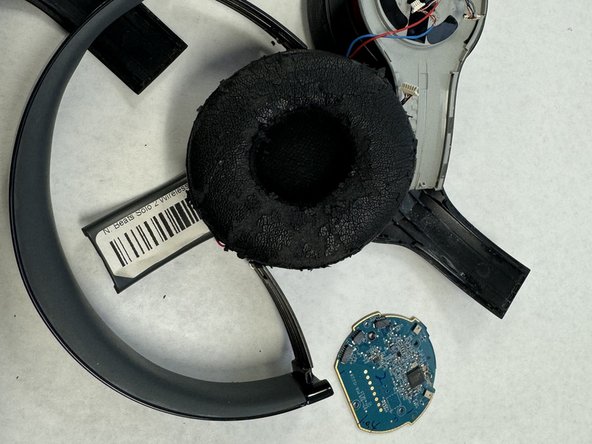
To reassemble your device, follow these instructions in reverse order.
Cancel: I did not complete this guide.
One other person completed this guide.

Team

IUPUI, Team 2-1, Harley Spring 2024 Member of IUPUI, Team 2-1, Harley Spring 2024
IUPUI-HARLEY-S24S2G1
4 Members
9 Guides authored
