Free Shipping on Domestic Orders $75+

Beats Pill 2024 Motherboard Replacement

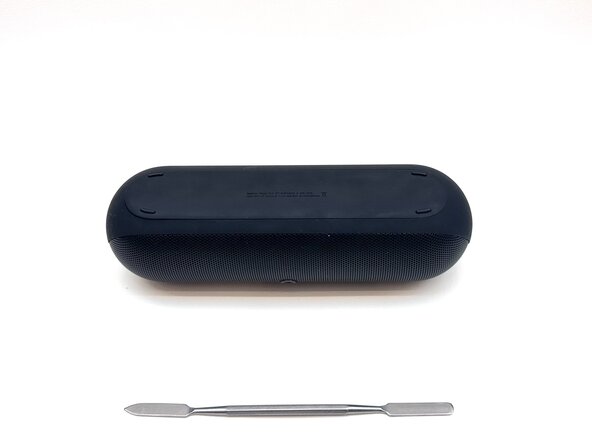
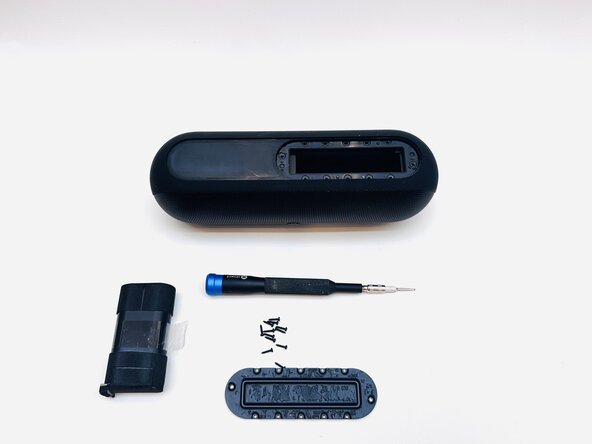
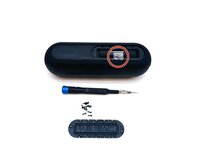
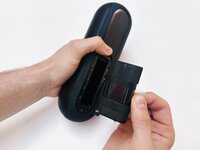
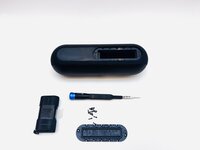
What you need
  1. Beats Pill 2024 Motherboard Replacement, Subwoofer: step 1, image 1 of 1
    • Remove the strap.

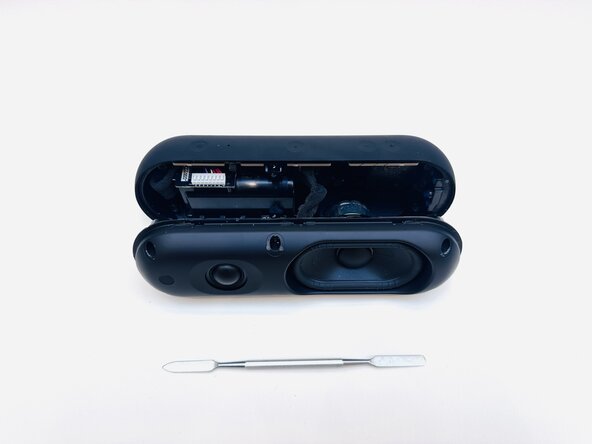
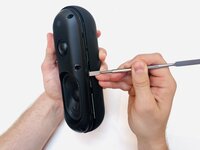
  2. Beats Pill 2024 Motherboard Replacement: step 2, image 1 of 2 Beats Pill 2024 Motherboard Replacement: step 2, image 2 of 2
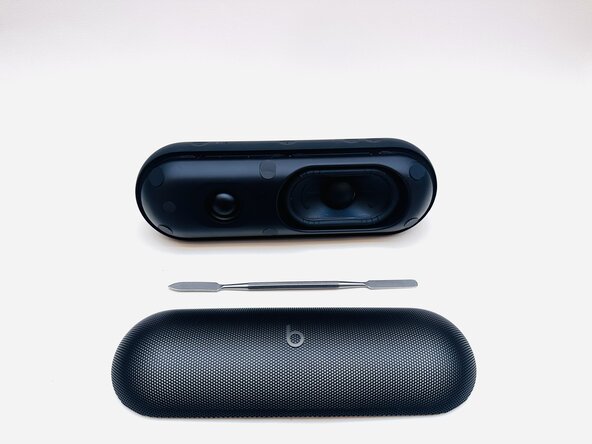
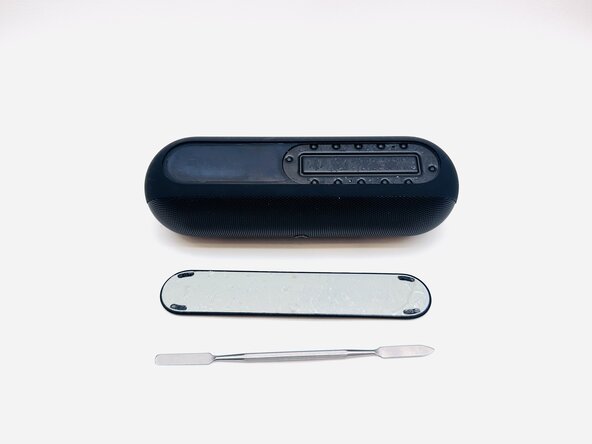
    • With the Beats Pill sitting on a flat surface, insert a spudger into the seam between the chassis and grille.

    • Slide the spudger around the entire perimeter of the grille to sever the adhesive securing the grille.

    • Reapply adhesive when reinstalling the grille.

    • Remove the grille.

  3. Beats Pill 2024 Motherboard Replacement: step 3, image 1 of 2 Beats Pill 2024 Motherboard Replacement: step 3, image 2 of 2
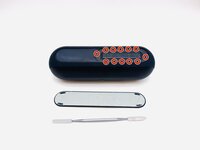
    • Use a spudger to remove the six stickers on the face of the driver assembly.

    • Place the stickers on a clean surface so as not to ruin the adhesive.

  4. Beats Pill 2024 Motherboard Replacement: step 4, image 1 of 1
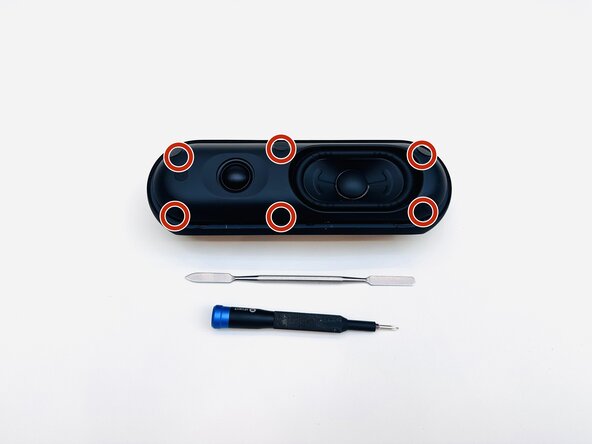
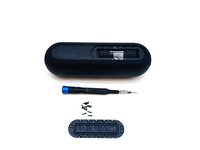
    • Use a Phillips #1 screwdriver to remove the six 14.3 mm screws that secure the driver assembly and speaker body together.

  5. Beats Pill 2024 Motherboard Replacement: step 5, image 1 of 2 Beats Pill 2024 Motherboard Replacement: step 5, image 2 of 2
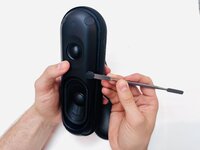
    • Insert a spudger into the seam between the driver assembly and speaker body.

    • Gently slide the spudger around the perimeter while prying to separate the driver assembly from the speaker body.

    • This should not require much force.

  6. Beats Pill 2024 Motherboard Replacement: step 6, image 1 of 1
    • Disconnect the two subwoofer connections from their motherboard sockets.

    • Depress the clip on each connector prior to removal.

    • Use tape or a marker to mark where each connector goes.

    • If you're completing a tweeter replacement, skip to Step 8.

  7. Beats Pill 2024 Motherboard Replacement: step 7, image 1 of 1
    • Use a Phillips #1 screwdriver to remove the four 12.4 mm screws securing the subwoofer.

    • Use a spudger to lift the subwoofer up and off of the driver assembly.

    • This might require some force, as there is adhesive holding the subwoofer to the assembly.

    • During reassembly, apply an adhesive to the new subwoofer before reinstallation.

  8. Beats Pill 2024 Motherboard Replacement, Battery: step 8, image 1 of 2 Beats Pill 2024 Motherboard Replacement, Battery: step 8, image 2 of 2
    • Flip the speaker over.

  9. Beats Pill 2024 Motherboard Replacement: step 9, image 1 of 2 Beats Pill 2024 Motherboard Replacement: step 9, image 2 of 2
    • Use a hairdryer to lightly heat the bottom foot of the speaker.

    • Insert a spudger into the seam between the bottom foot and speaker body.

    • Pry around the perimeter of the foot until it fully releases.

    • Reapply adhesive to the foot before reinstalling it.

  10. Beats Pill 2024 Motherboard Replacement: step 10, image 1 of 2 Beats Pill 2024 Motherboard Replacement: step 10, image 2 of 2
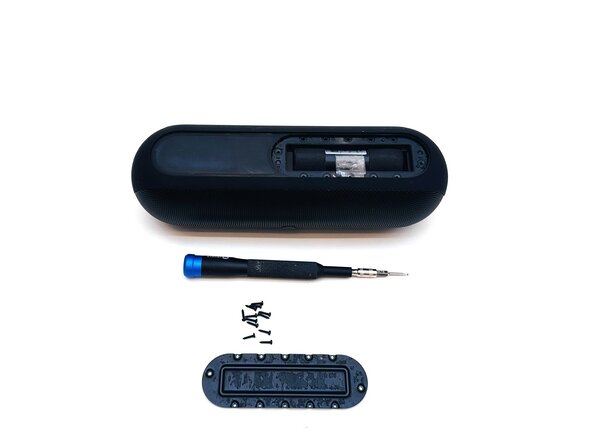
    • Remove the twelve 8.6 mm T5 Torx screws that secure the battery cover.

  11. Beats Pill 2024 Motherboard Replacement: step 11, image 1 of 3 Beats Pill 2024 Motherboard Replacement: step 11, image 2 of 3 Beats Pill 2024 Motherboard Replacement: step 11, image 3 of 3
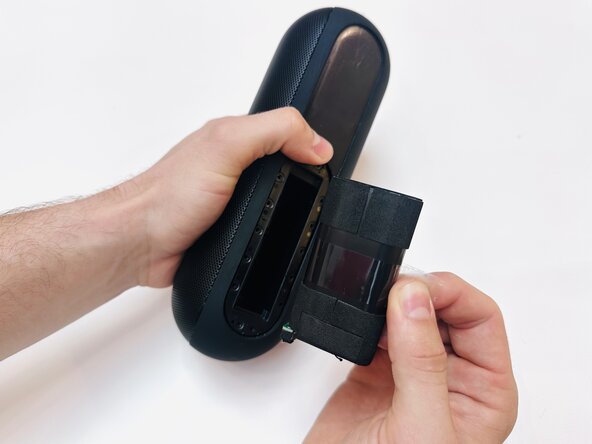
    • To remove the battery, pull on the tape material wrapped around the middle of it.
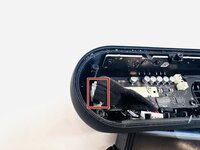
  12. Beats Pill 2024 Motherboard Replacement, Motherboard: step 12, image 1 of 1
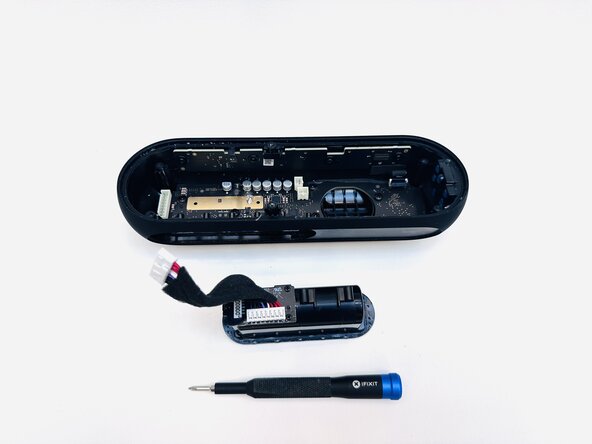
    • Remove the two T5 Torx screws that secure the battery compartment.

  13. Beats Pill 2024 Motherboard Replacement: step 13, image 1 of 3 Beats Pill 2024 Motherboard Replacement: step 13, image 2 of 3 Beats Pill 2024 Motherboard Replacement: step 13, image 3 of 3
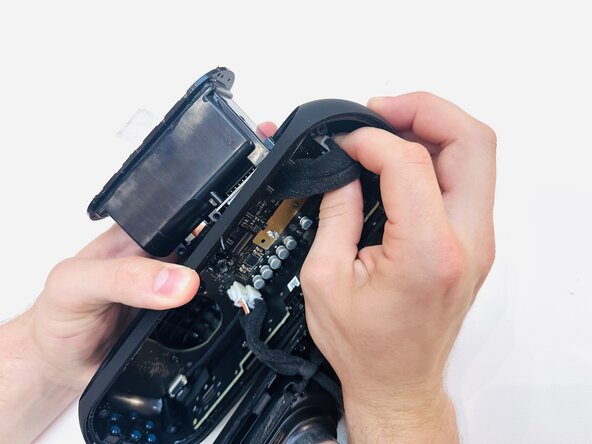
    • Use a spudger to dislodge the battery compartment from its housing.

    • Before complete removal, disconnect the battery compartment motherboard connector.

  14. Beats Pill 2024 Motherboard Replacement: step 14, image 1 of 1
    • Lift the black ZIF locking tab in the top-right corner of the motherboard.

    • Disconnect the ribbon cable.

  15. Beats Pill 2024 Motherboard Replacement: step 15, image 1 of 1
    • Remove the seven 12.4 mm Phillips screws securing the motherboard.

  16. Beats Pill 2024 Motherboard Replacement: step 16, image 1 of 1
    • Gently lift the motherboard perpendicular to the housing, with care not to strain the connected cable.

    • Disengage the ZIF locking flap and disconnect the ribbon cable.

  17. Beats Pill 2024 Motherboard Replacement: step 17, image 1 of 1
    • Remove the motherboard.

Conclusion

To reassemble your device, follow the above steps in reverse order.
Take your e-waste to an R2 or e-Stewards certified recycler.
Repair didn’t go as planned? Try some basic troubleshooting or ask our Answers community for help.

0 Guide Comments

Add Comment

View Statistics:

Past 24 Hours: 0

Past 7 Days: 8

Past 30 Days: 31

All Time: 226