Battery Terminal Replacement

Mark Duyvesteyn and one other contributor
Last updated on Jul 10, 2026
Views: 316
View statistics:
- Past 24 Hours:
- 10
- Past 7 Days:
- 27
- Past 30 Days:
- 117
- All Time:
- 316
Comments: 0
No one has left comments on this guide. Will you be first?
Go to guide commentsCompleted: 0 1
No one has marked this guide "completed." Will you be the first?
1 person has marked this guide "completed." It's you — great job!
Favorites: 0 1
No one has favorited (and subscribed to) this guide. Will you be the first?
1 person has favorited (and subscribed to) this guide — and that's you!
Community-Contributed Guide
An awesome member of our community made this guide. It was not created by iFixit staff.
Introduction
Go to step 1 ↓Follow this guide to replace a damaged battery terminal.
-
-
-
Use some small side cutting pliers to cut and break off as much of the plastic as possible.
-
-
-
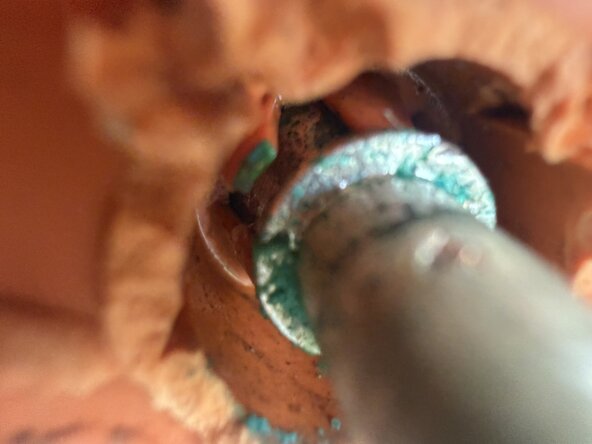
Inside the terminal there are small plastic teeth that lock the metal pin to the plastic part of the terminal.
-
Use a small screwdriver or blade to bend these teeth out of the way.
-
All need to be bent out of the way in order to remove the plastic part of the terminal.
-
-
-
Use a screwdriver to wedge out the plastic part of the terminal.
-
Push the metal post back towards batter while removing the plastic part.
-
There is some glue in behind, but no other fixings so it will come out.
-
-
-
-
Line up the flat sides of the new terminal with the flat side on the metal post
-
Place the plastic terminal over the metal post, and use some small needle nose plier to pull the post over the teeth so that they engage
-
-
-
Reinstall and tighten the screws
-
Reinstall the plastic end cap for the terminal post.
-

 Ask FixBot